

Activate your licence
Your licence is tied to your account on kleinanzeigen-enhanced.de; there is no licence key. It covers one Kleinanzeigen account on as many devices as your plan allows.
Sign in with an email code or create a free account
Section titled “Sign in with an email code or create a free account”If you have no account yet, this creates a free one with 20 credits a month, for one device.
-
Open Settings › Licence.
-
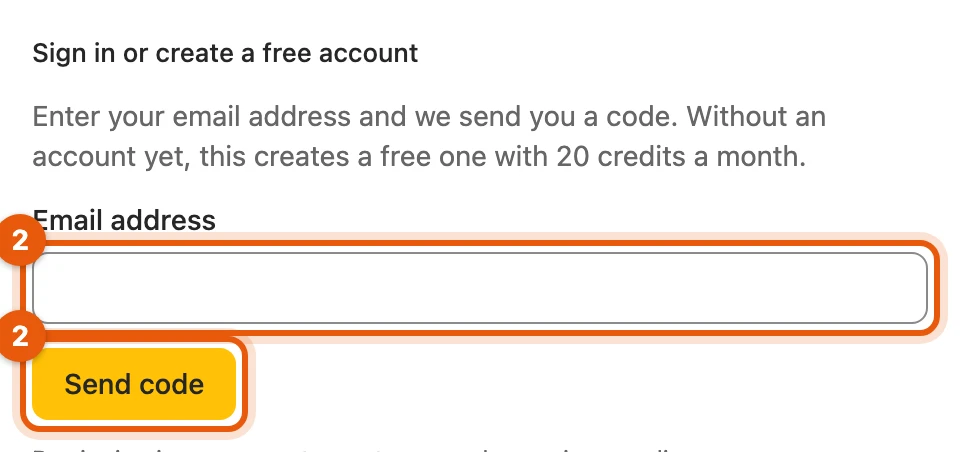
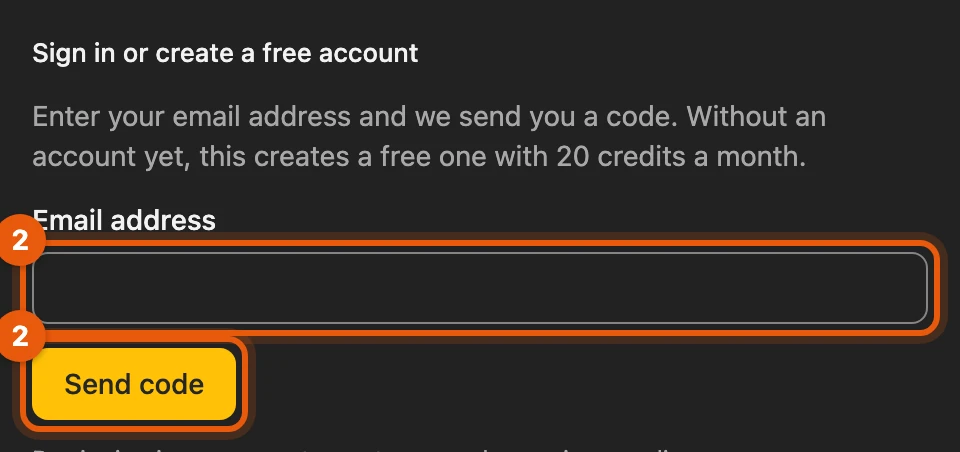
Enter your Email address and click Send code.
-
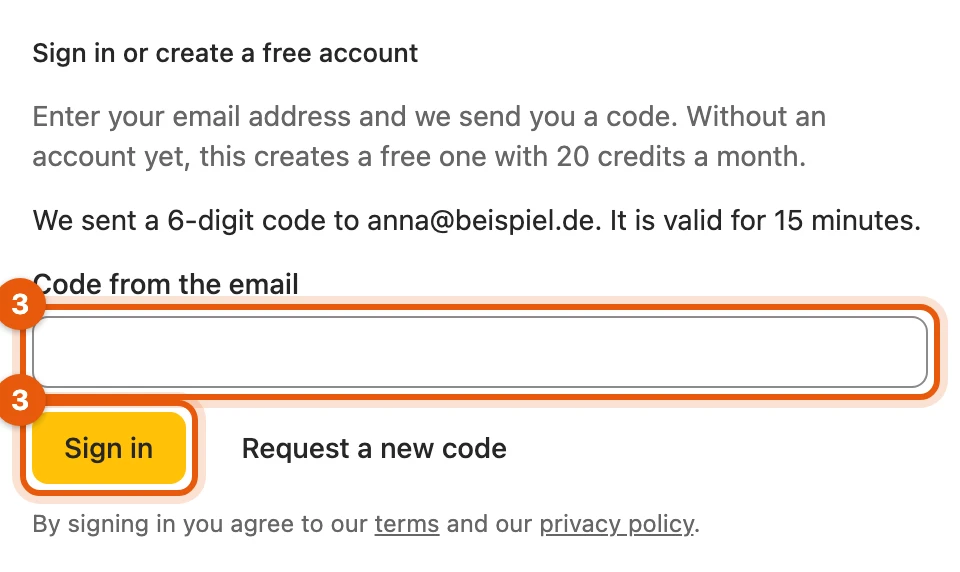
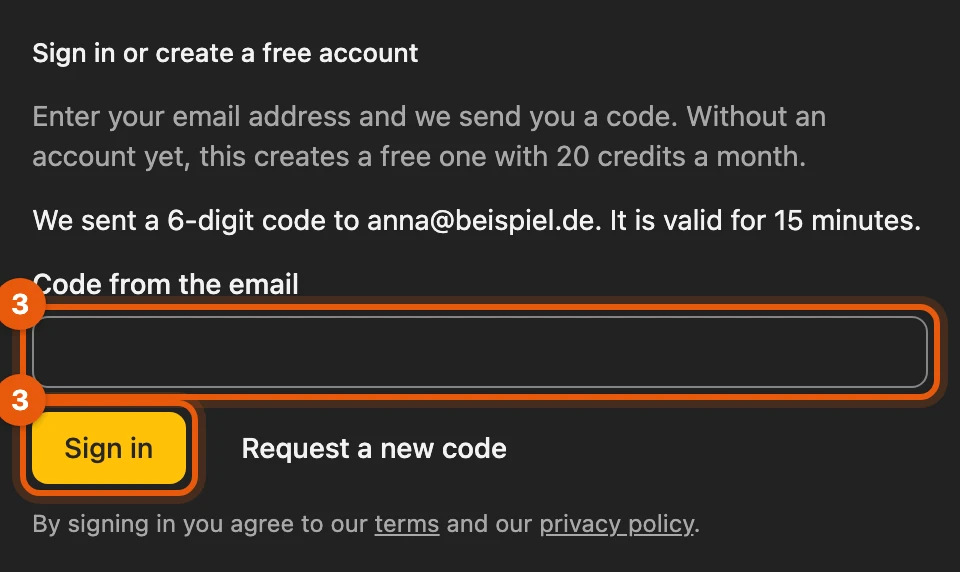
Enter the 6-digit code under Code from the email and click Sign in.
More: the code and the free account
- The code is valid for 15 minutes.
- Create from photos shows the same box as long as you are not signed in.
- Disposable addresses are not possible.
- If you sign in with a free account on a second browser, you choose the device that gets signed out.
- We delete free accounts that have not been used for two years.
Sign in with a password
Section titled “Sign in with a password”Under Settings › Licence you can also sign in with the password of your website account:
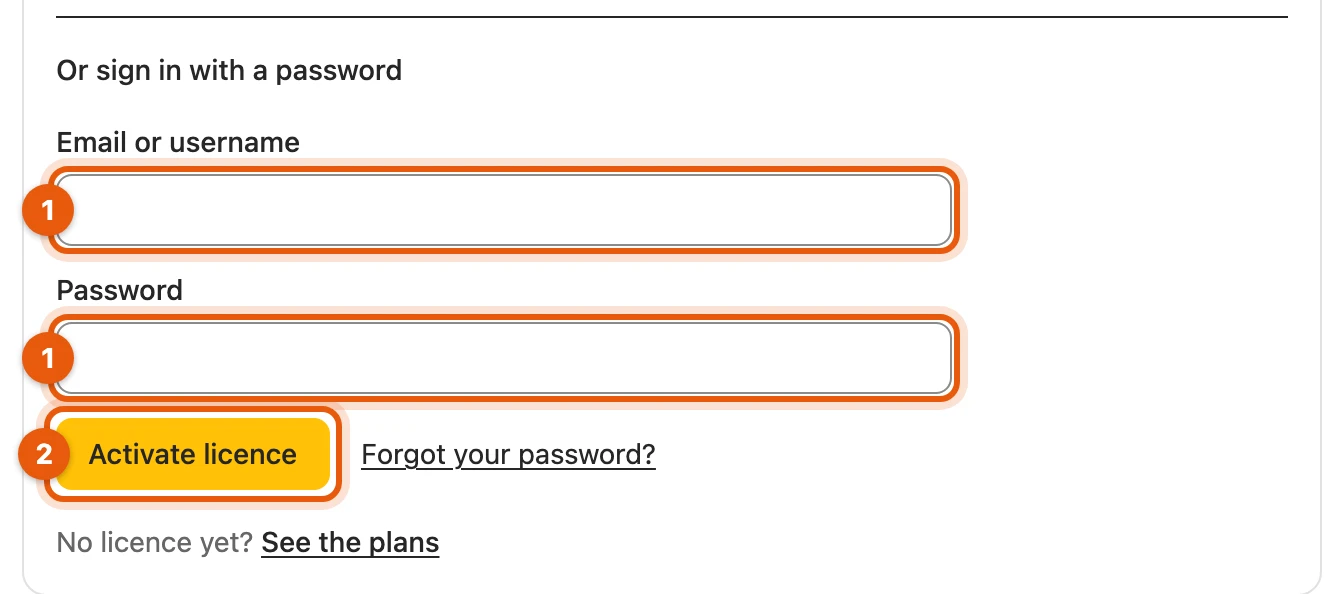
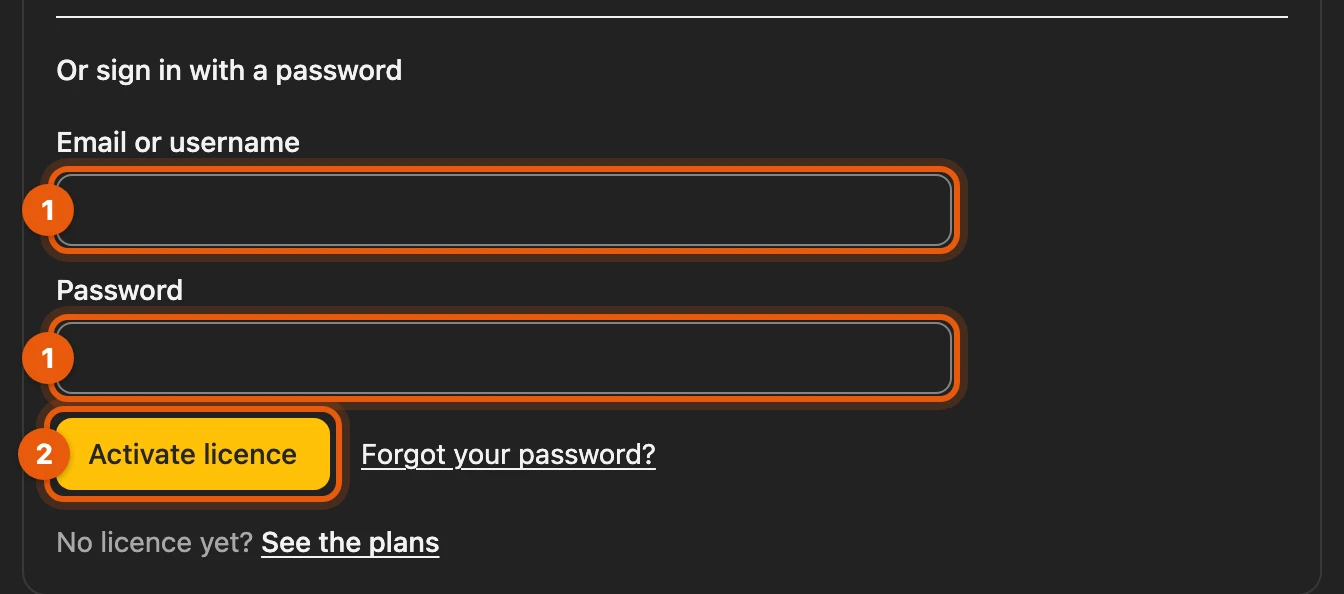
- enter Email or username and Password
- Activate licence
In Firefox, the browser asks once for a permission for the licence server: allow it, otherwise you cannot sign in. Forgot password?
More: password manager, changing your password, no licence yet
- Sign in with a password manager opens the sign-in on kleinanzeigen-enhanced.de. There your password manager, such as 1Password or Bitwarden, fills in the saved password. Back to Kleinanzeigen-Enhanced then takes you back to the dashboard.
- If you change or reset your password, you are signed out on all devices. Then sign in again with the new password or with a code.
- No licence yet? See the plans below the sign-in fields takes you to the plans.
Licence from Version 5 in the beta
Section titled “Licence from Version 5 in the beta”Your Privat or Business plan from Version 5 also applies in the beta, for example as Privat 200 (V5), on one device. Sign in as above with your website account.
More: what V5 plans include in the beta
| What | Scope |
|---|---|
| Inventory slots | as your level from Version 5 |
| Credits | each month as many as your plan has inventory slots |
| Cloud backup | Privat 5 GB, Business 20 GB |
| Search agents | Privat 10 (Suchagent Basis), Business 20 to 200: 25, from Business 400: 50 (Suchagent Plus) |
| Always included | Market check and sales plan, sales agent, all bulk actions, linked drafts on Vinted and willhaben |
| Business only | autoresponder, commercial listings |
| Calendar | Privat 500 and from Business 400 |
| Shops and feeds | shops and file import from Business 100, feed addresses from 200, automatic sync from 400 |
These plans are not bound to a Kleinanzeigen account: they apply to the one you are currently signed in with. You will be told in good time what applies after the beta.
What you see after signing in
Section titled “What you see after signing in”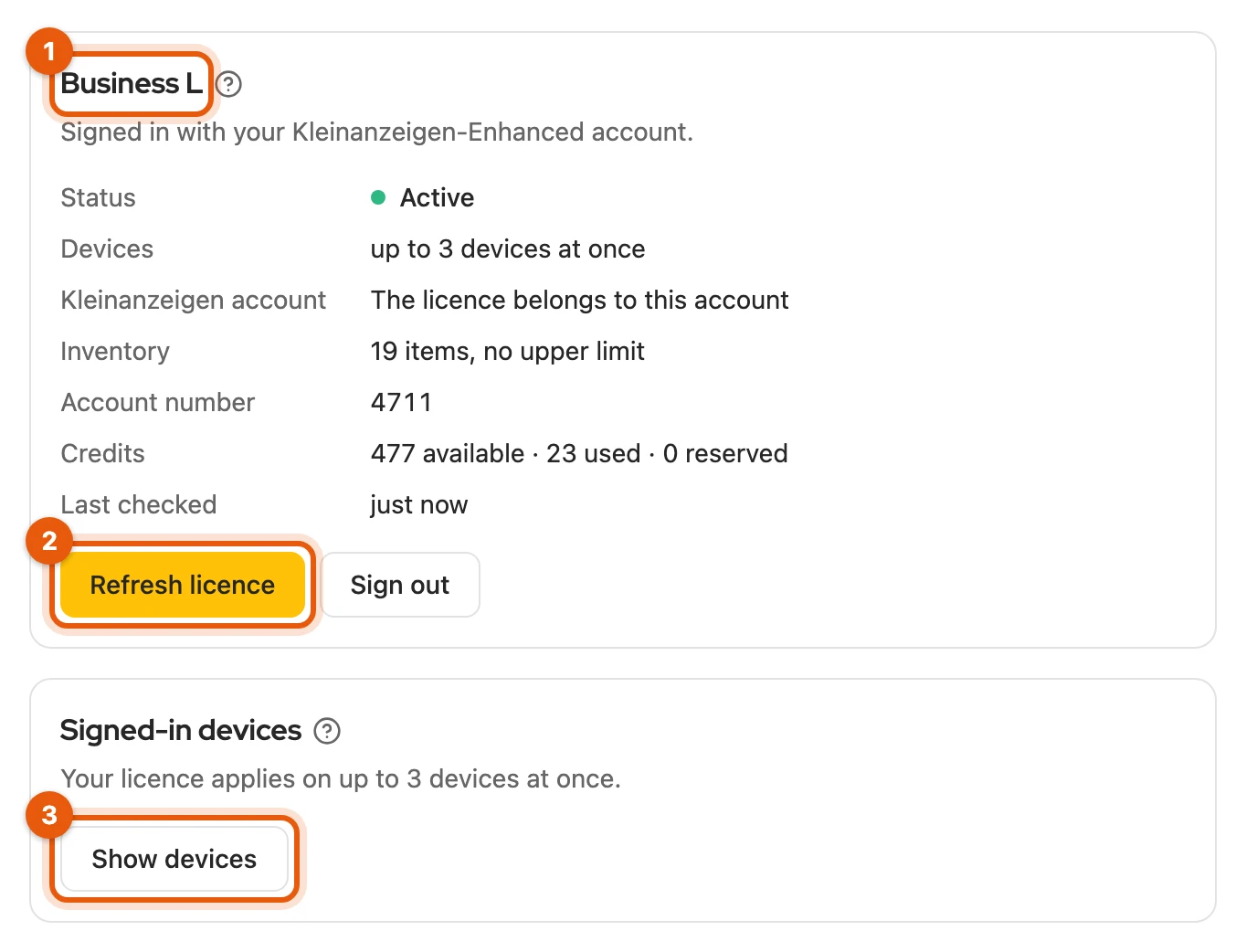
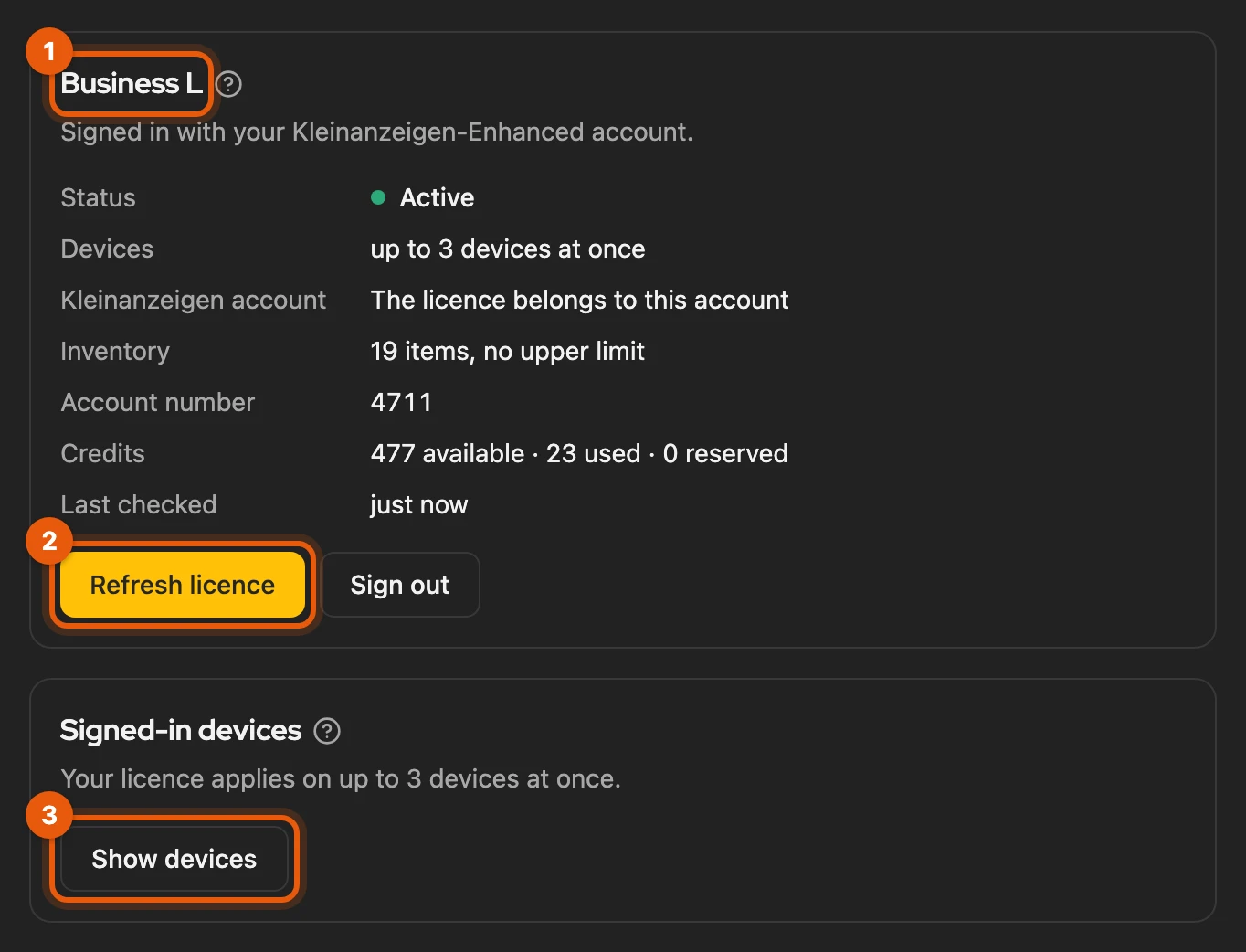
- your plan
- Refresh licence fetches the latest status, for example after a purchase.
- Show devices lists your browsers; Sign out device removes one.
Sign out signs out only this browser; your items are kept.
More: the details in the licence card
| Detail | Meaning |
|---|---|
| Status | Active, Basic without a paid licence, or Blocked |
| Ends | only in the last 14 days: the date and Book again now |
| Devices | how many devices you can be signed in on at the same time |
| Kleinanzeigen account | whether the licence belongs to the Kleinanzeigen account on this browser |
| Inventory | item slots in use and included |
| Signed in as | your email address on this browser |
| Account number | the number of your Kleinanzeigen-Enhanced account, useful for support |
| Credits | available, used and reserved credits this month |
| Last checked | when the licence status was last checked |
Sign in with another address signs you out and puts the cursor into the address field. The browsers under Signed-in devices are named as in the cloud backup, for example “Chrome · macOS”.
Licence in the sidebar
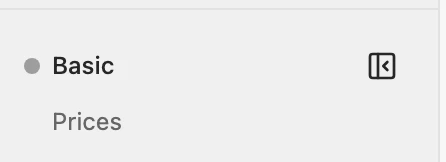
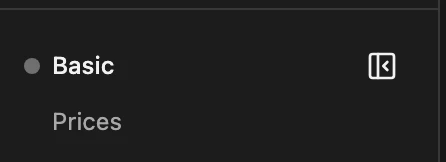
Section titled “Licence in the sidebar”Your licence status appears at the bottom of the sidebar; clicking it opens Settings › Licence.
| Status | Meaning |
|---|---|
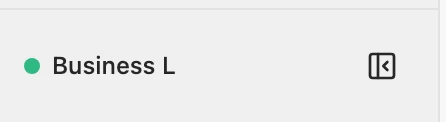 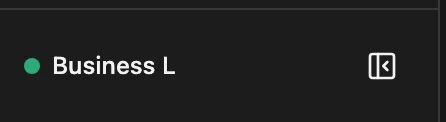 |
Licence active. |
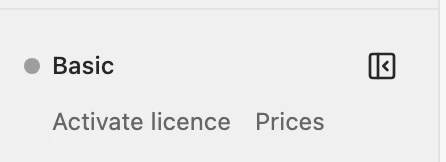 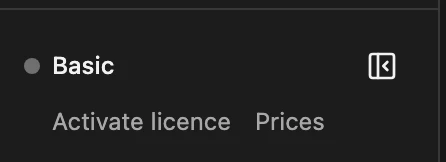 |
Not signed in: free scope. |
  |
Signed in, without a paid plan. |
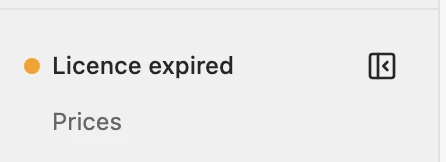 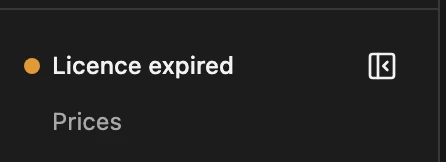 |
Once you book again, everything unlocks by itself. |
  |
Not checked for a while, for example without internet; comes back by itself. |
  |
See One Kleinanzeigen account per licence. |
If the sidebar is narrow or collapsed, the full name is in the tooltip.
Devices per plan
Section titled “Devices per plan”Chrome and Firefox count as two devices. A device unused for 30 days is signed out by itself.
| Devices | Plans |
|---|---|
| 1 | free account, Privat, Business S, plans from Version 5 |
| 2 | Privat Plus, Business M |
| 3 | Privat Pro, Business L |
| 5 | Business XL |
If all are in use, signing in shows your devices, the one unused for longest at the top. Click Sign out device and sign in here there.
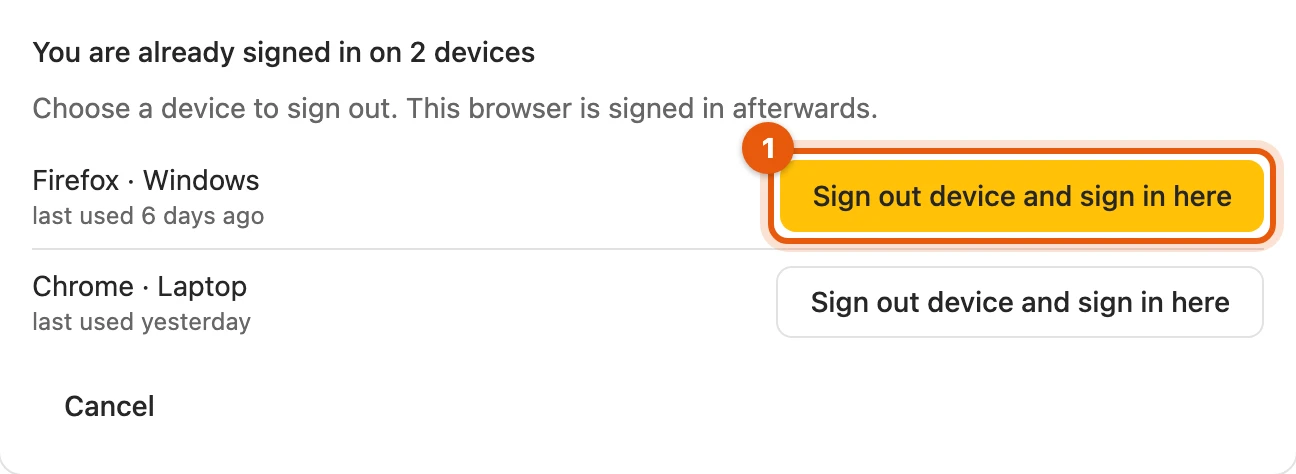
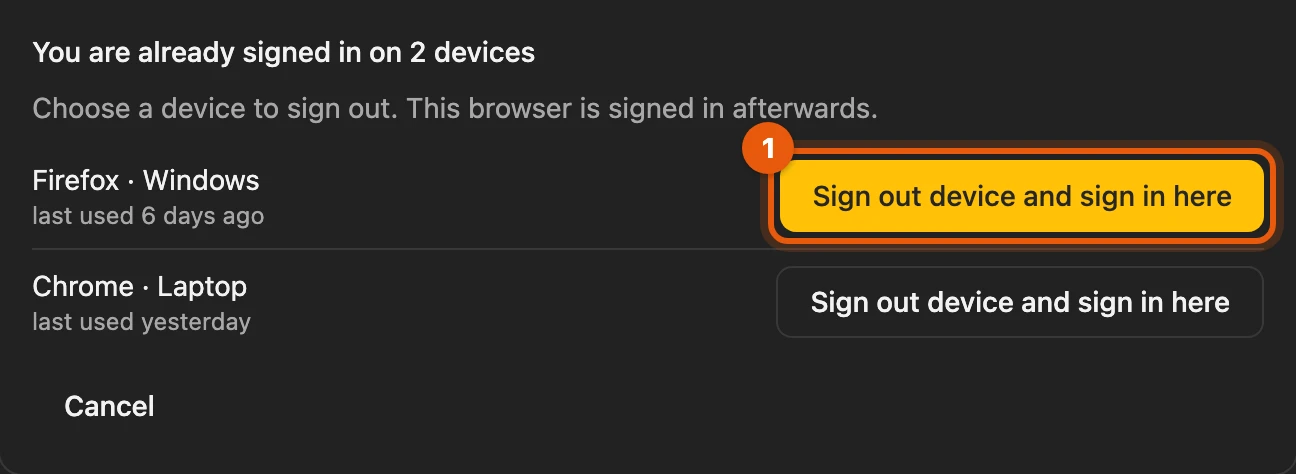
More: several plans, the signed-out device
- If you have several plans, the one with the most devices applies.
- The signed-out device shows Your licence is now in use on another device. Sign in here again brings the licence back to it.
One Kleinanzeigen account per licence
Section titled “One Kleinanzeigen account per licence”The licence belongs to the Kleinanzeigen account you first use it with (plans from Version 5 excepted). With another account, Licence of another Kleinanzeigen account appears; it then works as without a licence, and your data is kept.
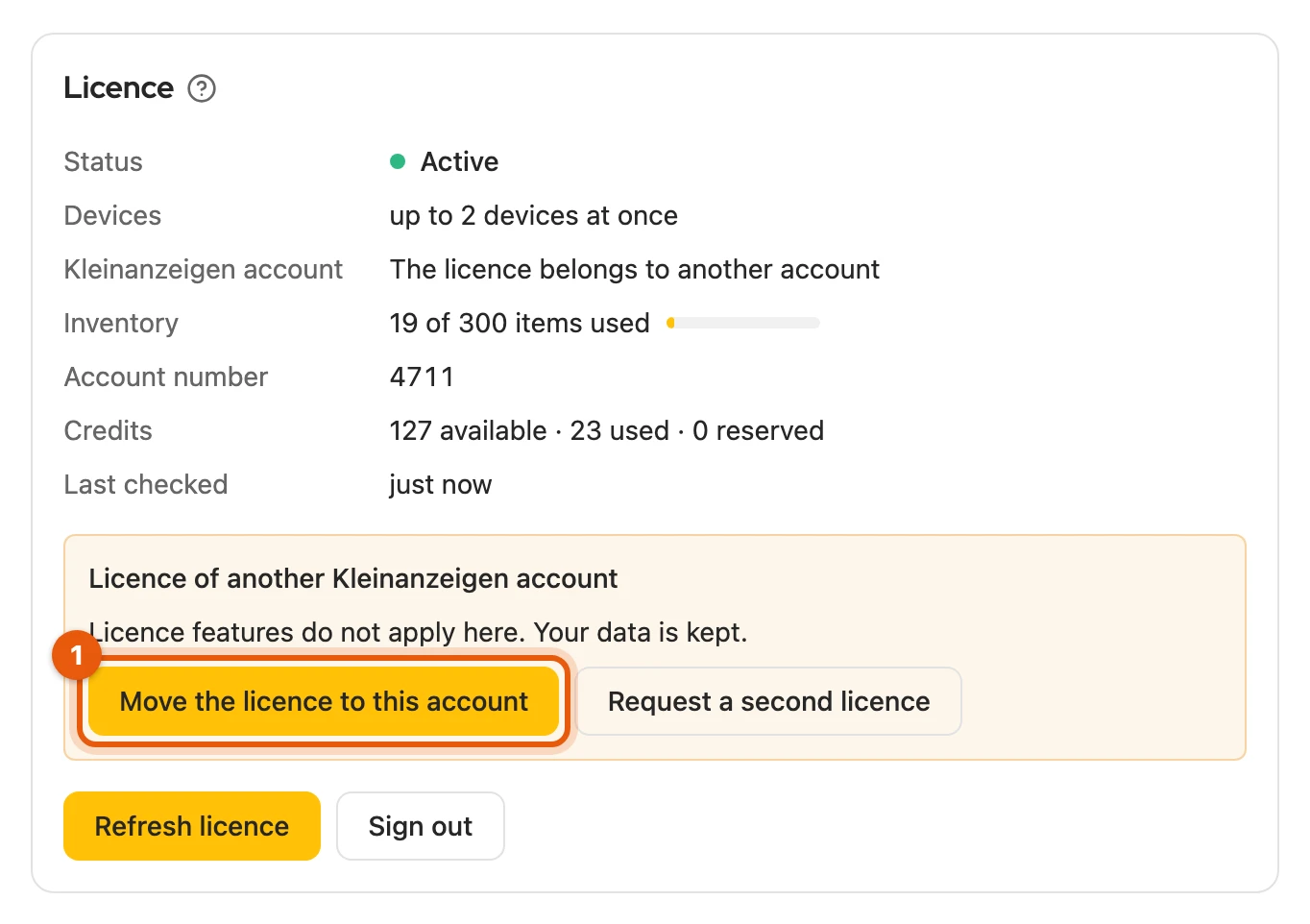
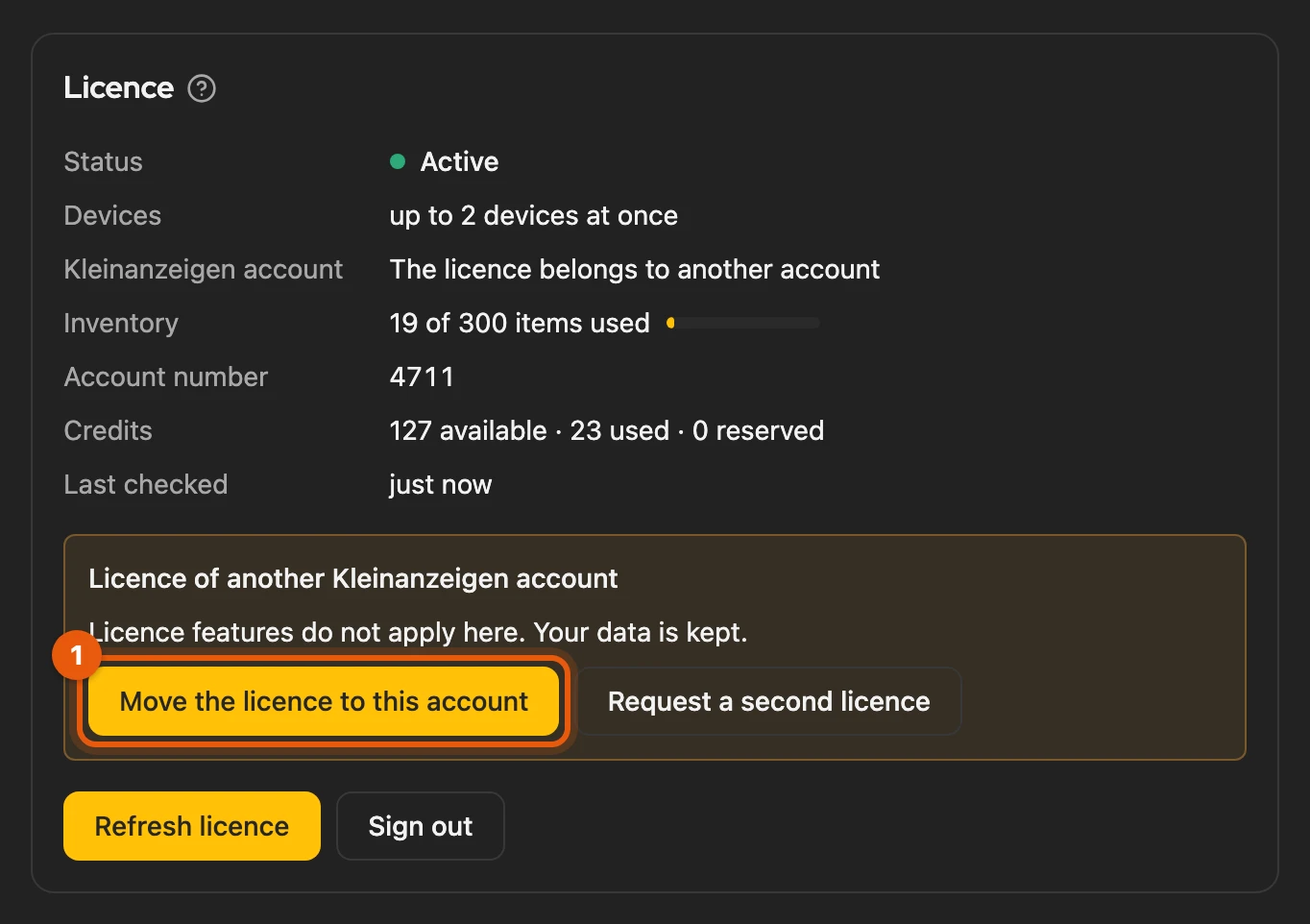
- Move the licence to this account: possible once a day. Devices with the previous account then lose the licence features.
- Request a second licence: for a second Kleinanzeigen account, for example a second location. Support sets it up for you as a customer account of its own.
More: moving, signing out, transition period
- If a move is too early, the note tells you the next date. For an earlier change, support can help.
- Only an identifier of the account is sent, from which your account number cannot be read; never sign-in details.
- If you are signed out of Kleinanzeigen, the account last signed in applies.
- No Kleinanzeigen account recognised: sign in to Kleinanzeigen on this browser; the account is recognised at the next refresh.
- If you do not use Kleinanzeigen-Enhanced with Kleinanzeigen at all, the licence applies without this rule.
- For the first 30 days after you first sign in with a licence, another account still works; the note tells you the date.
Without and with a licence
Section titled “Without and with a licence”| Level | What you get |
|---|---|
| Without a licence | up to 50 items, publishing on Kleinanzeigen, transferring into the form on Vinted, willhaben and Kleinanzeigen, inbox, text templates |
| Free account | also publishing single items directly on eBay |
| Every licence | also the watchlist, search agents, linked drafts, automatic extension |
| Depending on licence | more inventory slots, credits, bulk actions, calendar, sales agent, shops and feeds |
You can see exactly what your licence includes on the website.
More: details of the levels
- Without a licence: also taking listings over into the inventory and saving listings with the star on kleinanzeigen.de. Commercial listings on accounts with a package only with Business.
- Every licence: watchlist with refresh and PDF export; search agents on further platforms with the Search agent package; automatic extension also with the plans from Version 5.
- Depending on the licence: also Market check and sales plan and, with Business, commercial listings on accounts with a package.
- Taking over data from Version 5 and restoring a backup do not count towards the item limit.
Bulk actions
Section titled “Bulk actions”Bulk actions change two or more listings or items at once (My listings, inventory). They need you to be signed in with Privat Plus, Business M or, during the beta, a plan from Version 5. You can always change a single listing, even without a licence.
More: which actions are included
- Under My listings: Activate, Pause, Extend, Delete, Change fields … and Change price …
- In the inventory: Manage listings … and Transfer as drafts
- If your licence does not include them, Kleinanzeigen-Enhanced tells you before starting: under My listings in the selection bar, in the inventory in the dialog.
Commercial listings
Section titled “Commercial listings”If your Kleinanzeigen account has a Kleinanzeigen package (PRO or real estate), you need a Business licence; any tier is enough. Otherwise the dashboard shows Your Kleinanzeigen account needs Business. Your data is kept; accounts without a package are not affected.
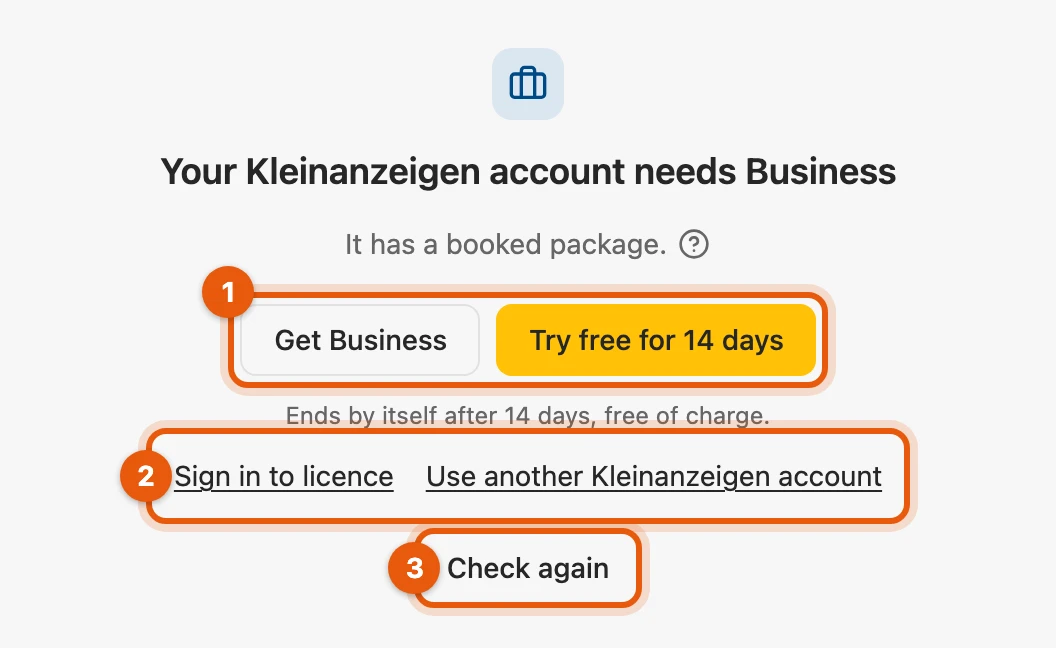
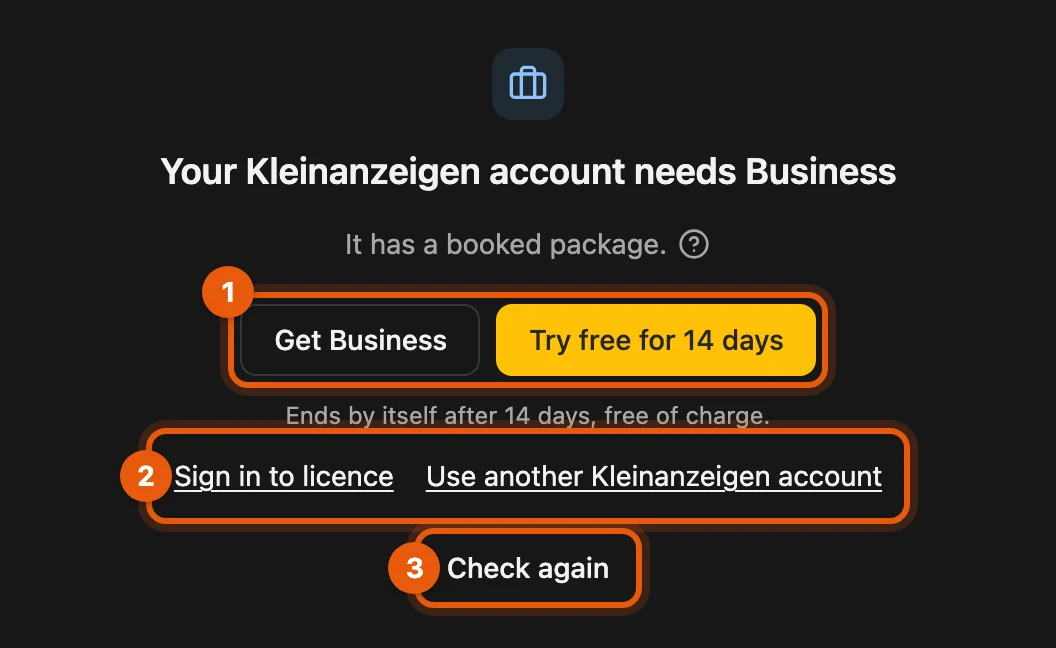
- Get Business or Try free for 14 days: then switch back to the dashboard; it opens everything at once.
- Sign in to licence if you have Business but are signed in differently, or Use another Kleinanzeigen account for an account without a package.
- Check again if the payment is still running.
More: what stays open, the trial
- The Settings with licence, accounts and data export, Feedback and the help stay open.
- On kleinanzeigen.de the create form shows Business licence only instead of the inventory row; you keep using the Kleinanzeigen form itself.
- The trial is available once per Kleinanzeigen account. It ends by itself, free of charge; after Business or a trial there is no further one.
When your licence ends
Section titled “When your licence ends”From 14 days before, Your licence ends in … days reminds you with Book again now; a running subscription renews by itself. Afterwards your items and settings are kept, and the licence features rest until you book again.


More: what exactly rests
- Search agents stop checking but stay saved. The watchlist is kept.
- Scheduled dates in the calendar no longer run.
- Feeds and shops stay visible with their products but no longer load or sync. A Shopify connection stays saved for another 90 days.
- Without Business, you can no longer publish or edit commercial listings on an account with a package.
- On Kleinanzeigen, the floating menu and „Meine Anzeigen“ (My listings) show Licence expired for 30 days; otherwise Licence temporarily deactivated or Licence belongs to another account.
- If you close the reminder, it comes back the next day.
- If the licence server is briefly unreachable, the last confirmed status applies.
Sign-in errors
Section titled “Sign-in errors”An Error code appears below the message:
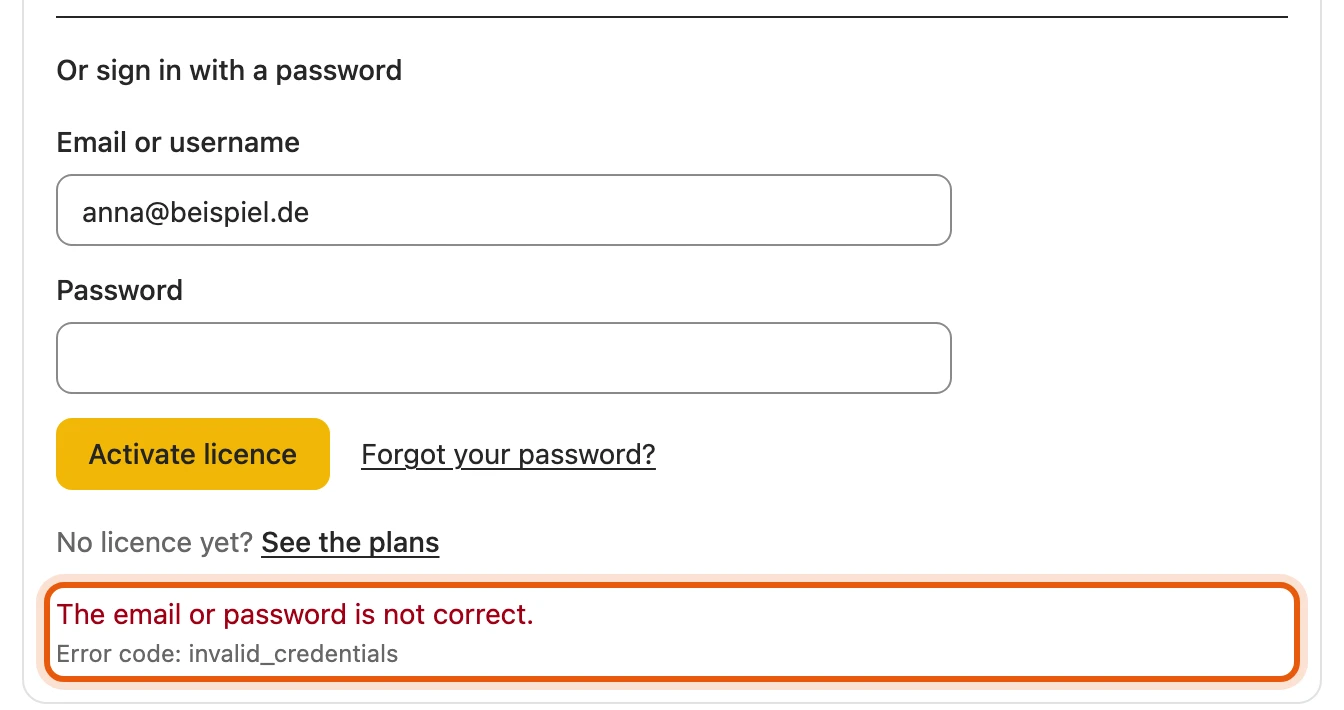
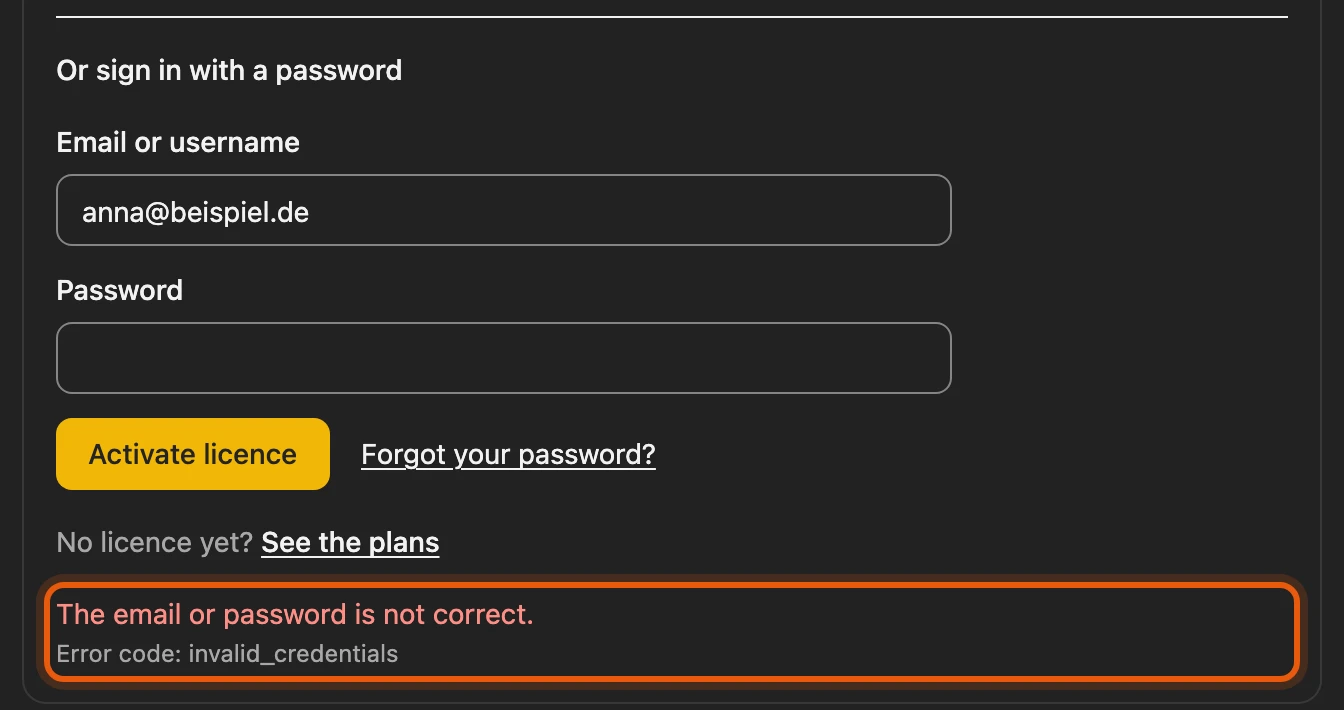
The most common:
invalid_credentials: email or password wrong; check both or reset your password.code_invalid,code_expired,code_attempts: request a new code.session_limit: all devices in use, see Devices per plan.load_pause: too many attempts; wait a quarter of an hour.
More: all other error codes
| Code | What to do |
|---|---|
host_permission_required |
In Firefox, click Activate licence again and allow the permission. |
service_unavailable |
Licence server unreachable; try again later. |
account_blocked |
Account blocked; contact support. |
ka_account_mismatch |
Licence of another Kleinanzeigen account; move it or request a second licence. |
switch_not_available |
Moved recently; the note tells you the next date. |
email_not_allowed |
Disposable address; use your normal email address. |
mail_unavailable |
The email cannot be sent right now; try again later. |
platform_account_required |
Sign in to Kleinanzeigen first, then try again. |