

Connect Shopify
You connect your Shopify shop via your Kleinanzeigen-Enhanced account: support sets up an app of its own that may only read products. Shopify is part of the licence from Business L (with a plan from version 5 from Business 100).
Request access
Section titled “Request access”-
Sign in with your Kleinanzeigen-Enhanced account under Settings › Licence.
-
Open Integrations and click Set up next to Shopify.
-
Enter the Shop address (3), for example
meinshop.myshopify.com. Your shop’s own domain is not enough. -
Click Request access (4).
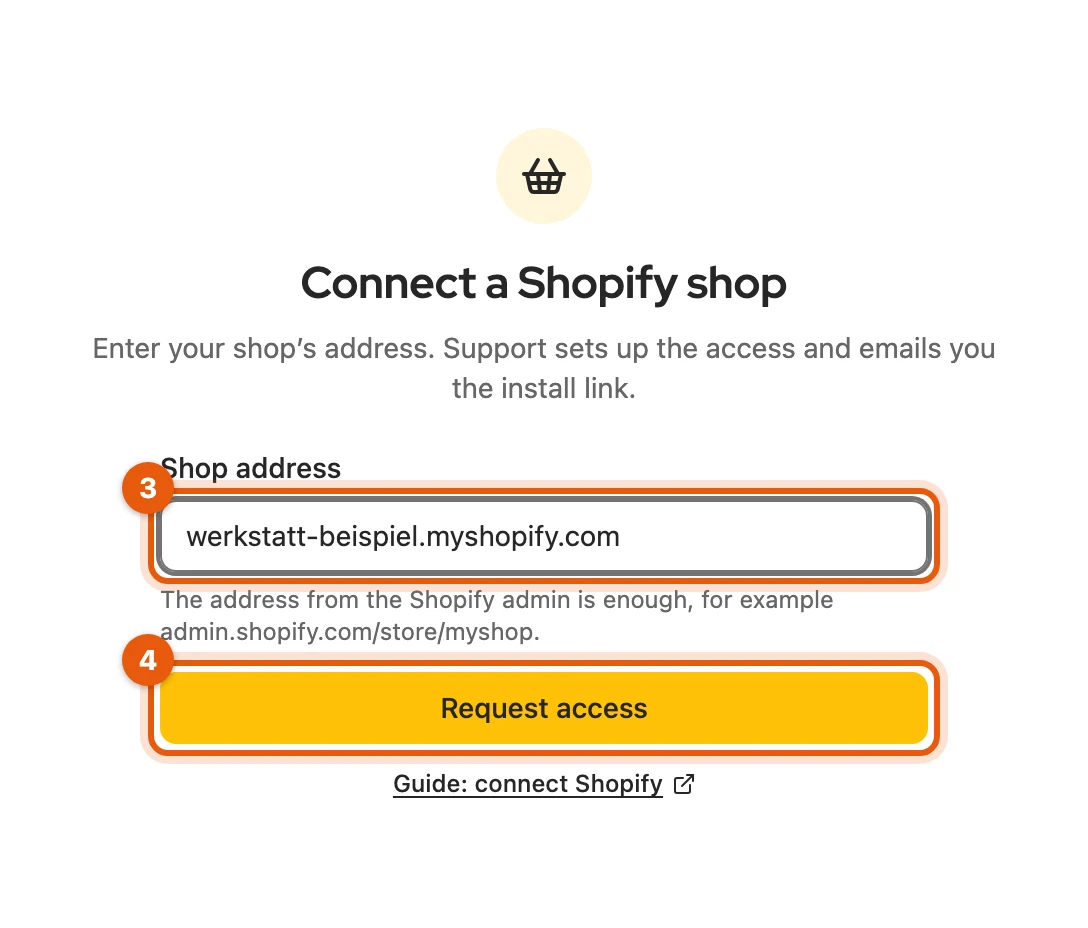
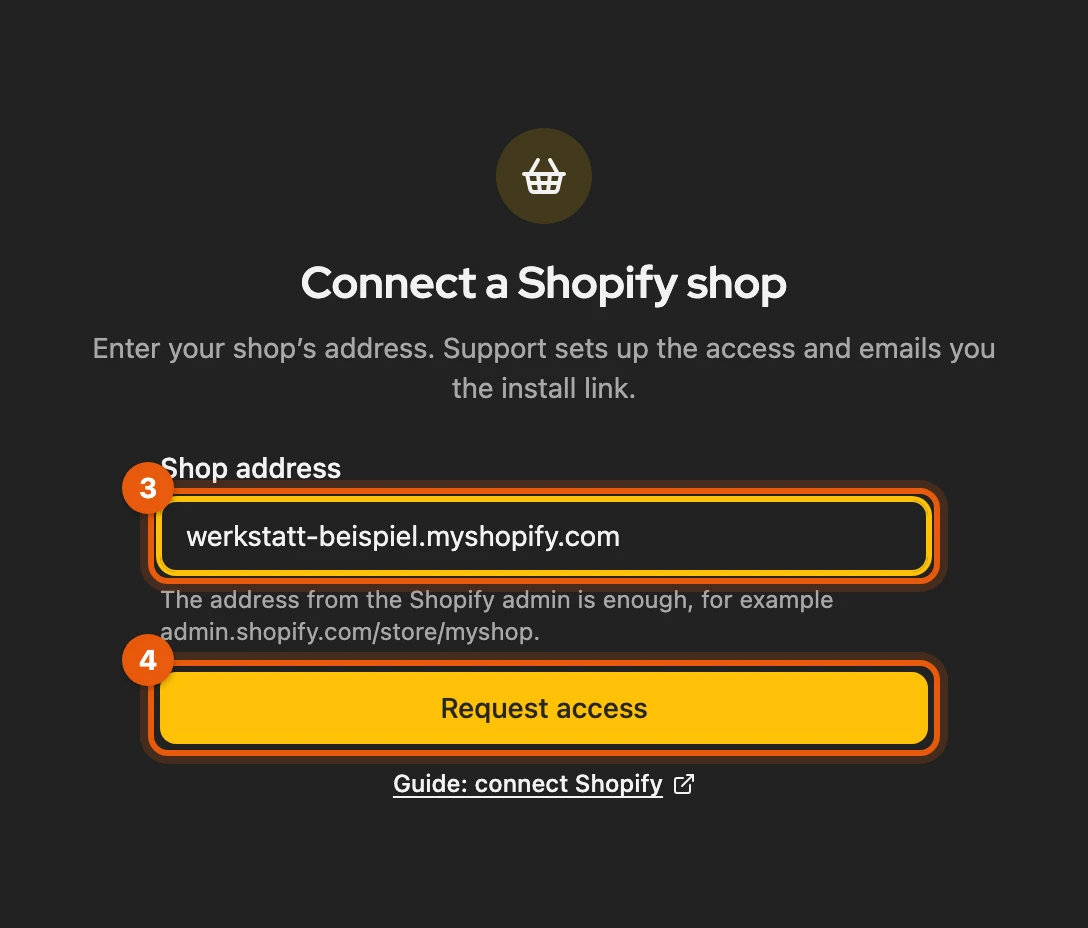
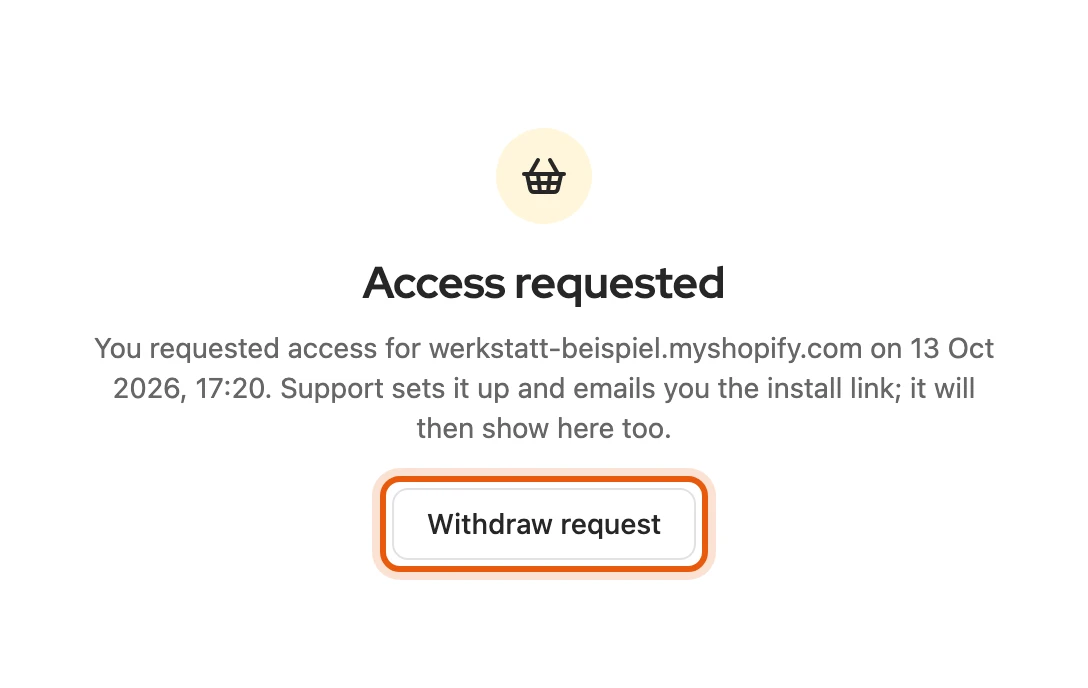
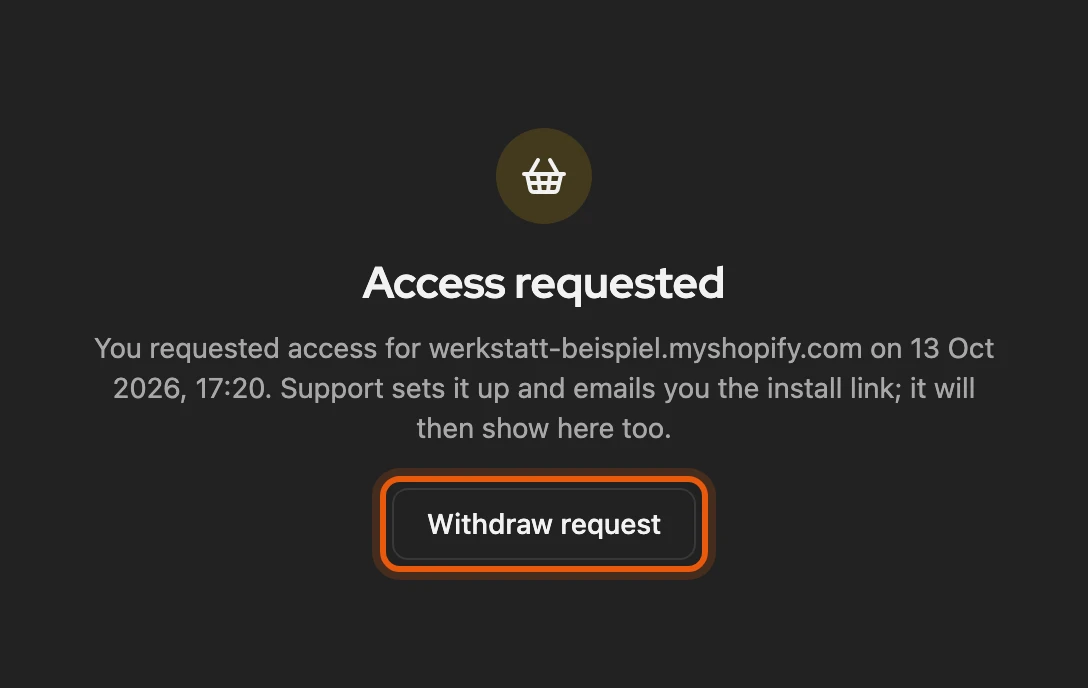
Support sends you the installation link by email; it also appears in Kleinanzeigen-Enhanced. Until then you can take the request back with Withdraw request.
More: address, account and a declined request
- Address: the address from the Shopify admin also works, such as
admin.shopify.com/store/meinshop. - Wrong account: if a different Kleinanzeigen account is signed in in this browser than the one of your licence, neither the request nor reading the shop works. Sign in with the licence’s account.
- Request not approved: you can then Request again or request a different shop.
Install the app
Section titled “Install the app”-
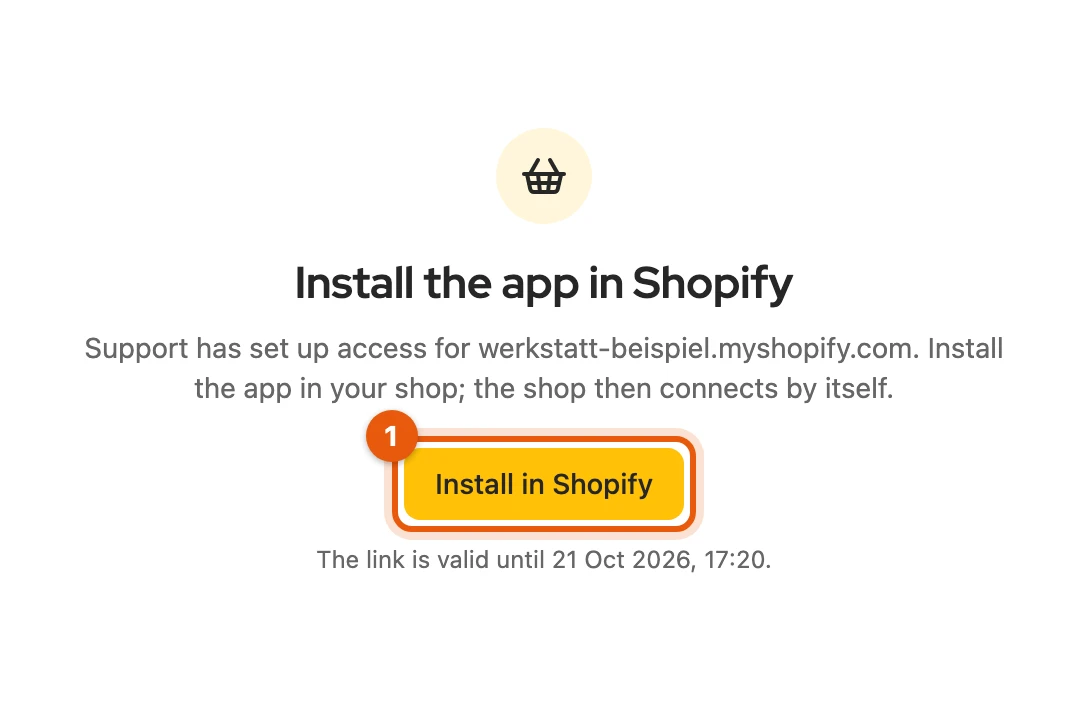
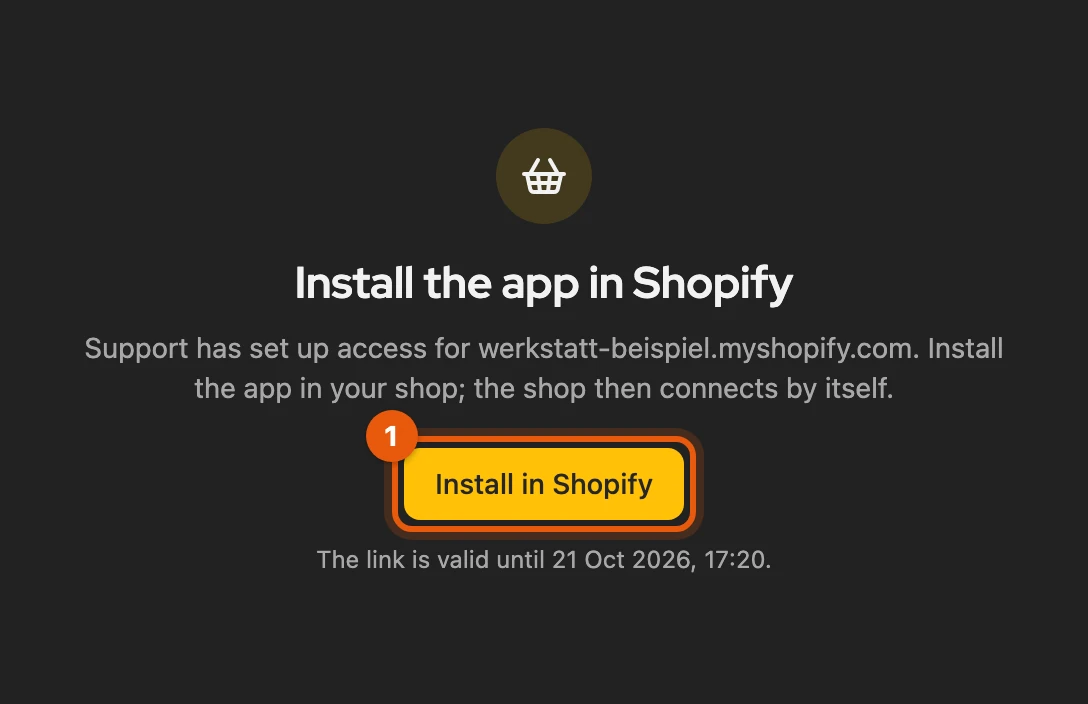
Click Install in Shopify (1) and confirm the installation in Shopify.
-
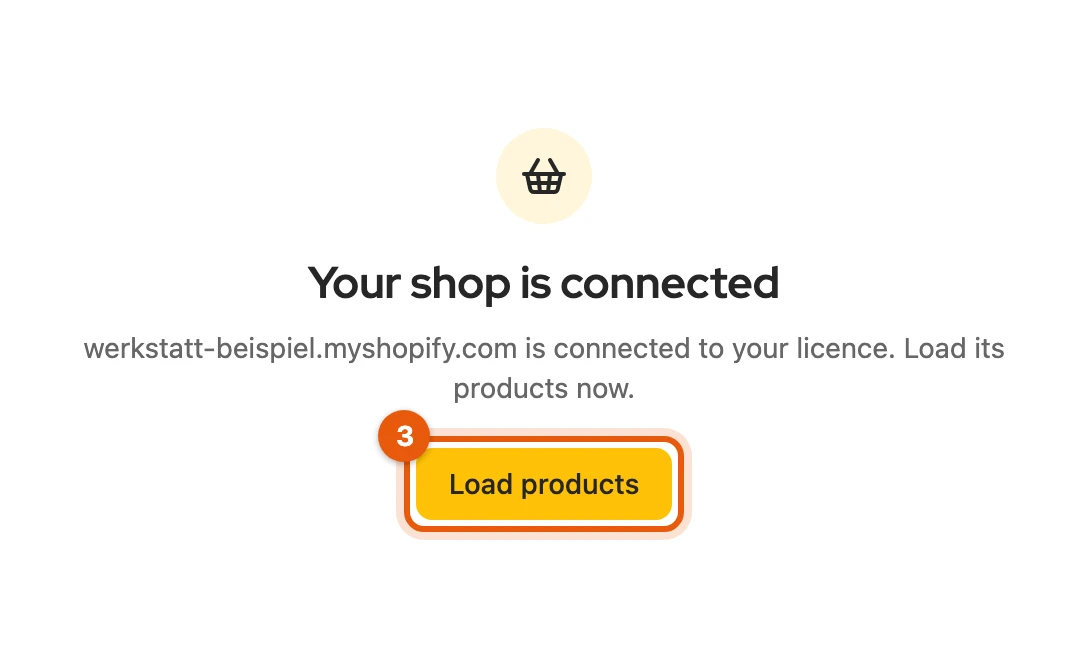
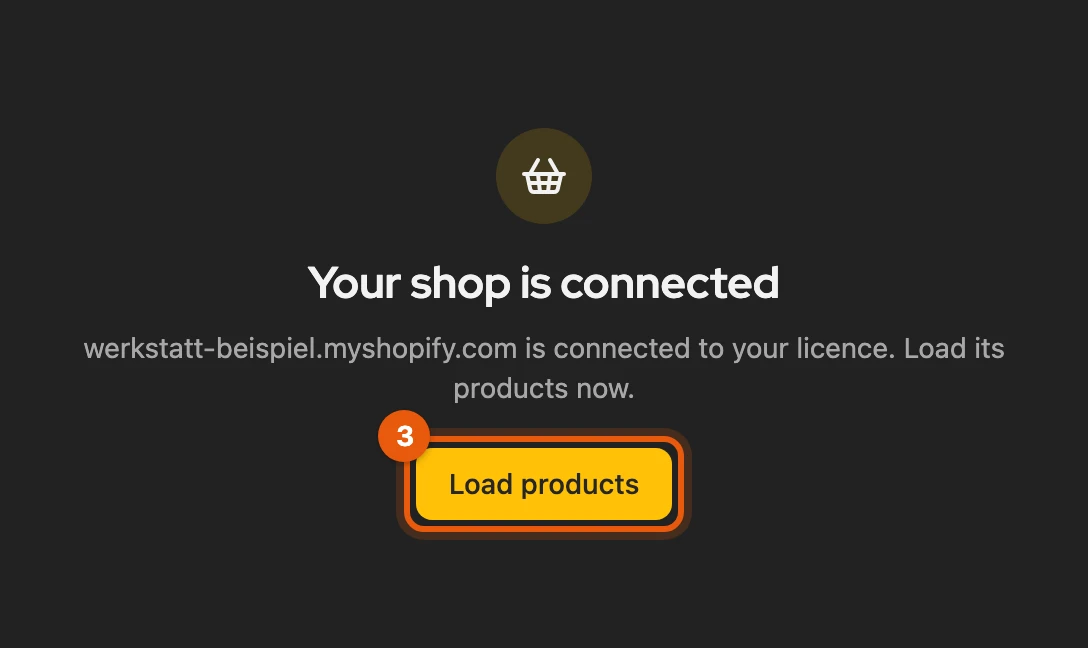
Kleinanzeigen-Enhanced shows Your shop is connected on its own. Click Load products (3).
More: if the installation is not detected
- Still not connected after ten minutes: click Check status.
- Link expired: Shopify lets it expire after a few days; the page says how long it is valid.
- Connect your shop: the shop is assigned to your account but not connected. If the app is installed, click Connect, otherwise Request a new link.
Working with the shop
Section titled “Working with the shop”Taking over, publishing and syncing work as with any shop or feed. If the shop shows Disconnected or Credentials rejected, click Reconnect and confirm the authorisation in Shopify.
More: prices, variants and computers
- Variants: price and item number come from the first variant.
- Net: if your shop keeps net prices, Kleinanzeigen-Enhanced adds the VAT in %.
- Computers: the connection is stored encrypted with your account, so every computer with your licence can read the shop. Products come directly from Shopify, not via our servers.
Settings
Section titled “Settings”The gear opens the Shopify settings. Prices, Defaults and Sync work as for the feed. There are also filters, metafields and Use the German translation.
More: filters, metafields, disconnecting and removing
- Filter: terms under Only products with and Without products with, and up to five rules by product type, tag, vendor or metafield. Only products that meet all rules are synced.
- Metafields: for description, postcode and category, plus up to five Attributes, each as
namespace.key(Shopify admin › Settings › Custom data). - Disconnect: the shop is no longer read; the app stays installed.
- Remove shop from Kleinanzeigen-Enhanced: product list and settings are gone; items, listings and the connection via the licence stay.
- Licence ends: the connection stays stored for 90 days. If you remove the app in Shopify, the stored access is deleted.