

Create from photos
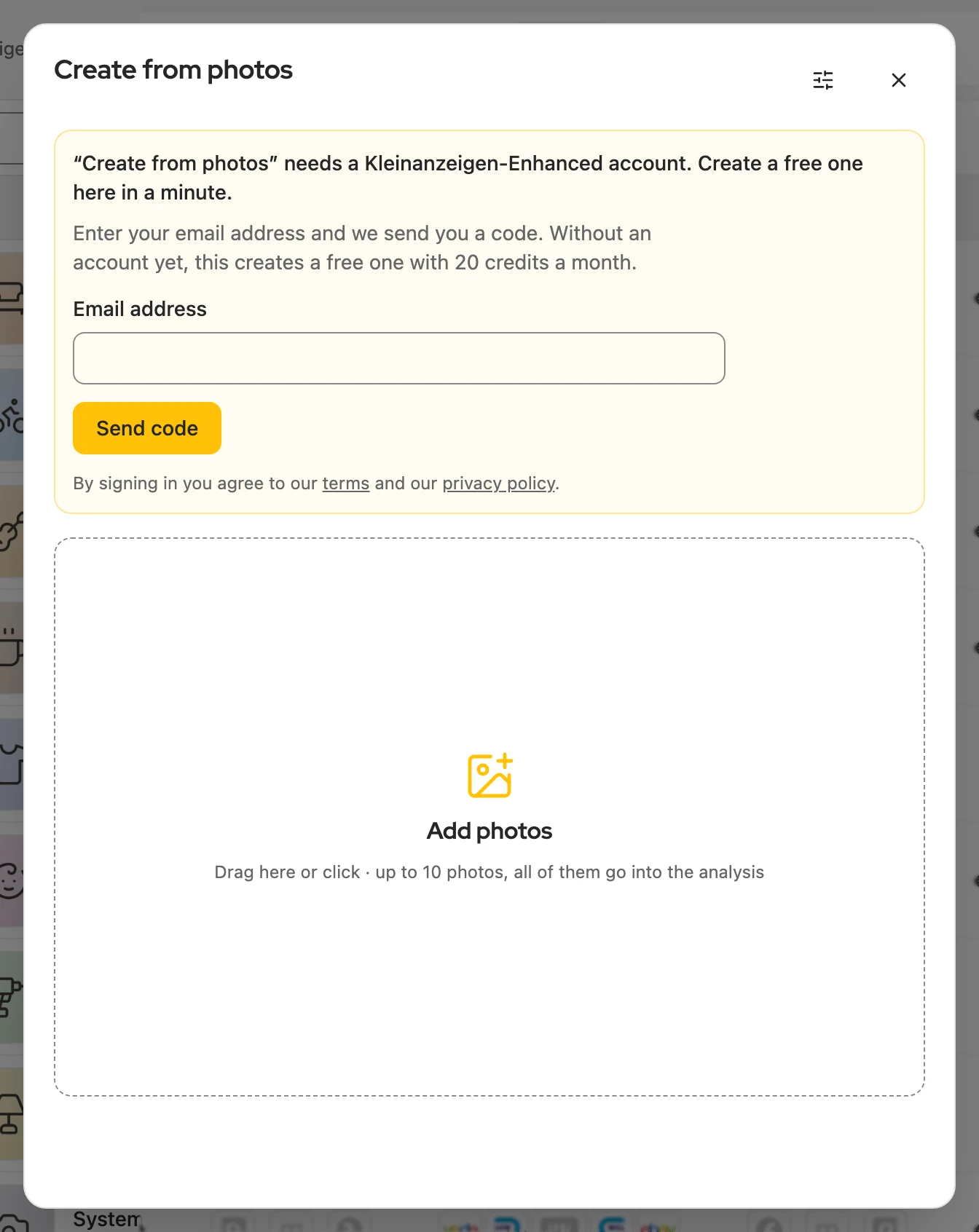
Your photos give you the category, title, description, price and attributes, and the listing goes online on Kleinanzeigen directly, without any typing. You need a Kleinanzeigen-Enhanced account; each listing costs one credit, and a free account includes 20 a month. To create only an item: Fill in from photos.
How it works
Section titled “How it works”-
Click Create from photos at the top of the dashboard; on Kleinanzeigen it is also in the floating menu.


-
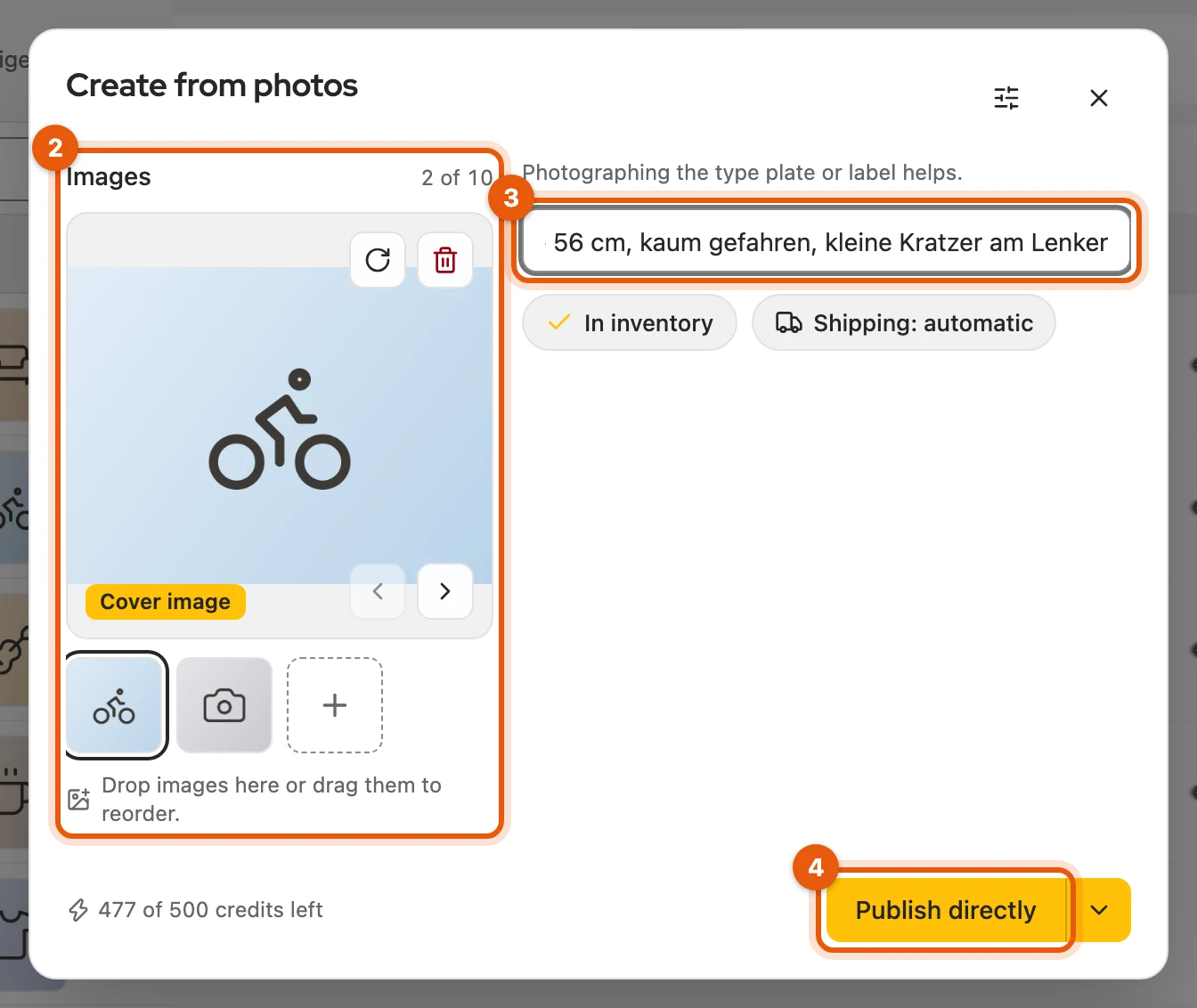
Click Add photos or drag in up to 10 photos. The first one is the cover picture.
-
Optionally, write in What belongs in the listing?, for example brand, defects or a price idea.
-
Click Publish directly. After 10 to 30 seconds the listing is online on Kleinanzeigen and shortly after appears under My listings. If something is missing, the filled-in form opens instead.
More: photos, credits and a second try
- No need to wait: if you close the window with ✕ or Esc, the listing is still created; the result appears in the header with Open item.
- Photos: JPG, PNG, WebP, AVIF or HEIC from the iPhone, each at most 8 MB. All of them go into the suggestion. In the large view you rotate a photo, make it the first with Make cover, move it with the arrows or remove it; you sort the small pictures by dragging.
- Credits: how many you have left is shown at the bottom left of the dialog, for example “3 of 20 credits left”. A credit is only counted when a listing has been created. Licences include more.
- Second try: if it does not work, Back to the input takes you back to your photos; a second try is not charged twice.
- Finding the button: in narrow windows it only shows its icon. On Kleinanzeigen it is also above the listing form as a picture icon with a plus to the right of the inventory selection.
Inventory and shipping
Section titled “Inventory and shipping”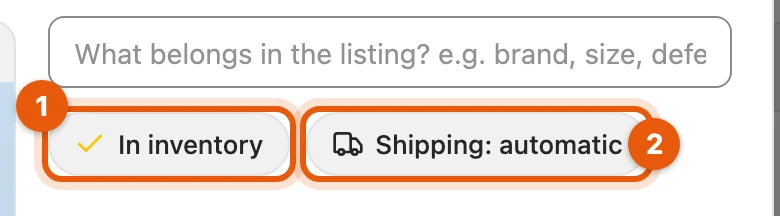
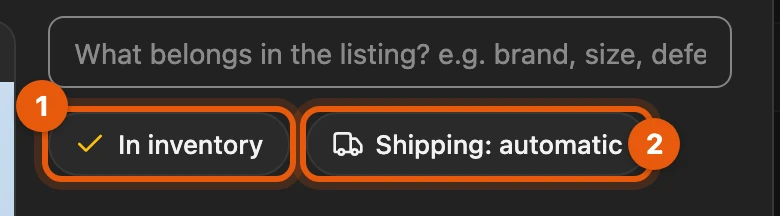
- In inventory also saves the item to the inventory.
- Shipping: automatic derives from the photos whether the item can be shipped; a click on it lets you set the shipping yourself.
More: full inventory and shipping options
- The dialog remembers both switches.
- Inventory full: the listing is still created but not saved.
- Same title in the inventory: a new item is created.
- Set shipping: Shipping available (choose parcel size and carriers yourself), Pickup only or No preset (back to “automatic”). With “automatic” Kleinanzeigen-Enhanced takes the carriers Kleinanzeigen itself suggests for the category.
- Kleinanzeigen no longer offers an individual shipping price for new listings.
Recognising the product
Section titled “Recognising the product”Your photos also reveal the product, model and condition, at no extra credit. You correct this in the item’s Product row (Suggestion mark).
More: what is recognised
- the set number of a LEGO set from the box
- the EAN if a barcode is fully and clearly readable
- brand, model and variant, such as the storage
- the condition, such as whether a box is sealed or opened and whether parts are missing
With this product identifier the market check finds comparable offers.
Sales plan after creating
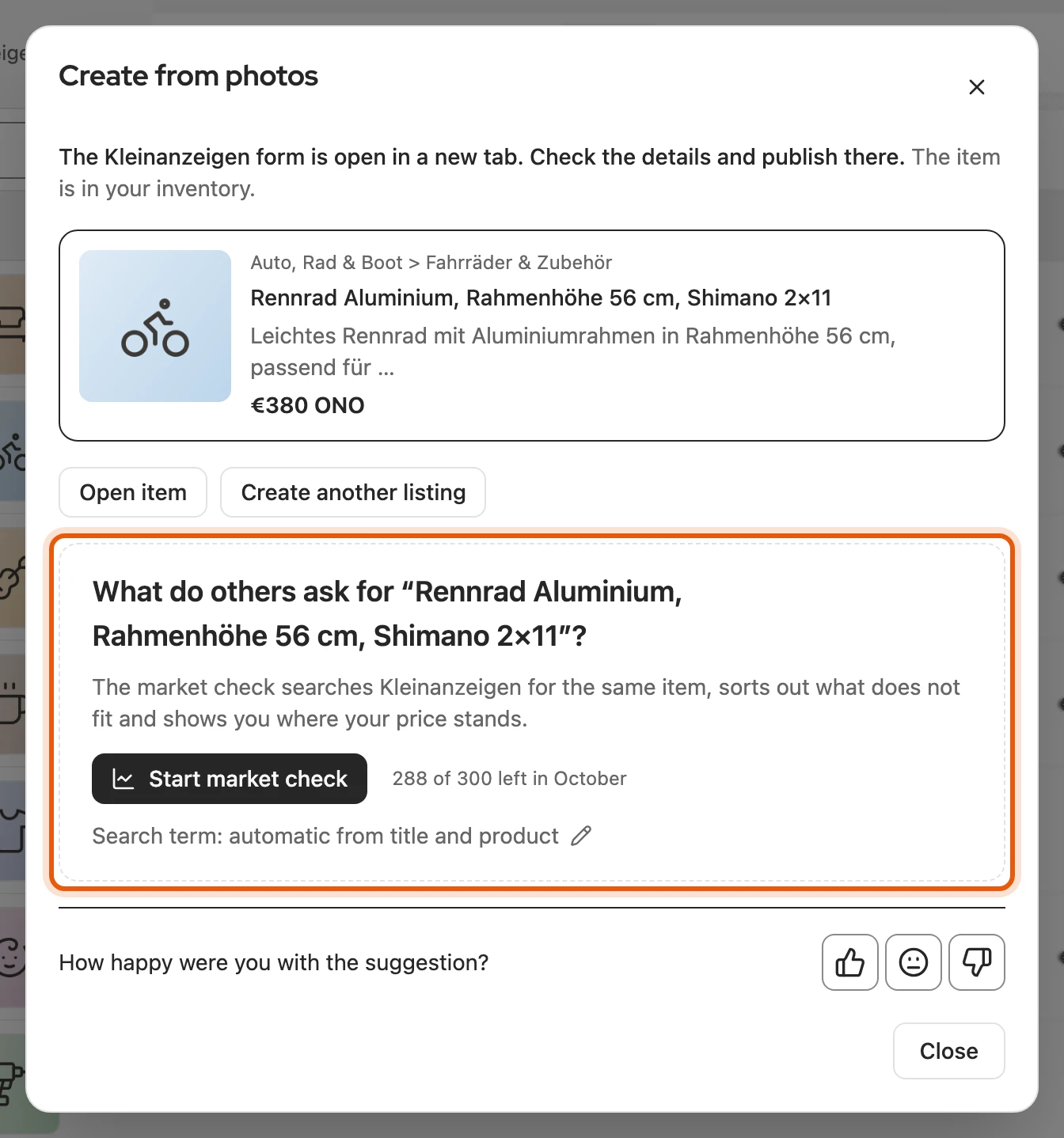
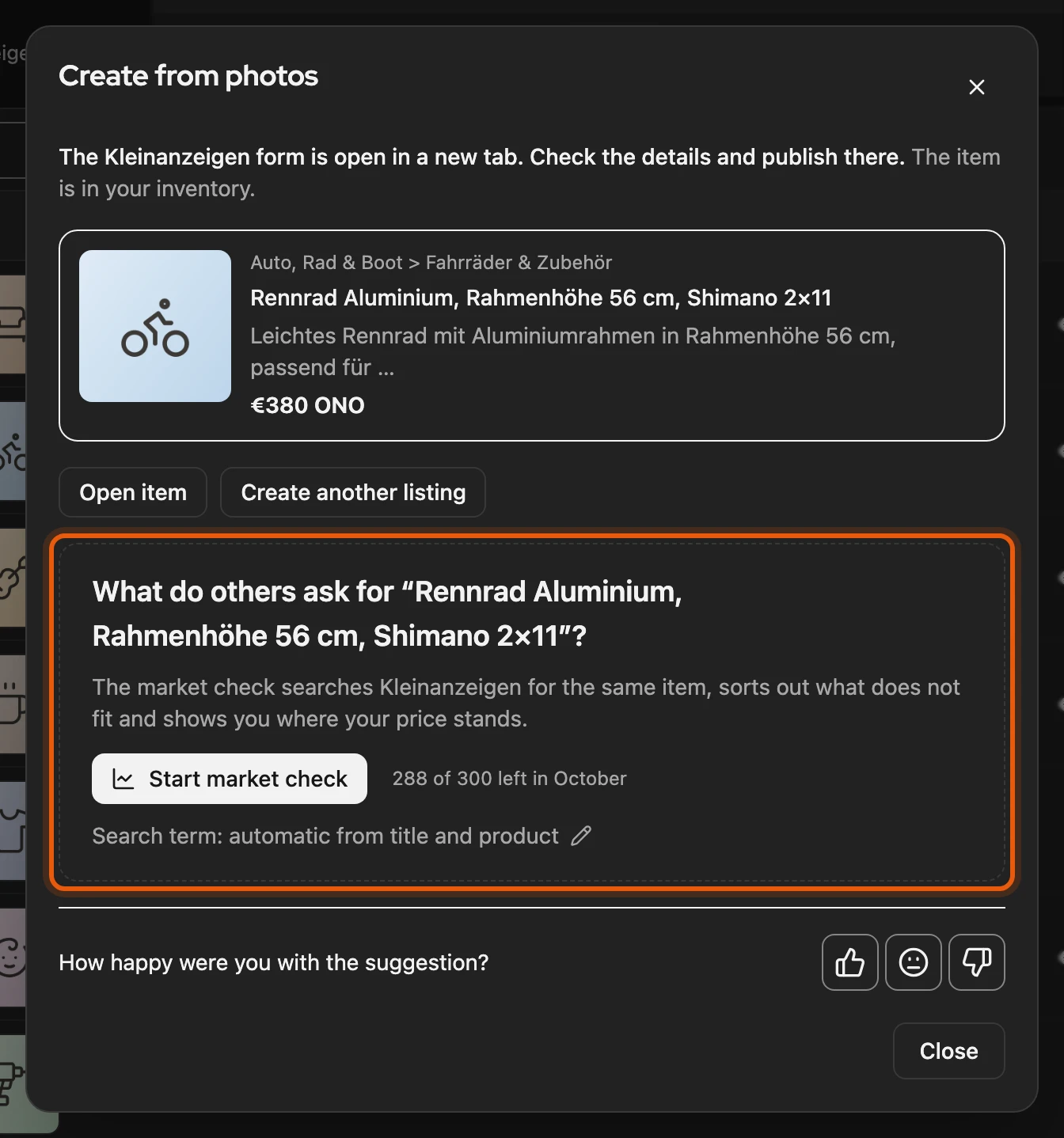
Section titled “Sales plan after creating”Afterwards you open the item with Open item. Below it, Start market check shows where your price stands; you can take it over in the Market tab. From the Privat plan and in all Business plans (more).
Check in the form first
Section titled “Check in the form first”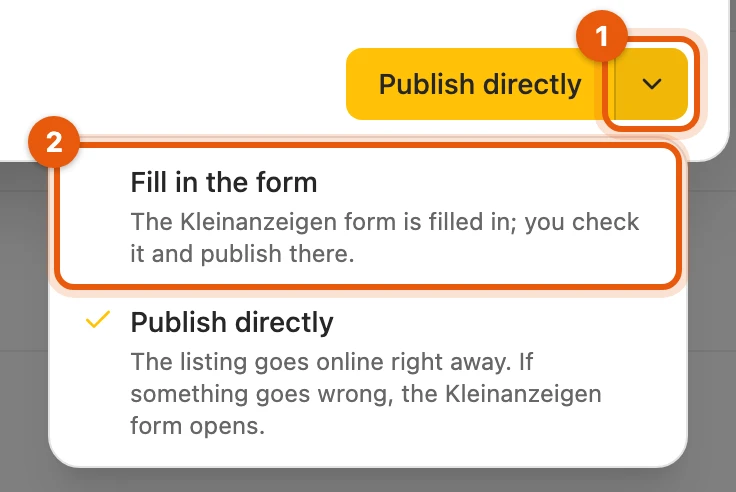
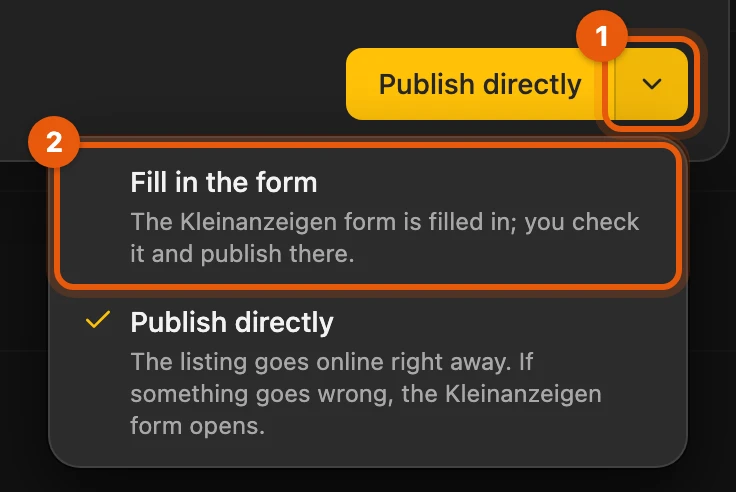
If you want to see every listing before it goes online, choose Fill in the form (2) via the arrow (1): the Kleinanzeigen form opens filled in, and you publish there. The choice stays until you choose Publish directly again.
Defaults
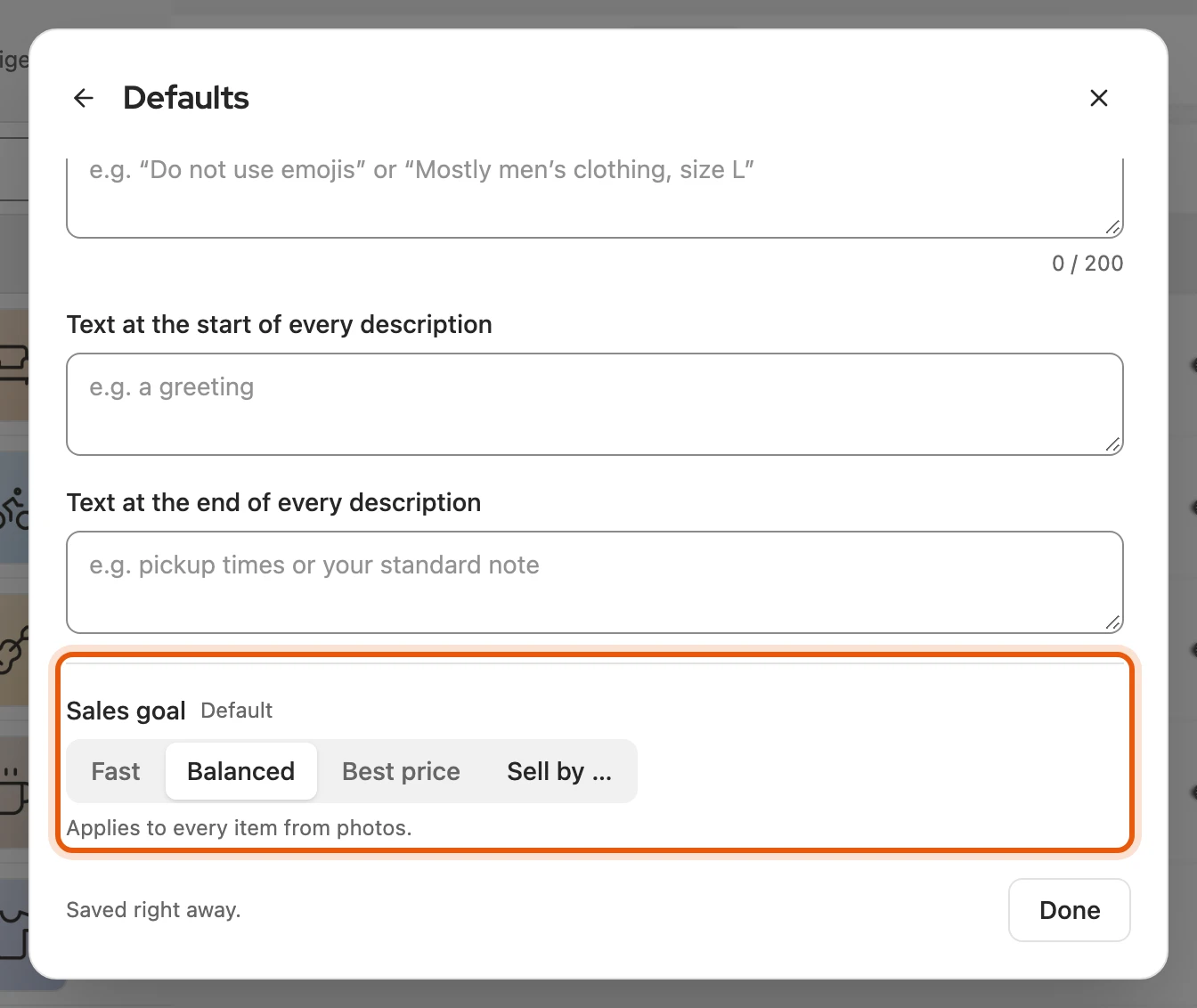
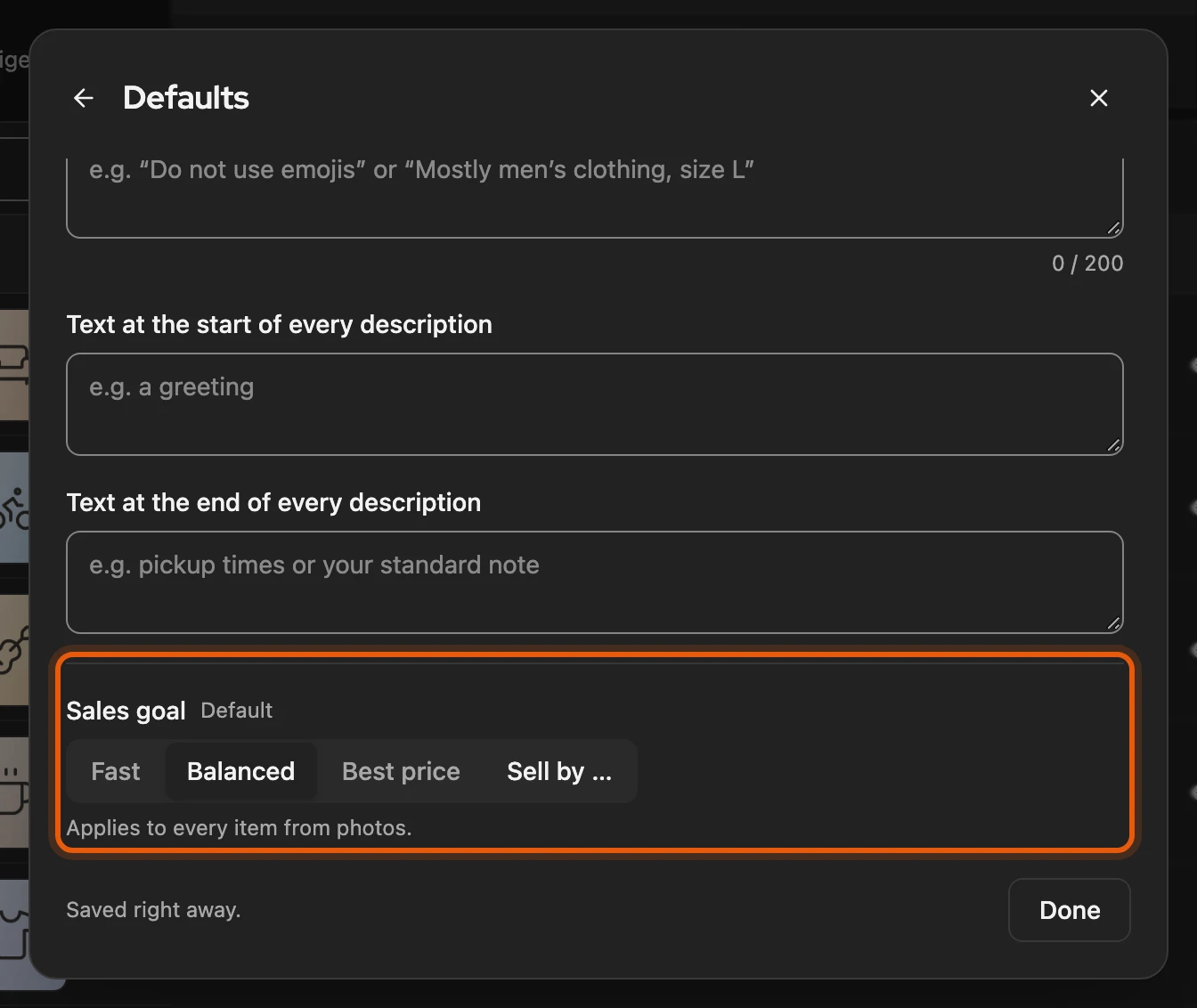
Section titled “Defaults”Via the icon with the sliders at the top of the dialog you set what applies to every listing. A yellow dot on the icon shows your own defaults.
More: the individual defaults
| Default | Effect |
|---|---|
| Writing style | Automatic, Factual, Friendly or Professional |
| Own instructions | for example “Do not use emojis”; together with the writing style at most 200 characters |
| Text at the start of every description / Text at the end of every description | fixed texts, for example a greeting or pickup times |
| Sales goal | sales goal of the new items: Fast, Balanced, Best price or Sell by …; “Default” follows Settings › Inventory. Once the day has passed, the default applies again. It does not change the suggested price |
| Shipping | like the switch in the dialog; there Direkt kaufen (buy directly) switches on Kleinanzeigen’s payment method (not for commercial accounts) |
| Add the note “Text created with AI” | adds a short line at the end of the description |
Privacy
Section titled “Privacy”Photos and note go via our server to Google’s Gemini AI model. They are stored neither by us nor by our service provider and are not used to train the AI. Do not photograph people, number plates or addresses.
More: feedback after the listing
Below each listing a line asks “How happy were you with the suggestion?”. After you click a symbol, you can comment and Send feedback. If you share the listing details, title, description, price, category, attributes and your note are sent along, but no contact details.
If it does not work
Section titled “If it does not work”- Credits used up: View plans takes you to extra credits and licences.
- No matching category: add a more telling photo or a note.
- Answer did not arrive: try again, without being charged twice.
- HEIC photo cannot be read: save it as JPG and upload it again.