

Report problems and suggest ideas
You report bugs and wishes under Feedback at the bottom of the sidebar. The My reports tab shows the state of your reports, Ideas and known problems the shared board. If a question is waiting for you, a yellow number appears on Feedback.
Reporting a problem or suggesting an idea
Section titled “Reporting a problem or suggesting an idea”Open Feedback and click Report a problem or Suggest an idea.
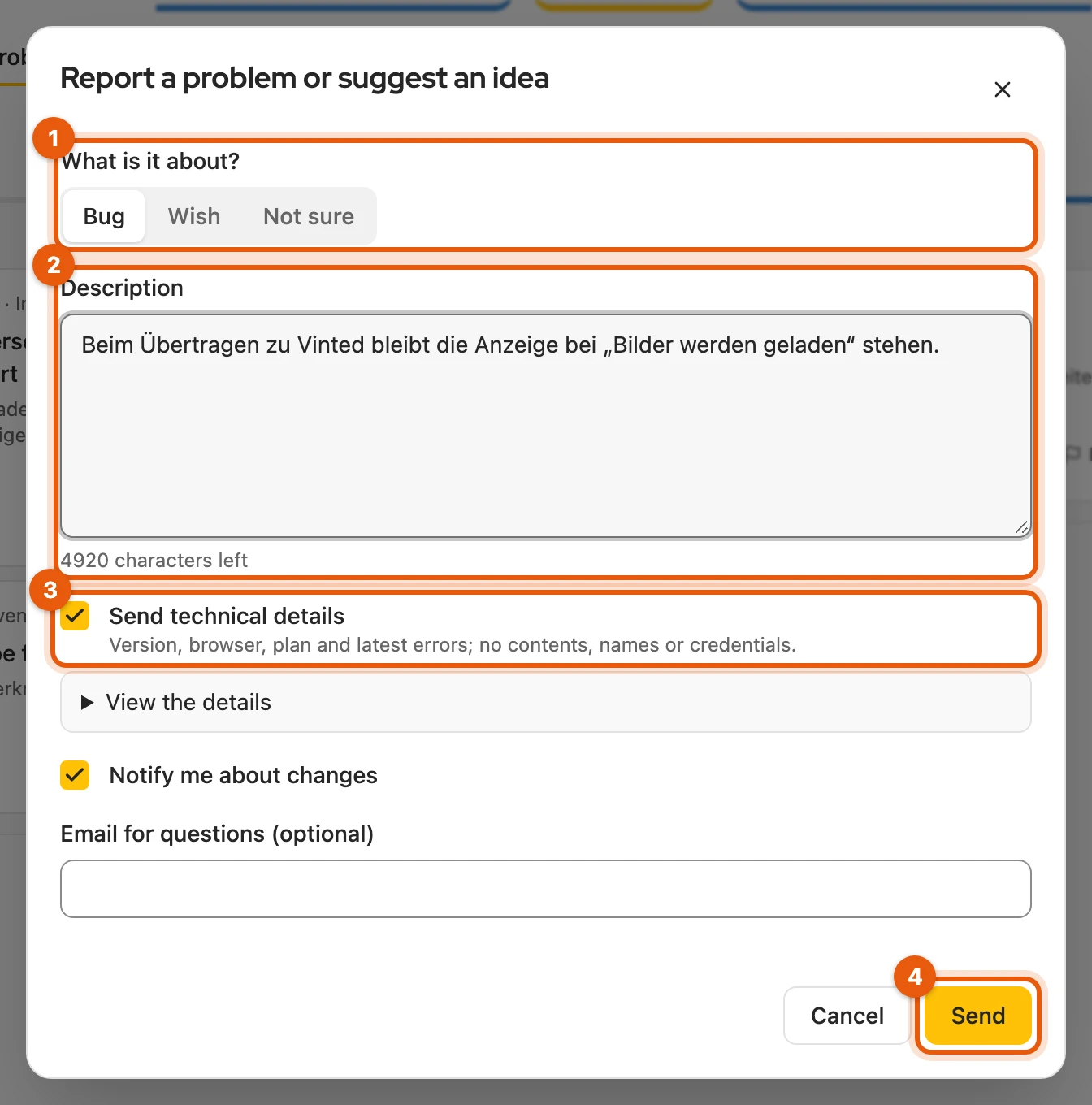
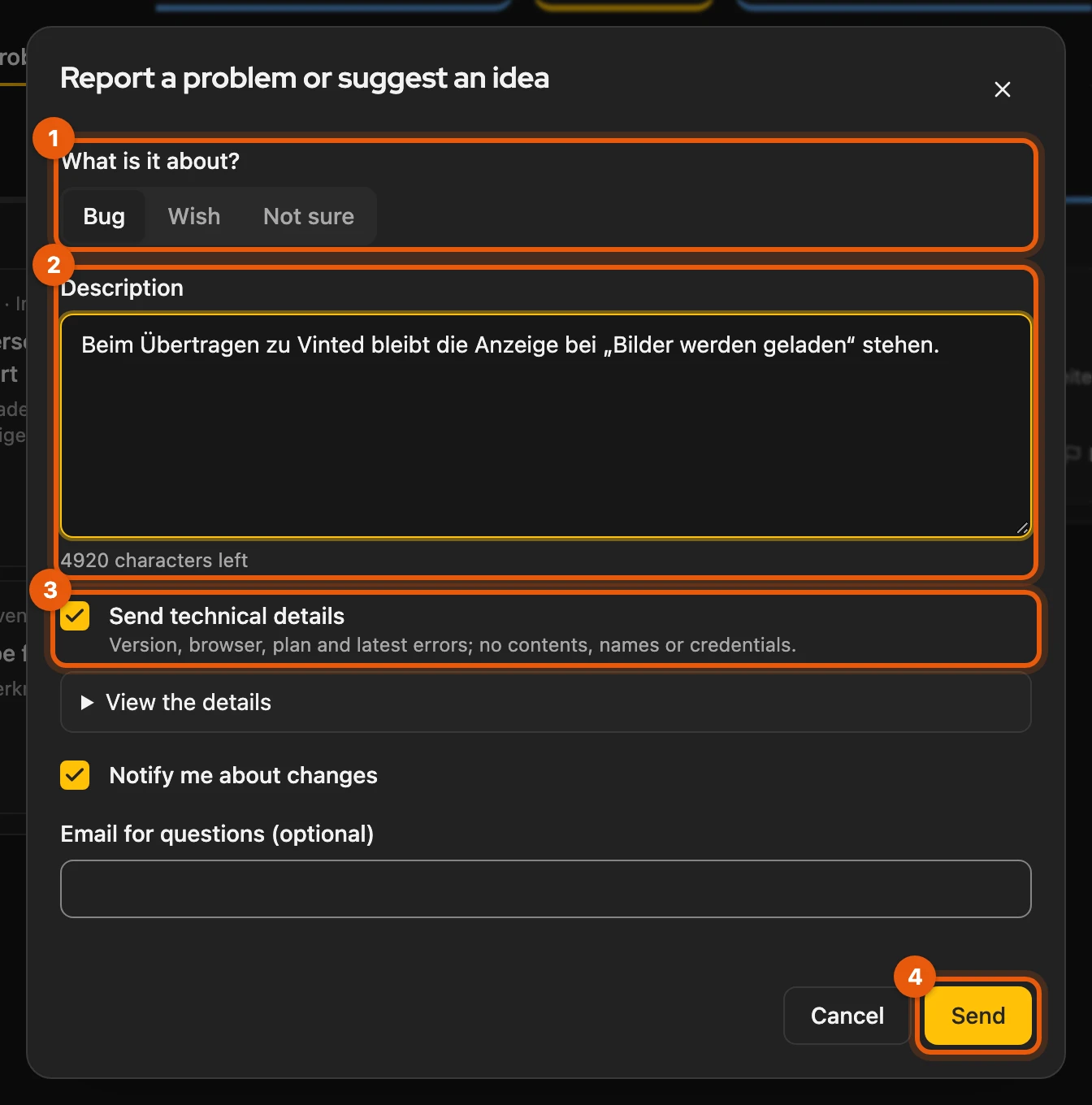
- What is it about? is already preset to fit.
- Under Description: what you did, what happened and what you expected.
- Send technical details sends version, plan and the most recent errors as codes, with no listing content, messages or sign-in details. View the details shows them beforehand.
- Click Send.
If you are signed in with your Kleinanzeigen-Enhanced account, Notify me about changes gets you an email as soon as the solution is released. You can also report without signing in; you then only see responses in this browser.
More: fields, limits and what is sent
- What is it about? is preset to Bug or Wish; with Not sure we classify it ourselves.
- Description: at least 10, at most 5,000 characters.
- Notify me about changes is ticked for bugs, not for ideas. Email for questions (optional) is only needed for an address other than your account’s.
- Per day our server accepts up to ten reports with an account and up to three without signing in.
- Technical details (ticked for Bug, can be unticked): extension version, browser, operating system, language, plan and licence status, number of items, per platform the account type, last refresh and access, transfer settings, the most recent errors, actions and processes as codes. We delete them after 90 days.
- Never included: title, description and pictures of listings, messages, names, addresses, sign-in details.
- Without signing in, the report reaches us without a name or email address, so we cannot answer you directly. If you switch browsers or delete the extension’s data, these reports are no longer visible. How to sign in: Activate your licence.
Reporting from an error message
Section titled “Reporting from an error message”The quickest way is to report right at the error: with Report on error messages in the header bar, or with Report a problem on failed tasks in Processes and in the transfer dialog. The error code and listing number are then already filled in.
More: what is prefilled
- The dialog is set to Bug, Refers to shows the error code and listing number, and the technical details are ticked.
- From Processes, the entry goes along: kind, platform, state and how many steps were confirmed, failed or stayed unclear, without its title. You need no screenshot.
- The transfer dialog shows Report a problem if the transfer failed, the platform is not responding or it is unclear whether the draft was created (When something is in the way).
- If you rate Kleinanzeigen-Enhanced with one to three stars, Write to us opens the same dialog.
My reports
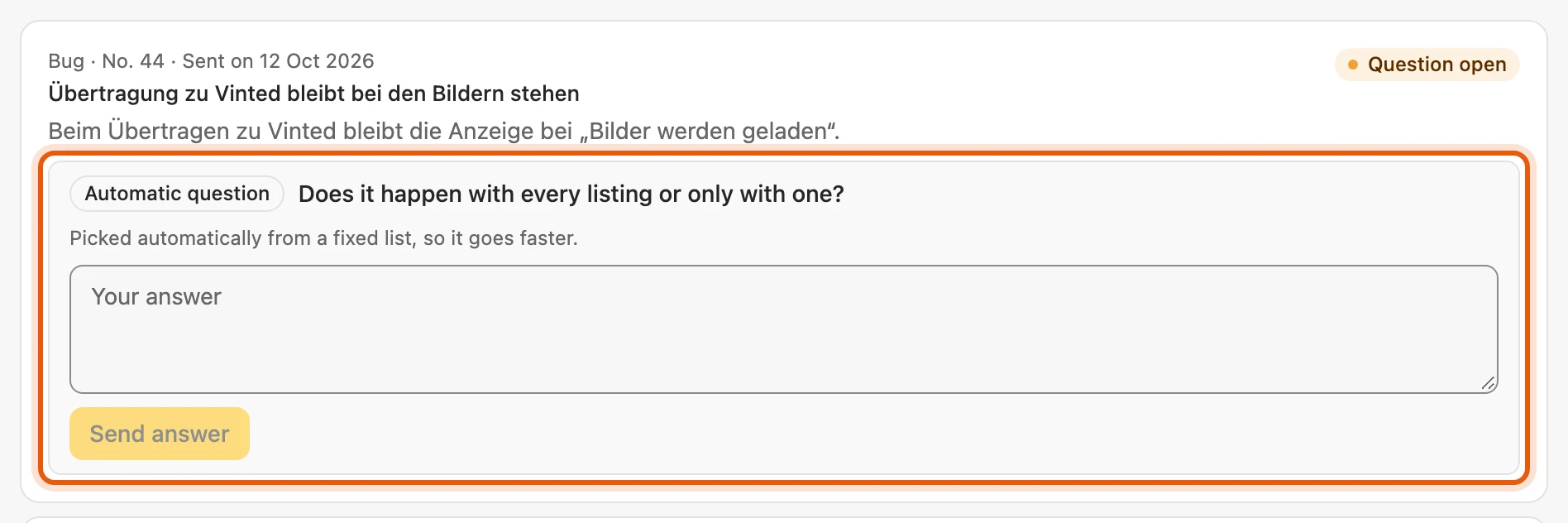
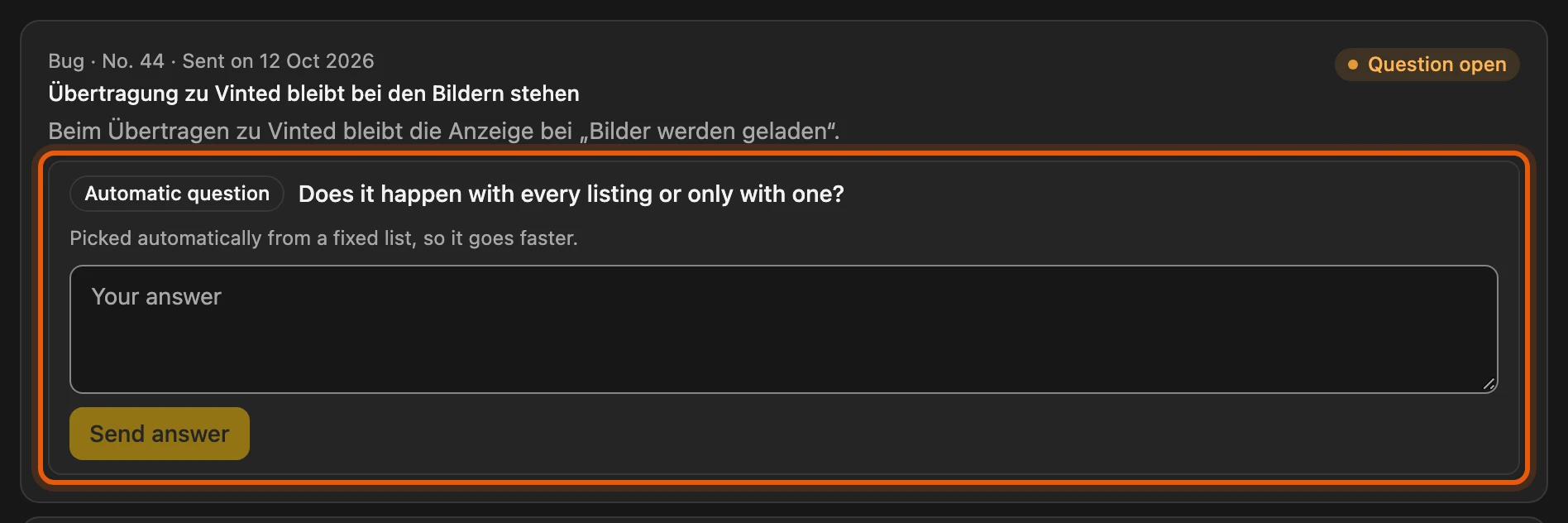
Section titled “My reports”Feedback › My reports shows your reports with their state, such as Planned, In progress or Fixed with the version. If we are missing some information, A question about your report appears at the top; Answer opens it. Once the version with the solution is running for you, the header bar shows The bug you reported is fixed (version …).
More: what each state means and how questions work
| State | Meaning |
|---|---|
| Not sorted yet, Being sorted | arrived, being assigned |
| Question open | we need some information from you |
| Open | recorded, not yet scheduled |
| Planned / In progress / Under review | on our list / being worked on / solution being reviewed |
| Fixed, Done | finished, with the version, for example “Fixed in version 6.1.3” |
| Declined | we will not implement it |
| Merged | already reported; all reports are filed under one entry, for example “No. 123” |
- Automatic question: a short question from a fixed list, picked by an AI. Answer under Your answer with Send answer, up to 1,000 characters. At most one per report, only in the dashboard, never by email. It expires after 14 days; we still work on the report.
- Notice “fixed” or Your wish is done (version …): comes for your own reports and entries with notifications on, only once the new version runs for you. It stays until you close it or open My reports.
- With an account you see all reports from your account; without signing in, those from this browser.
Ideas and known problems
Section titled “Ideas and known problems”The board under Feedback › Ideas and known problems shows ideas and known problems.
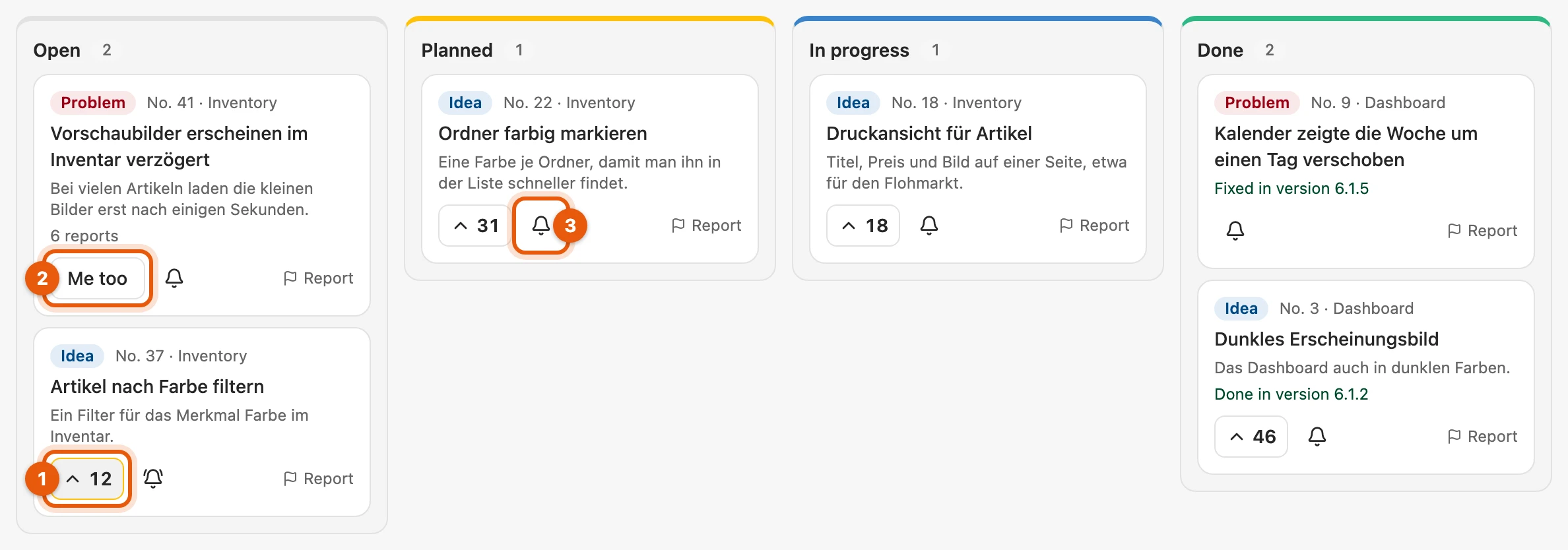
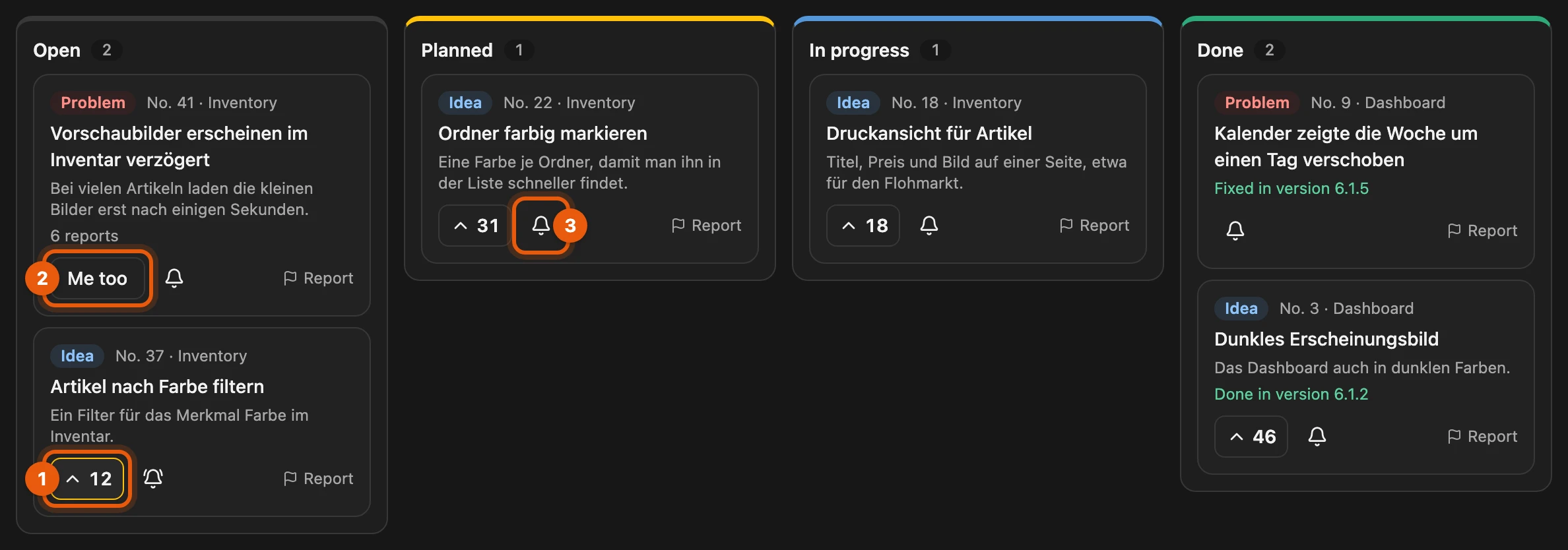
Use the arrow in front of the number (1) to vote for an idea. If a problem affects you, click Me too (2); your report then counts towards it. The bell (3) turns Notify me about changes on or off for an entry. Voting and the bell only work with a Kleinanzeigen-Enhanced account, the free one too. Nobody else sees your report text or your name.
More: board, emails and privacy
- Board: columns Open, Planned, In progress, Done; a label shows Idea or Problem, the most votes come first. Known problems are at the top of Open.
- Vote: a second click takes it back. It does not turn on notifications; only the bell does. Me too also works without signing in.
- Wrong entry: Report on the entry opens the report window with its number.
- Email: to your account’s address as soon as the new version is released, no advertising. Unsubscribe via the link in each email or with the bell. Without signing in there are no emails, but you still get the notice in the dashboard.
- Storage: report texts without email addresses, links shortened to their domain. Deleted at the latest twelve months after the entry is finished, immediately when you delete your account; reports without an account and without an entry after 90 days.