

Transfer to Vinted, willhaben, eBay and other platforms
Click the platform’s faded logo in the inventory or Transfer in the item. You must be signed in to the platform in your browser. The Recommendation column shows which platform suits an item: Inventory › Recommendation.


The first time: choose the route
Section titled “The first time: choose the route”The first time, you choose the route, for example draft (1) or form (2); after that, one click transfers right away. Drafts are available from the Privat licence; otherwise the form opens straight away.
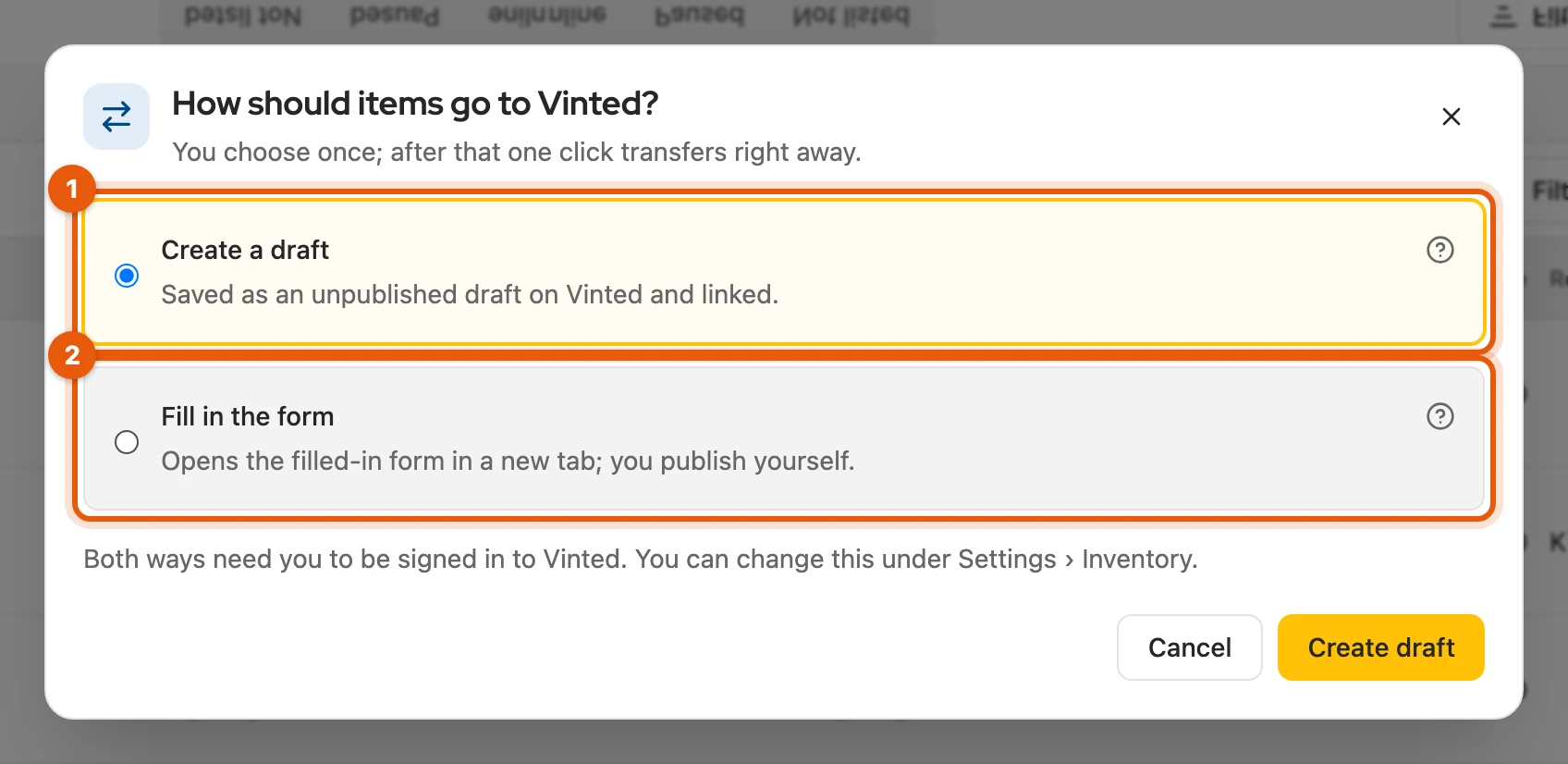
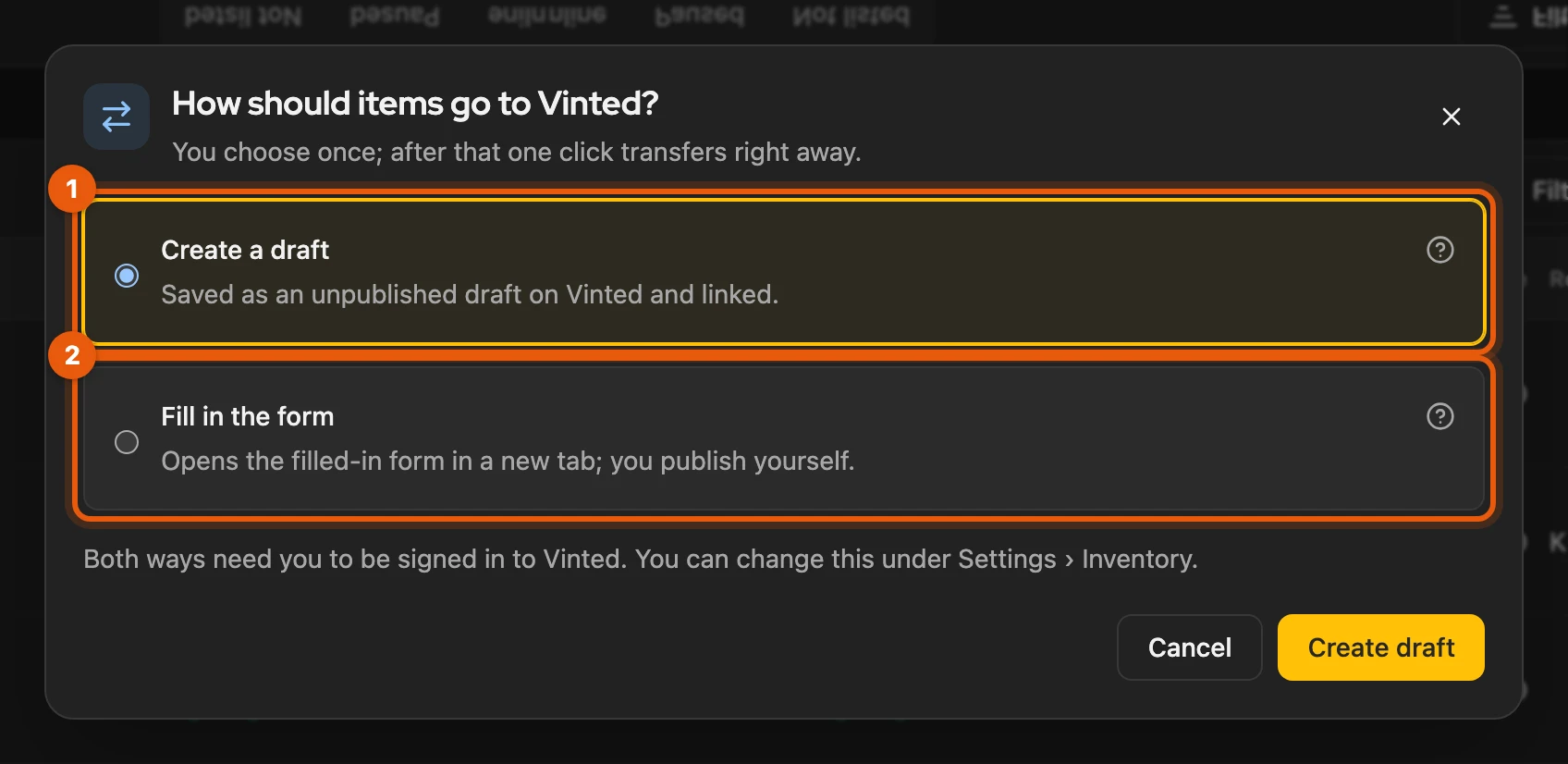
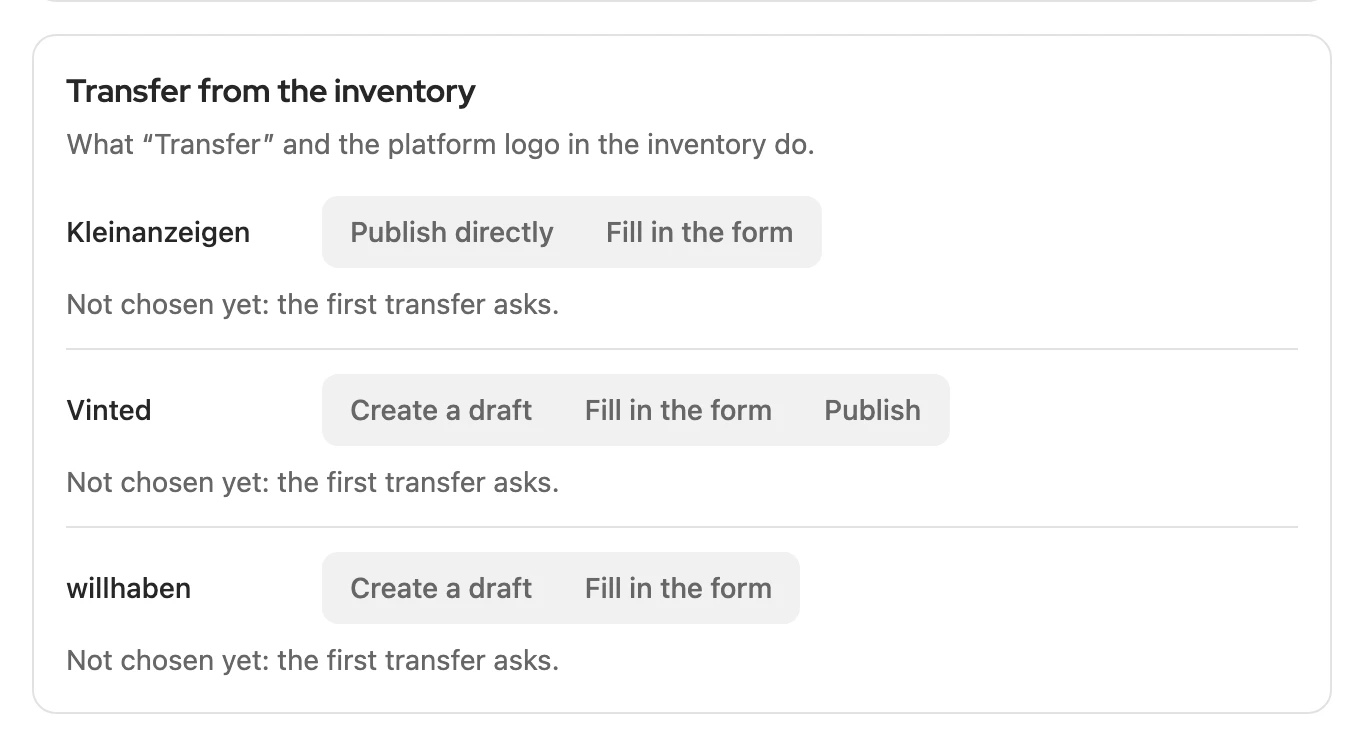
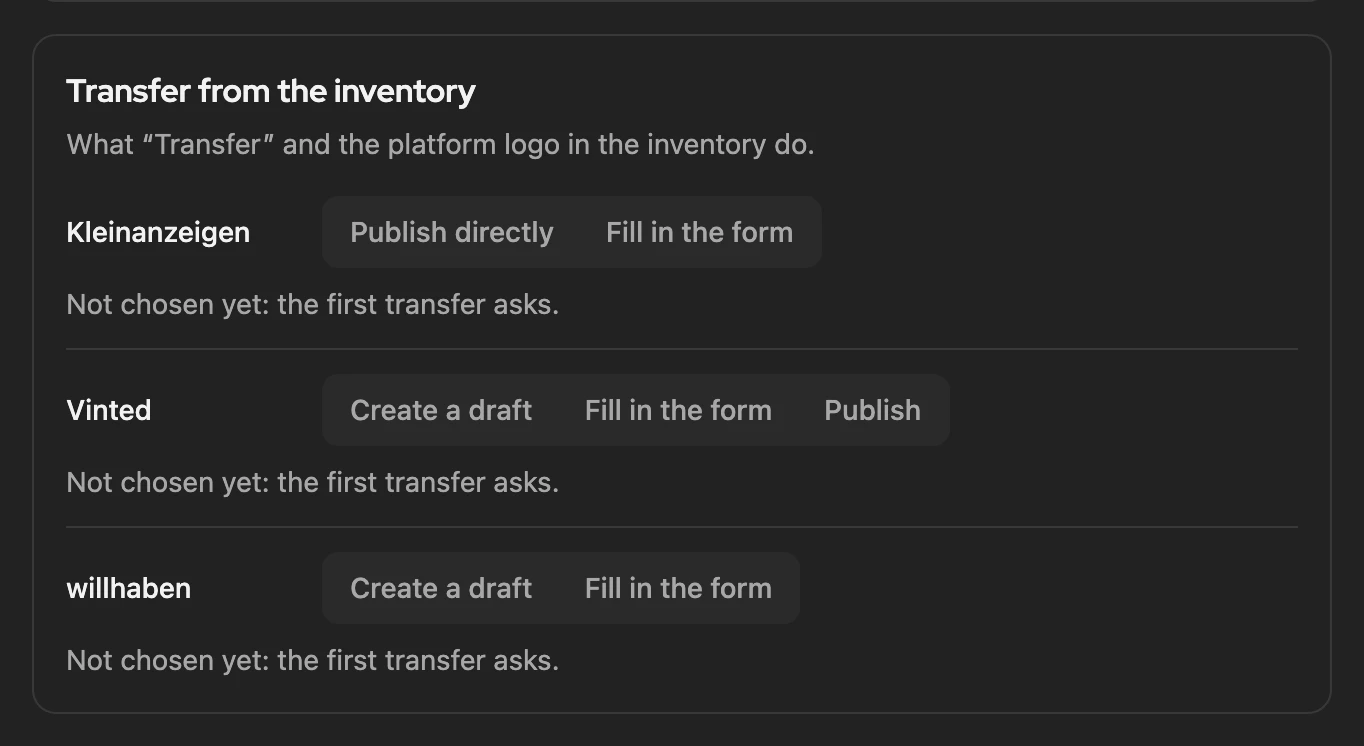
You change the route under Settings › Inventory in the card Transfer from the inventory.
Vinted
Section titled “Vinted”| Route | What happens |
|---|---|
| Create a draft | linked draft with pictures on Vinted; you check it and publish there |
| Fill in the form | new tab with the filled-in Vinted form; linked after the upload if title and description are unchanged |
| Publish | online at once; can only be chosen in the settings, at your own risk, because Vinted does not allow third-party software |
Vinted rejects titles with too many capital letters. Rules, captcha and blocks: Vinted with Kleinanzeigen-Enhanced.
More: what is in the Vinted draft, and Vinted’s limits
- Set in the draft when unambiguous: category, brand and size from the item, plus the parcel size from Kleinanzeigen (small, medium or large).
- Form: Vinted suggests the category based on the pictures; without a suggestion, Kleinanzeigen-Enhanced chooses one if it is sure. If filling in does not work: Try again or Close tab.
- Publish: if Vinted refuses some details, a draft is saved instead.
- Limits: up to 100 characters in the title, 2,000 in the description, 20 pictures.
- Before the first transfer, Kleinanzeigen-Enhanced shows a notice on Vinted’s rules once.
willhaben
Section titled “willhaben”| Route | What happens |
|---|---|
| Create a draft | linked draft with up to 8 pictures in your private willhaben account; you add the required fields there |
| Publish | put the draft online in the dialog with Publish, or later in My listings with Activate |
| Fill in the form | new tab with the filled-in form; you choose the category and condition yourself |
willhaben only accepts whole euro amounts.
More: location, required details and the form on willhaben
- Drafts are available for private willhaben accounts (Marktplatz).
- Kleinanzeigen-Enhanced takes the location from your willhaben profile.
- If required details such as the category or attributes are missing, willhaben refuses; add them in the draft.
- Activate in My listings also works for several drafts at once.
- The form gets title, description, up to 8 pictures and price. If filling in does not work: Try again or Close tab.
Category suggestion
Section titled “Category suggestion”For Vinted and willhaben, Kleinanzeigen-Enhanced sets the category when it is sure. Otherwise the tab Category & attributes shows up to three suggestions, which you take over with one click. Check the category briefly before publishing. From the Privat licence, no credits.
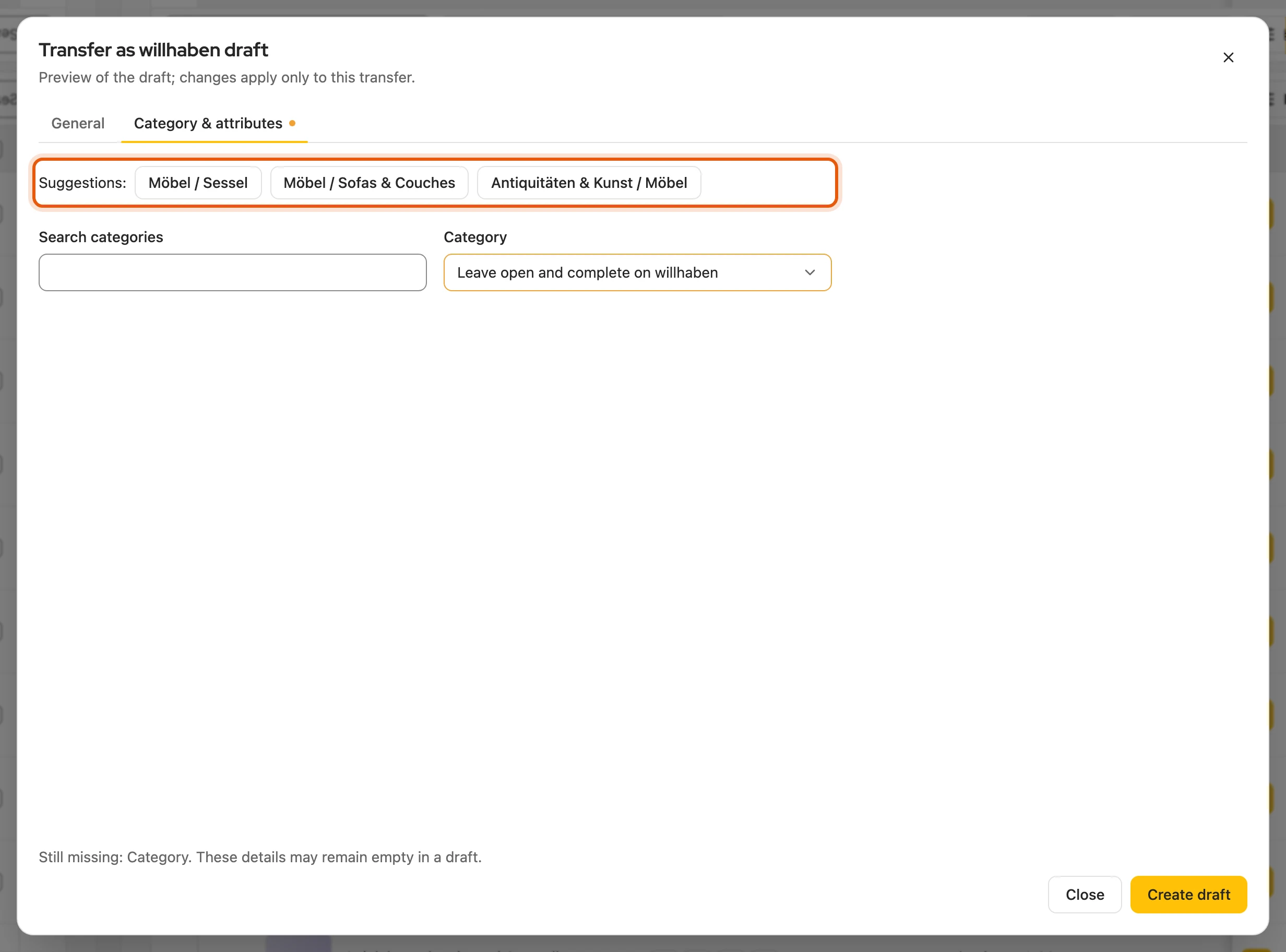
More: what the suggestion is based on
Your item’s title, description, Kleinanzeigen category and attributes. In the dialog Transfer as willhaben draft, under General, the pictures that are transferred are on the left, title, price and description on the right.
Several items as drafts
Section titled “Several items as drafts”- Select several items in the inventory.
- Click Transfer as drafts in the bar (in a narrow window, in the menu ⋯).
- Choose the Target platform Vinted or willhaben.
- Start with the button, for example Create 10 drafts on Vinted.
The run continues in the background; the result is under Processes. From the Privat Plus and Business M plans.
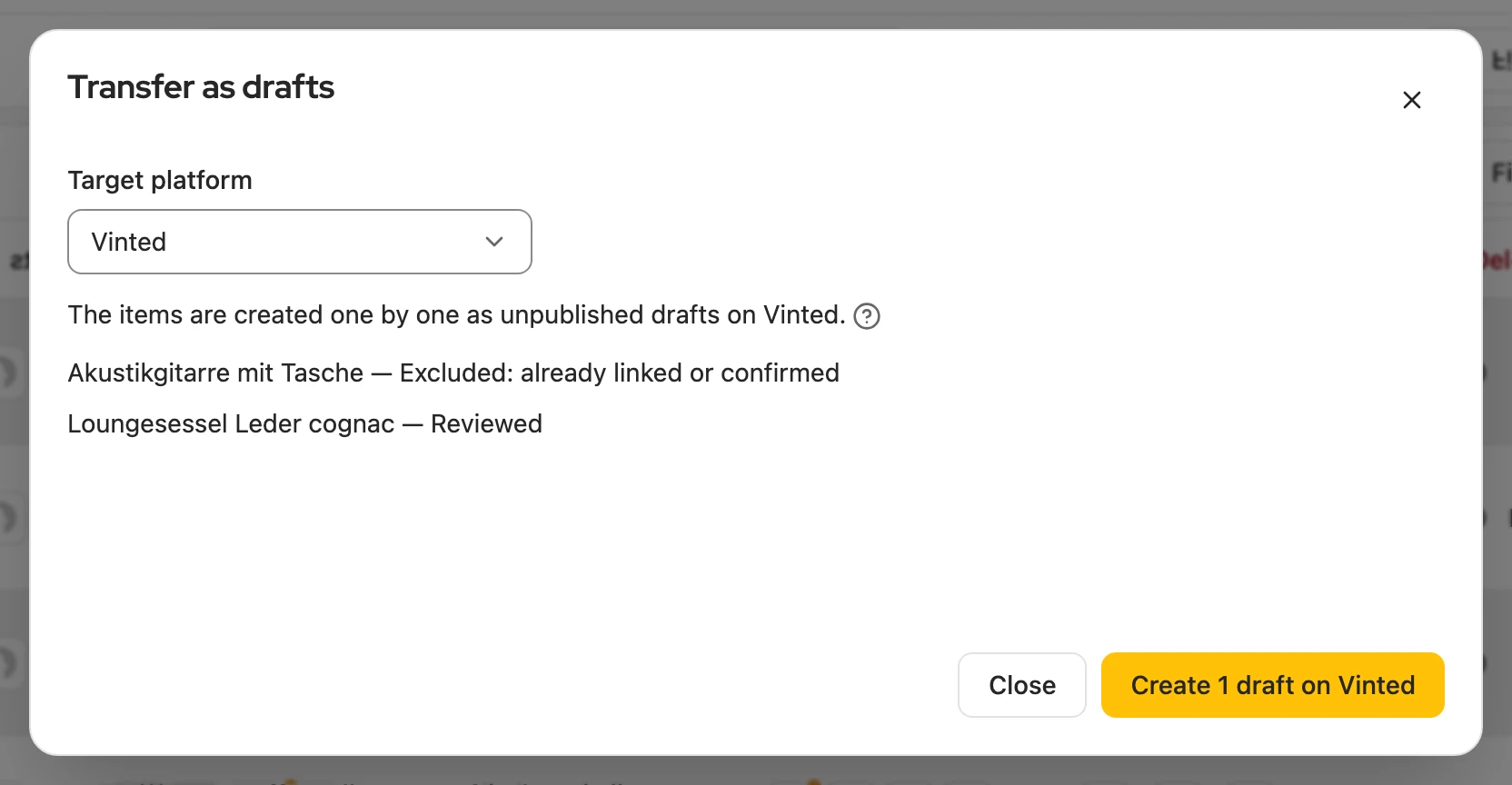
More: duration, items left out and the result
- Duration: for Vinted, Kleinanzeigen-Enhanced waits a random 30 to 60 seconds between two drafts (Next draft in … s). 50 drafts take about 40 minutes.
- Always as drafts: several items never go through the form and are never published directly.
- Left out: items already linked there and items the platform does not accept as they are. On willhaben, Review opens the dialog of a refused item; there you round the price to whole euros, for example, or leave it out with Skip.
- Result under Processes: at the top, for example, 12 of 14 items transferred, below it the failed items with the reason, last the drafts with Open draft.
- Plan: you can transfer a single item with any plan that includes drafts.
On eBay, items are published directly as a fixed-price listing or an auction, free of charge with a Kleinanzeigen-Enhanced account (a free one is enough).
- Open Settings › Platforms › eBay and click Connect to eBay; you sign in on eBay itself, without a password.
- Transfer the item. If something is missing, Publish on eBay opens; Still missing takes you to the field with a click.
- If eBay estimates an insertion fee, Kleinanzeigen-Enhanced asks you first.
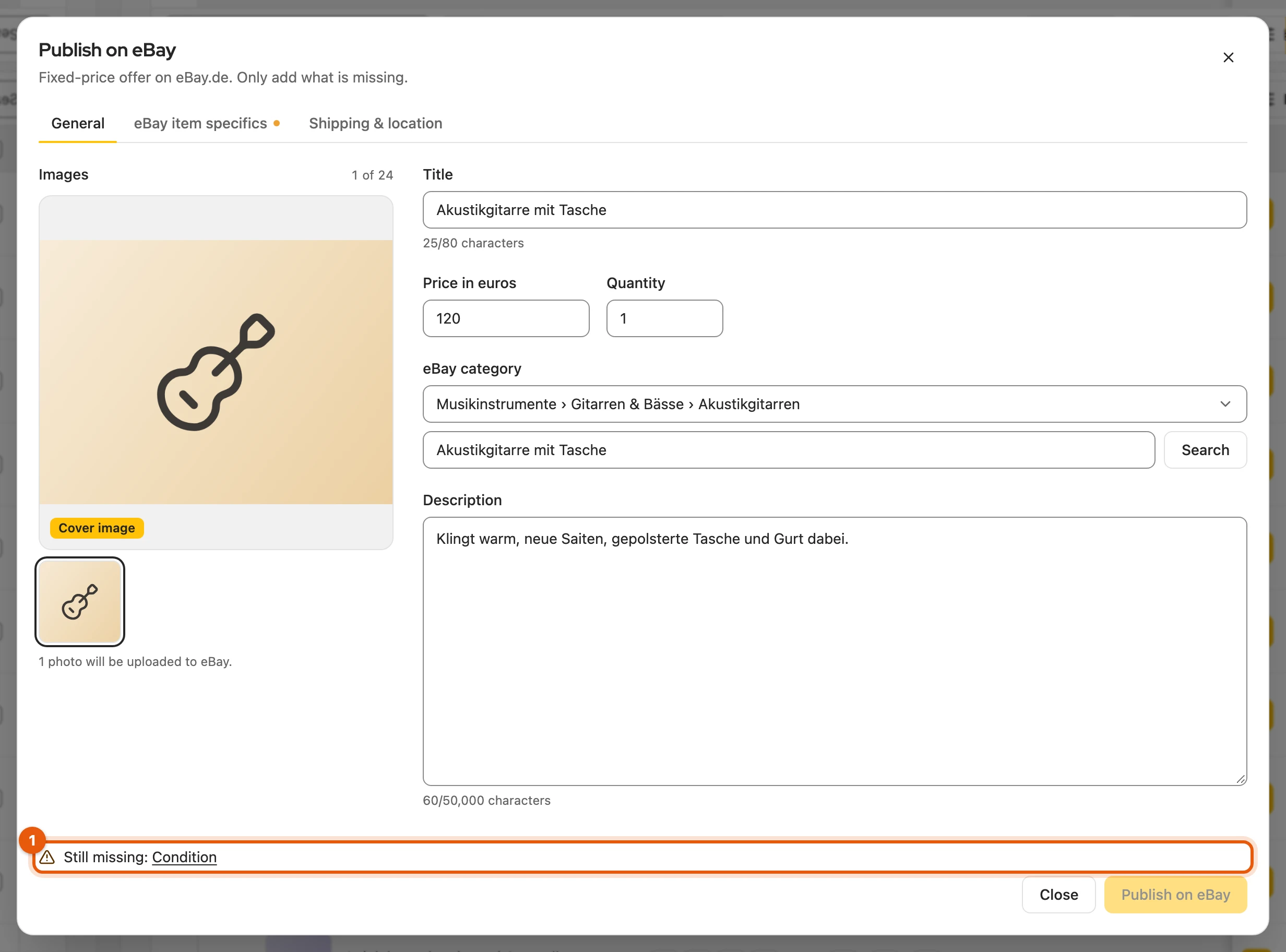
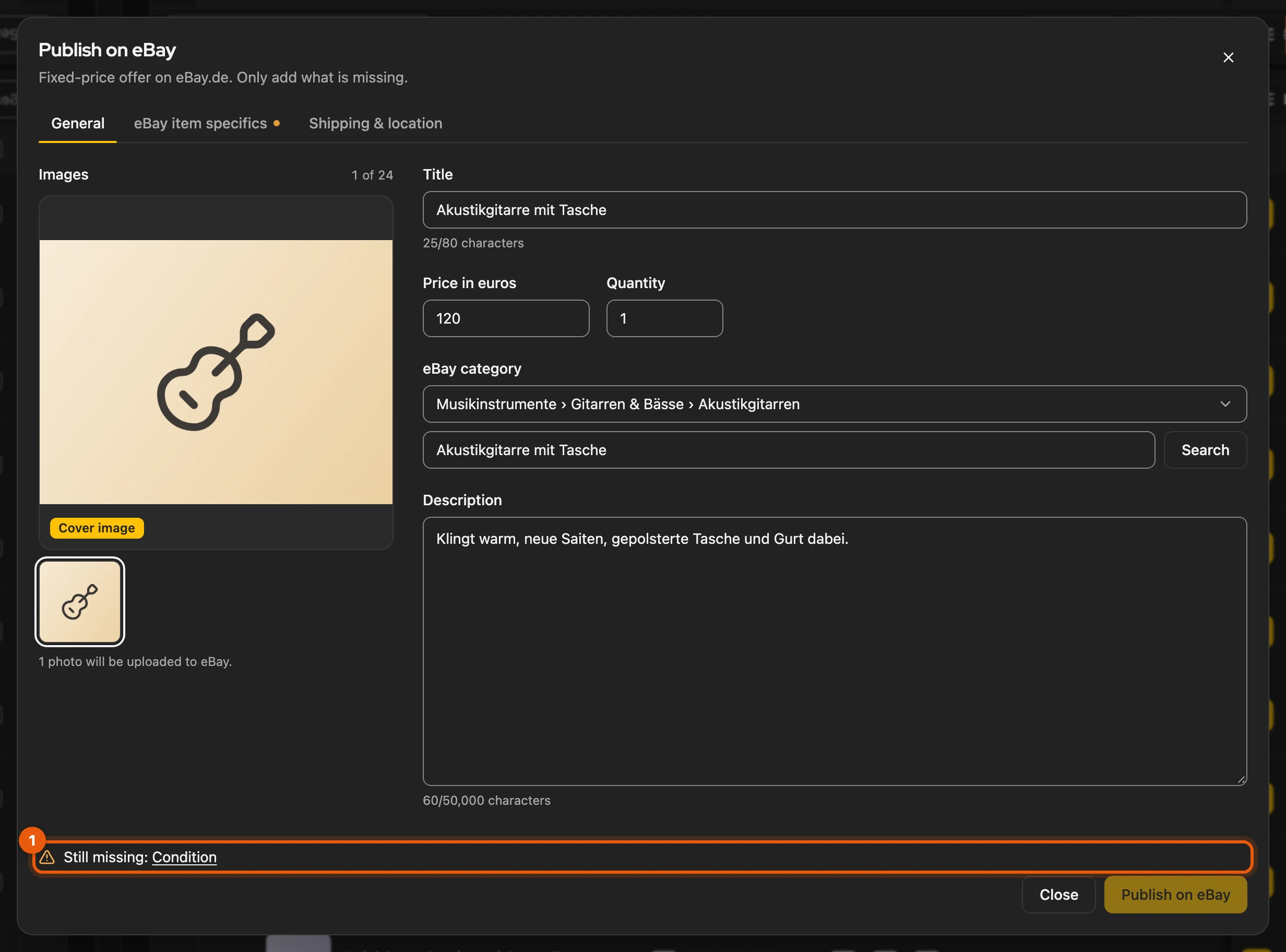
Under General you choose eBay.de, eBay.at or eBay.ch, and Fixed price or Auction. Kleinanzeigen-Enhanced suggests open required item specifics (Suggested. Please check.), from the Privat licence. Kleinanzeigen-Enhanced does not transfer vehicles to eBay.
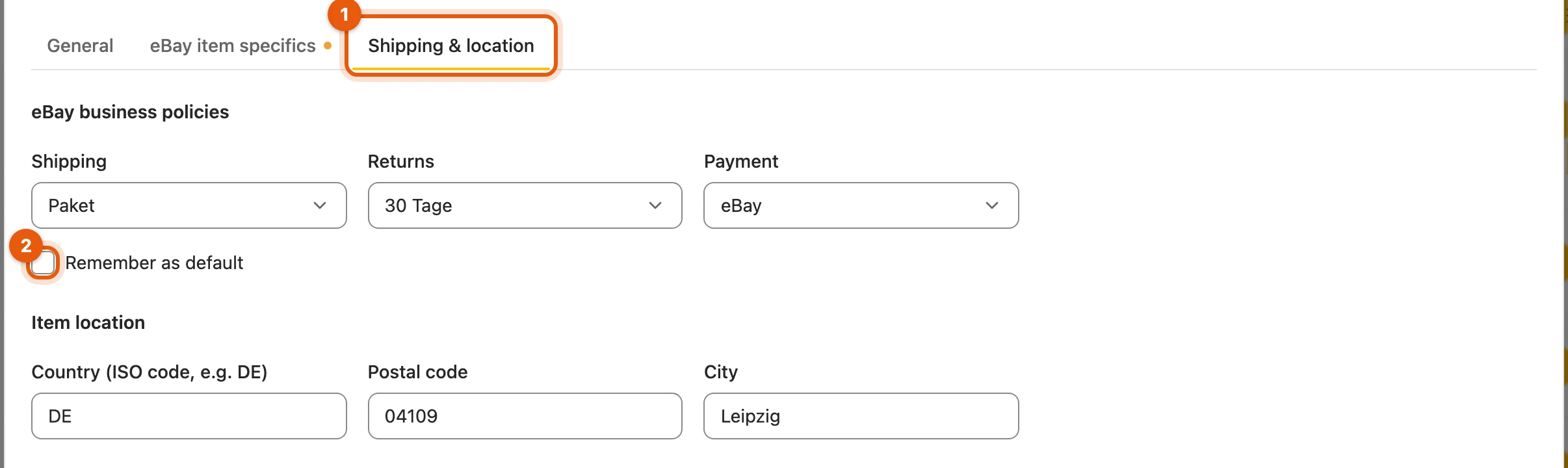
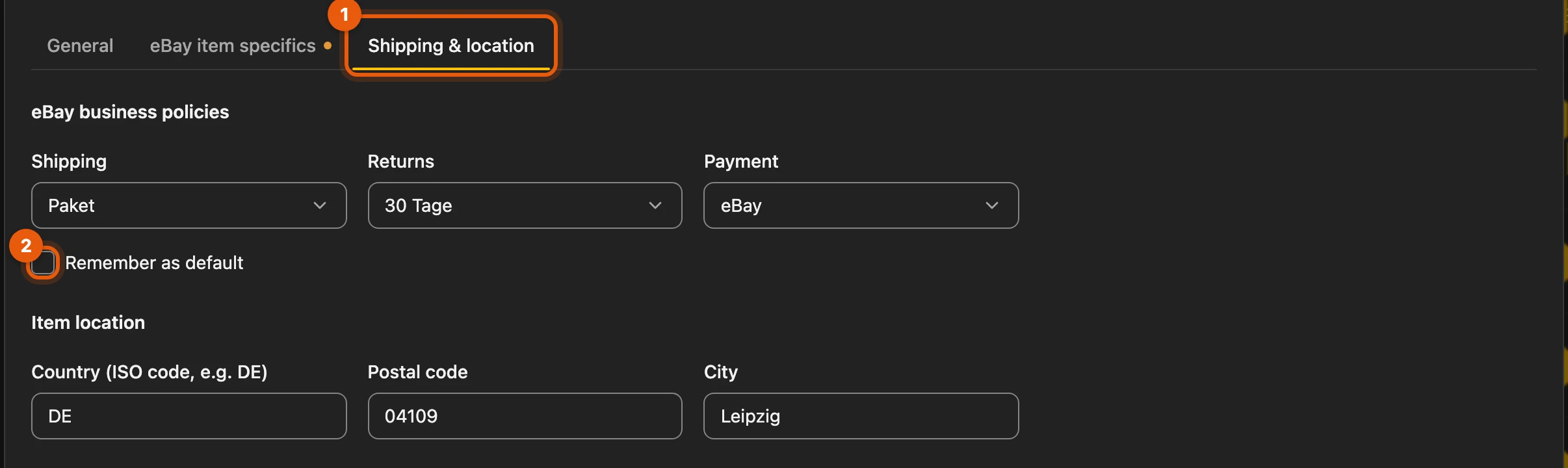
Under Shipping & location (1) you choose your eBay business policies and the item location; Remember as default (2) keeps them for the next items.
More: limits, fees, auctions, offers, shipping and credits
| Topic | Rule |
|---|---|
| Limits | 1 to 24 pictures, title up to 80 characters, price from €1 (on eBay.ch from 1 franc) |
| Fees | If the estimated fee is above €0, nothing is sent without your consent; the estimate is not an invoice |
| eBay.ch | All amounts in Swiss francs; Kleinanzeigen-Enhanced converts nothing. The marketplace you used last is suggested again |
| Auction | 1 to 10 days from a starting price, exactly one piece; optionally a Buy It Now price above the starting price (needed if your payment policy requires immediate payment). End it only on eBay; the automatic price reduction leaves auctions alone |
| Offers | Allow offers for a fixed price, already on for ONO; Decline below and Accept from are optional and lie below the price |
| Business policies | Default also under Settings › Platforms › eBay › eBay business policies; a shipping policy per parcel size (small, medium, large) is possible; an item transferred before keeps your earlier choice. If your eBay account lacks them, Kleinanzeigen-Enhanced takes you to eBay |
| Abroad | Without business policies: Also ship abroad under Shipping & location (EU countries, Europe or worldwide, service and cost); with business policies, your shipping policy covers it |
| Credits | Values from eBay’s selection lists cost nothing; freely worded values such as the brand cost one credit, only if a value comes out. Without credits they stay empty |
| List again | After the end or expiry the same way; eBay gives a new item number |
| Vehicles | eBay has its own rules for them; choose another category or list directly on eBay |
The eBay authorisation is stored encrypted in your Kleinanzeigen-Enhanced account; for switching accounts see the ? next to eBay connection. Suggestions exist only in the dialog; nothing is published until you click Publish on eBay.
Facebook, markt.de and Quoka: form only
Section titled “Facebook, markt.de and Quoka: form only”Here Kleinanzeigen-Enhanced only fills in the form, also without a licence. You publish, change and delete yourself; the listing is not linked.
- Click the logo in the inventory’s One-way targets column, or in the item under Transfer in the group Form only.
- The first time, click Open form and allow the browser access.
- Add what is missing there and publish.
If you do not use one of the three, hide it under Visible marketplaces.
More: what is filled in on each platform
| Platform | Filled in | You add yourself |
|---|---|---|
| Facebook Marketplace | title, price (whole euros), up to 10 pictures; the description as soon as you have chosen the category | category, condition, location |
| markt.de | title, description, up to 12 pictures (JPEG, PNG, GIF) | category; price and location in the next step |
| Quoka | title (up to 100 characters), description (up to 5,000 characters), price with Verhandelbar (negotiable) for ONO, up to 10 pictures | category, location, contact details |
- Texts that are too long are shortened; a notice on the page says so. If filling in does not work: Try again or Close tab.
- After filling in, the logo is coloured and the day of the last transfer is shown below it. Another click fills in the form again.
- Also in My listings (the Transfer column, behind the divider) and on Kleinanzeigen under Transfer to ….
- Without the browser permission the form would stay empty. If you are not signed in to Facebook, Kleinanzeigen-Enhanced asks you to sign in first.
When something is in the way
Section titled “When something is in the way”A dialog names the obstacle; the yellow button fixes it.
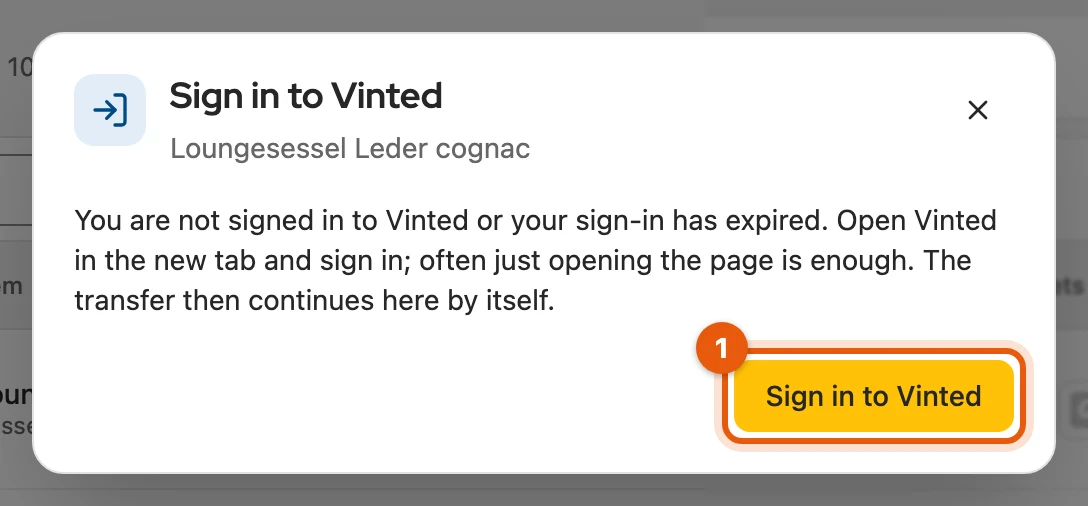
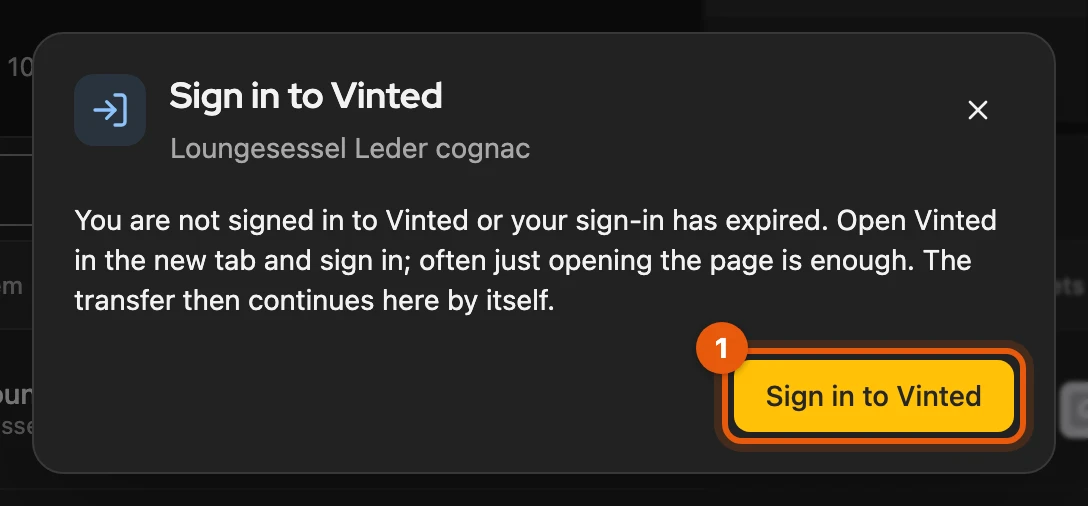
- Not signed in: Sign in to …; after that the transfer continues.
- Platform not responding: nothing was transferred. Try again, Fill in the form or Sign in to … (1).
- Details rejected: Edit item; the dialog names the detail.
- Vinted wants a captcha: Confirm on Vinted, then Try again (more).
- Maybe already created: Check again; link a draft it finds with This is it.
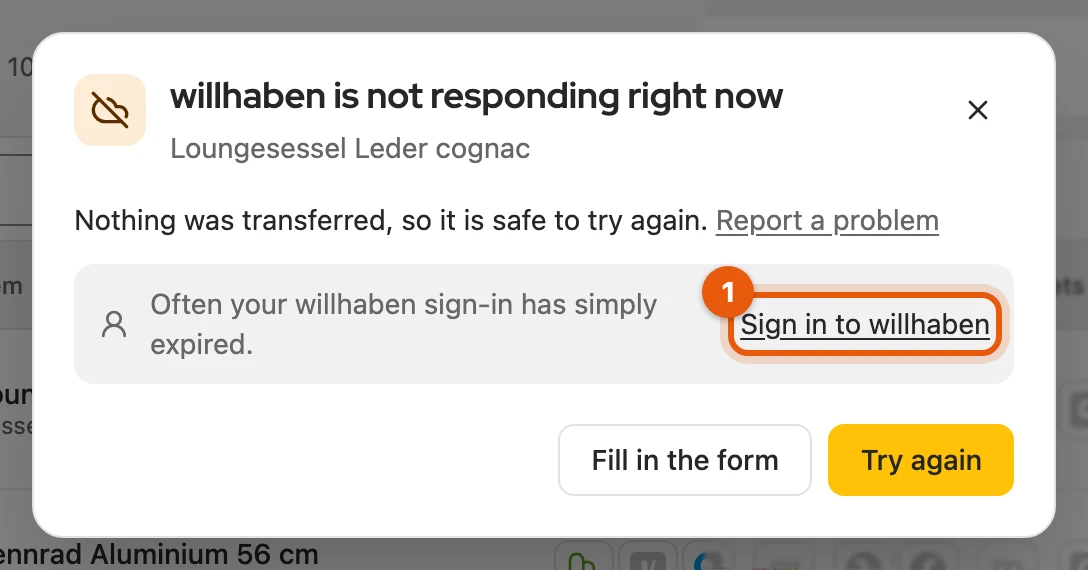
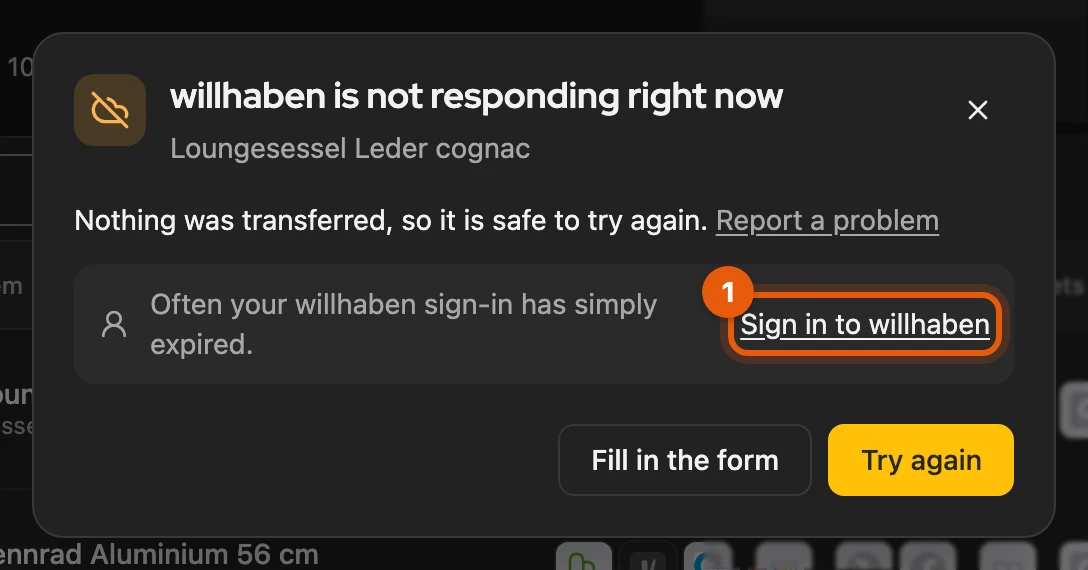
If it still fails, Report a problem in the dialog opens the report dialog with the error code.
More: less common obstacles
| Obstacle | Solution |
|---|---|
| access to Facebook, markt.de or Quoka not yet allowed | Allow access; after that it continues by itself |
| item does not suit the platform | Edit item, for example shorten the title or reduce the pictures |
| platform is throttling right now | try again later; the earliest time is shown in the dialog |
| Vinted turns the transfer away | Open Vinted, then Try again |
| the check finds nothing | No draft created – continue (on eBay No offer created – continue) frees the item and transfers it |
| a process is still open | Open processes and wait |
| commercial listing on a Kleinanzeigen account with a package, without a Business licence | View plans, or Sign in while signed out; see Commercial listings |
Not signed in: often just opening the platform’s page is enough; otherwise start with Start transfer.