

Text templates
Text templates are texts you need again and again. They are included in every version.
Create a template
Section titled “Create a template”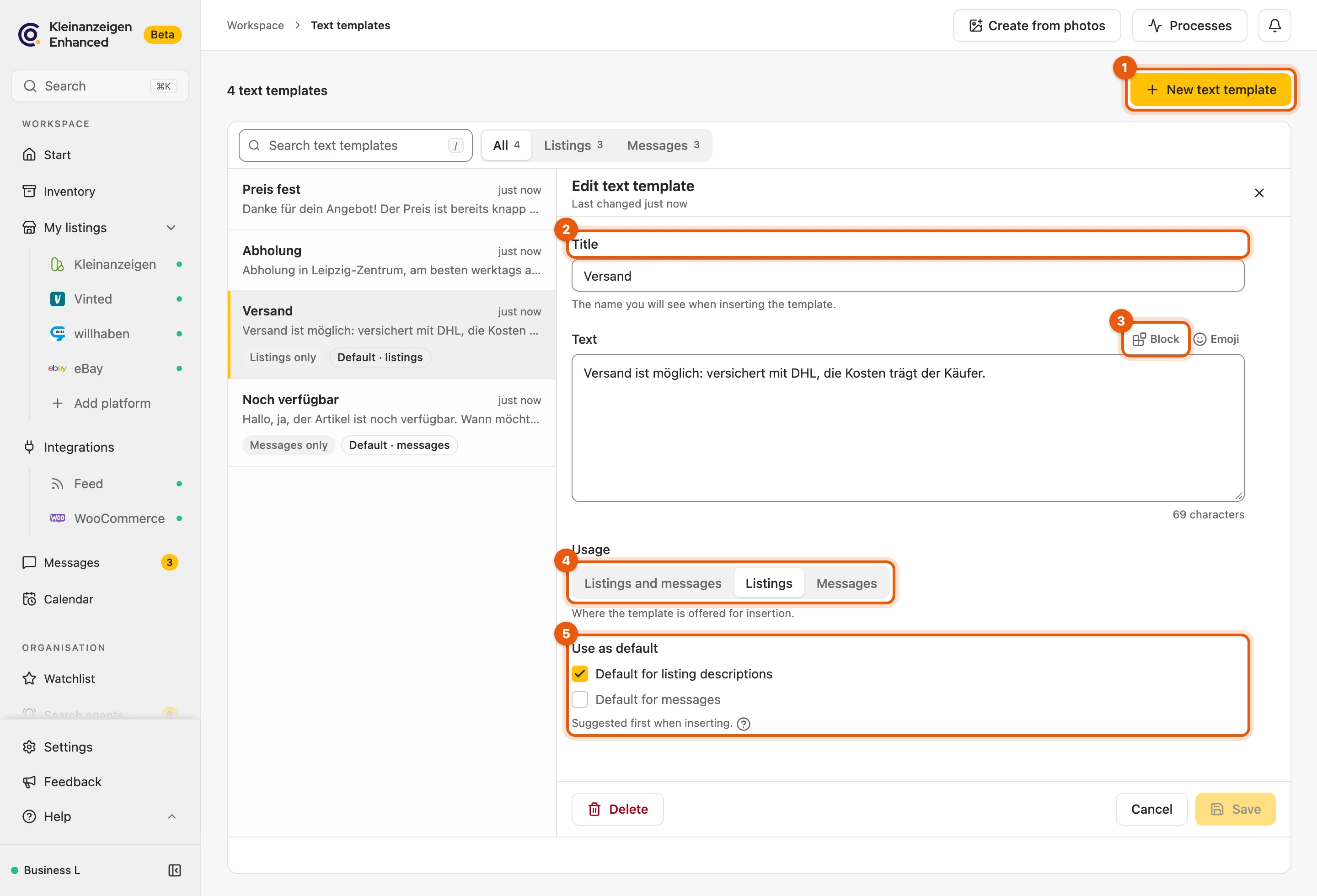
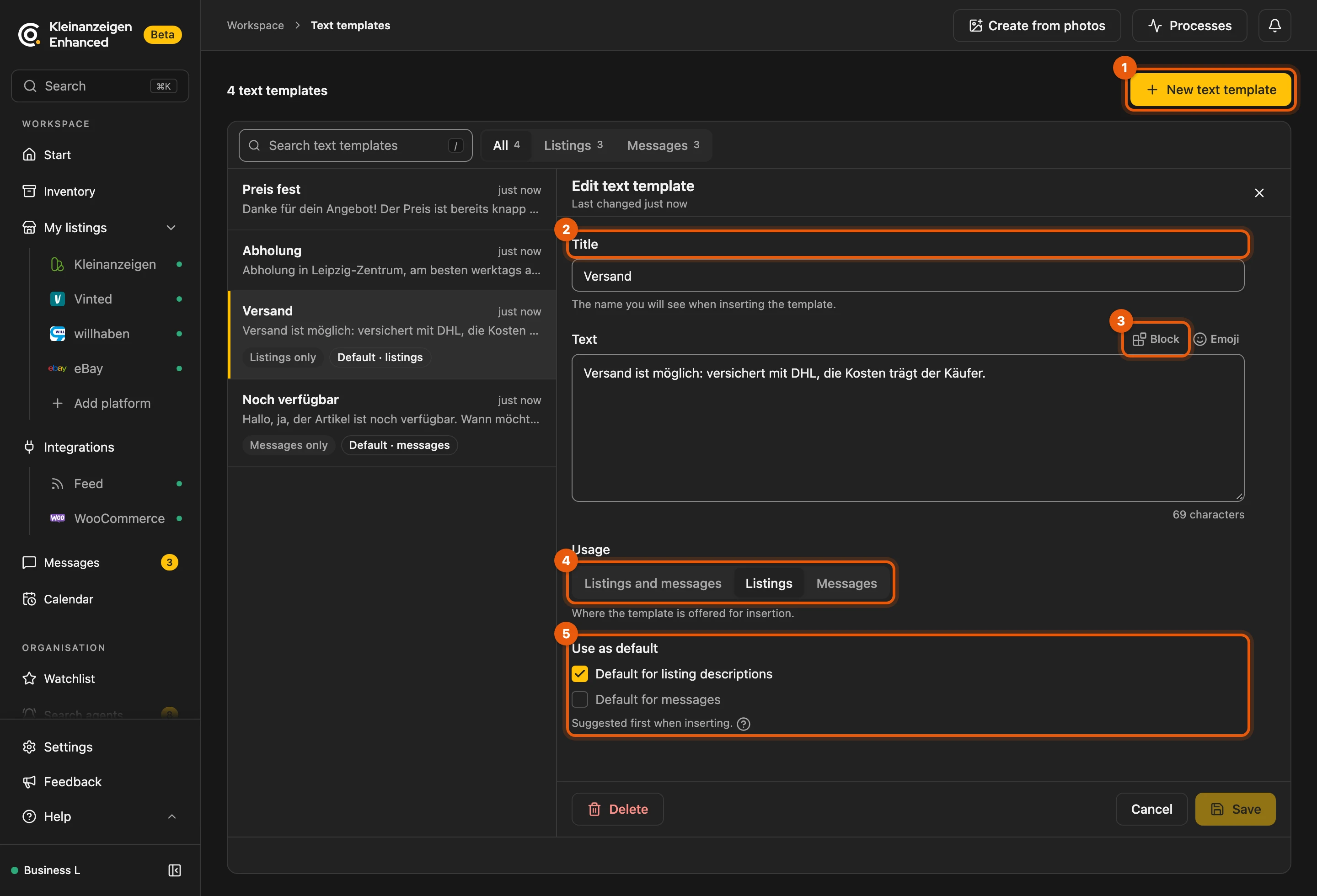
- In the dashboard, open Text templates and click New text template.
- Enter a Title and write the Text. Block inserts ready-made pieces of text.
- Choose the Usage: Both, For listings or For messages.
- Optional: Use as default, so it is suggested first.
To edit, click a template and keep your changes with Save. You bring in templates from Version 5 with Import from Version 5.
More: limits and defaults
- Up to 500 templates.
- There is one default each for listing descriptions and for messages.
- Without a title, the template gets the block’s name. Emoji inserts symbols.
- Deleted templates: text you have already inserted is kept.
- Import from Version 5 appears as long as you have no text templates yet and leads to Settings › Data & import.
Insert a template
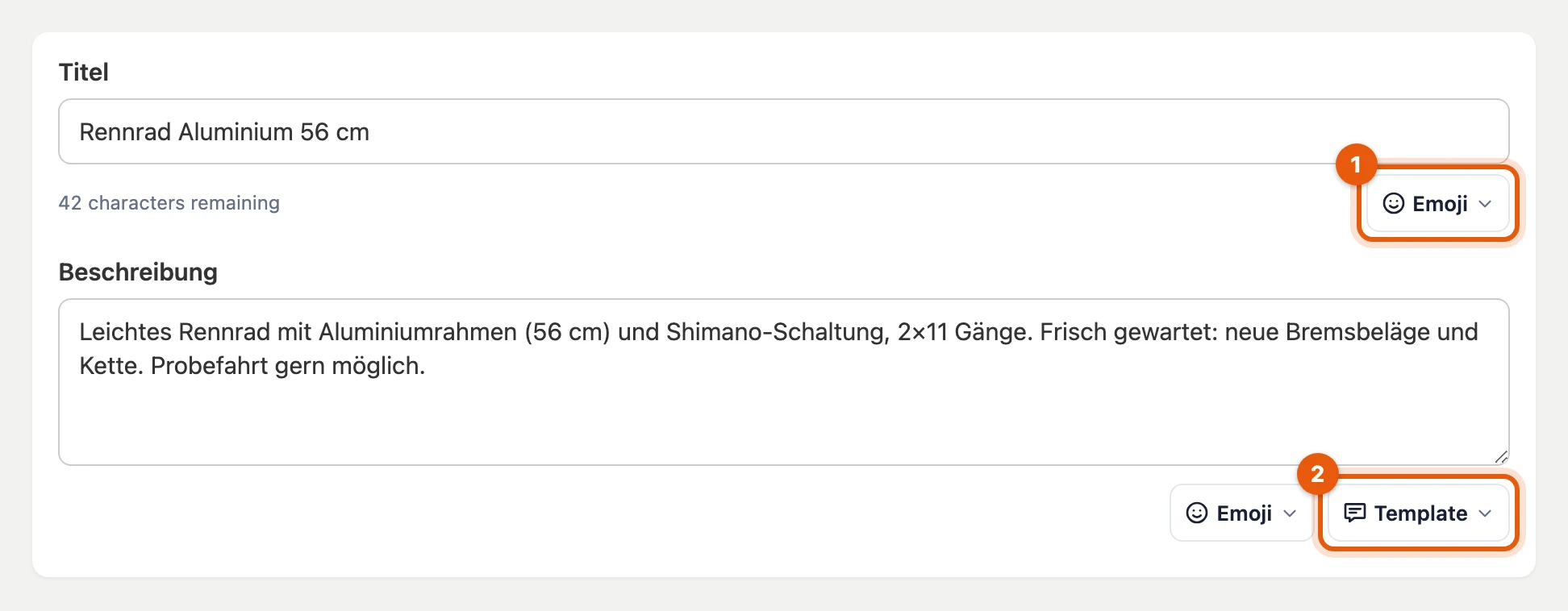
Section titled “Insert a template”The Template button sits in the listing form and inbox on kleinanzeigen.de, under Messages in the dashboard and above the Description when editing.
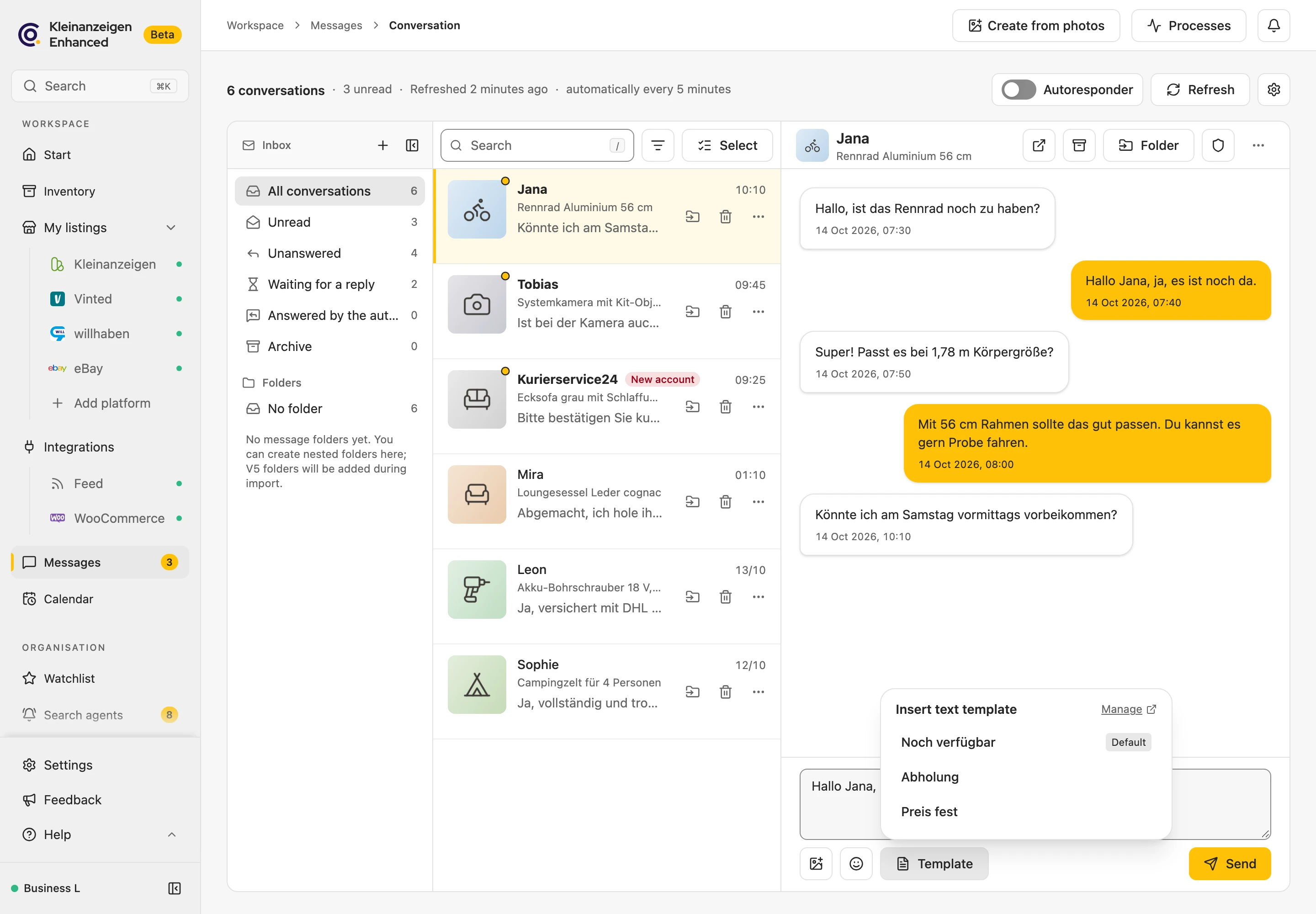
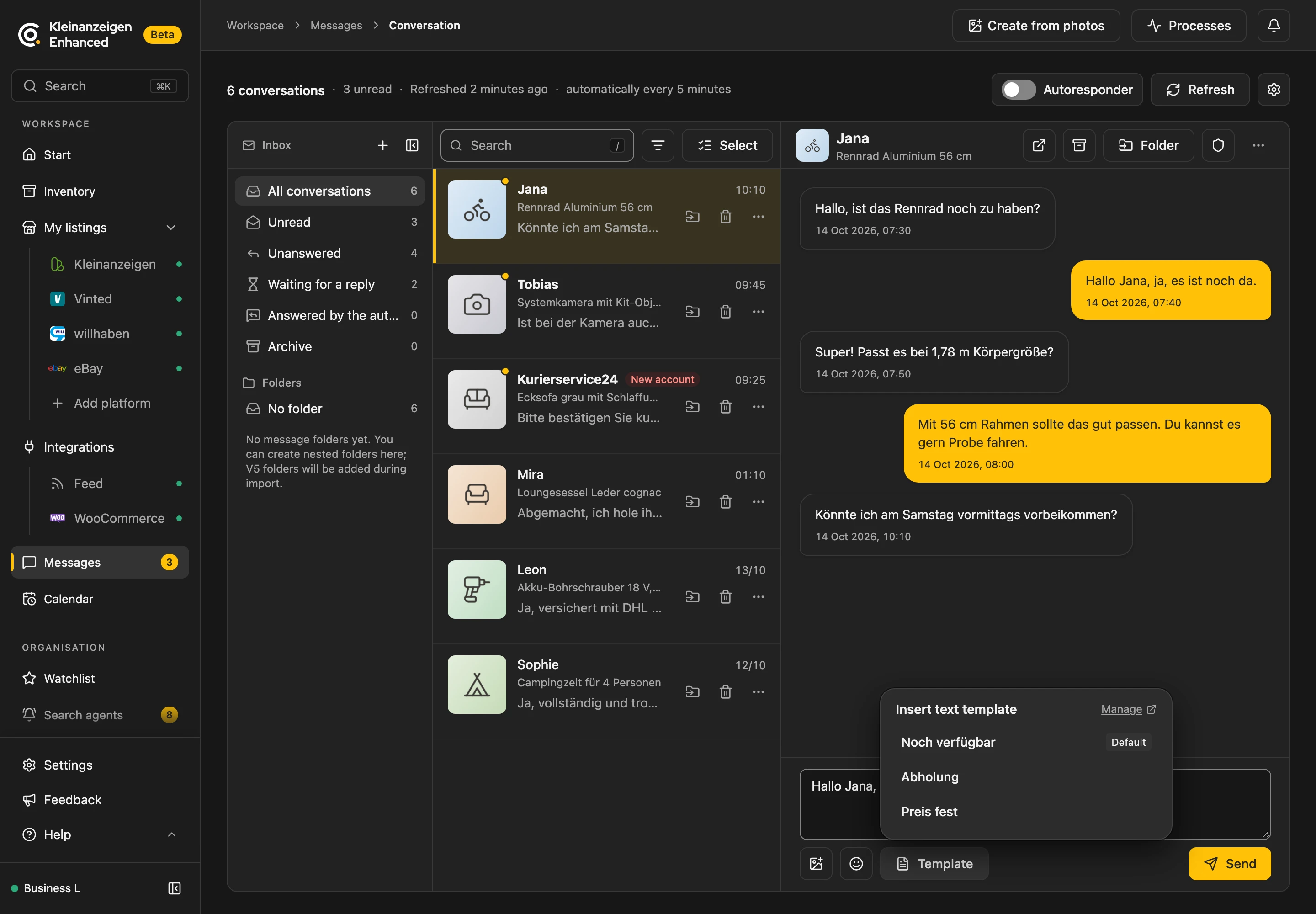
In messages, {Sender} becomes the other person’s name and {Titel} the listing title.
More: where to find it and placeholders
- The text goes in at the cursor, or at the end if you have not clicked into the description.
- In Edit multiple items and Change fields … the template is a small icon next to the description fields, and it also appears in contact forms on kleinanzeigen.de.
- Name not known: the placeholder is left out.
Hello {Sender},becomesHello,.
Default template in new listings
Section titled “Default template in new listings”The Default for listing descriptions is already in the description when you post a new, empty listing on kleinanzeigen.de. You switch this off under Settings › On-site panels with Text templates in input fields.
More: when the default template does not appear
- The title or description is already filled in.
- You edit an existing listing.
- You publish from the inventory.
- Your package’s description supports bold text, headings and lists: insert the template there with the Template button.