

Vinted with Kleinanzeigen-Enhanced
Vinted does not allow third-party software. Kleinanzeigen-Enhanced therefore only writes there when you click and creates drafts by default. You are responsible for your Vinted account.
What Kleinanzeigen-Enhanced can do on Vinted
Section titled “What Kleinanzeigen-Enhanced can do on Vinted”- See listings in My listings and take them over into the inventory
- Transfer items, also several as drafts: Ways to Vinted
- Recognise sales and lower prices with one click: Sales and prices
- Market check and Search agents (experimental)
Ways to Vinted
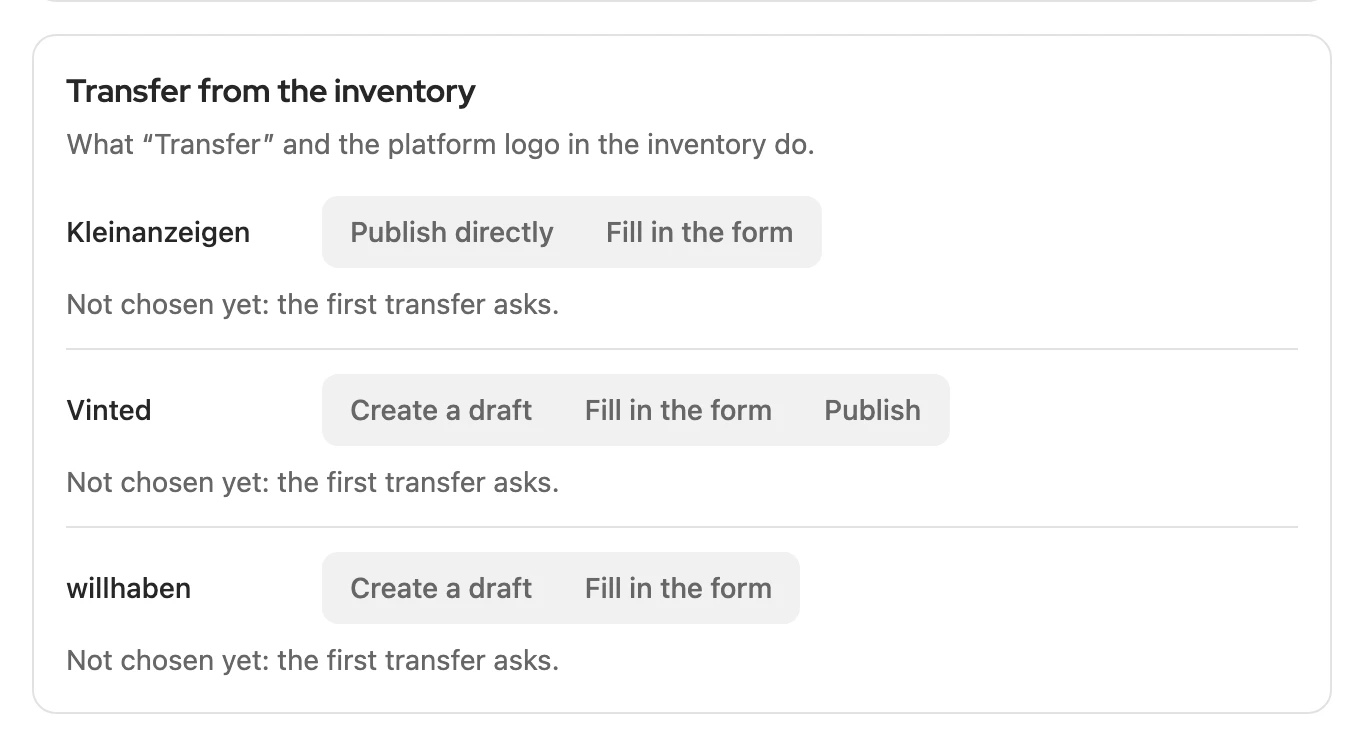
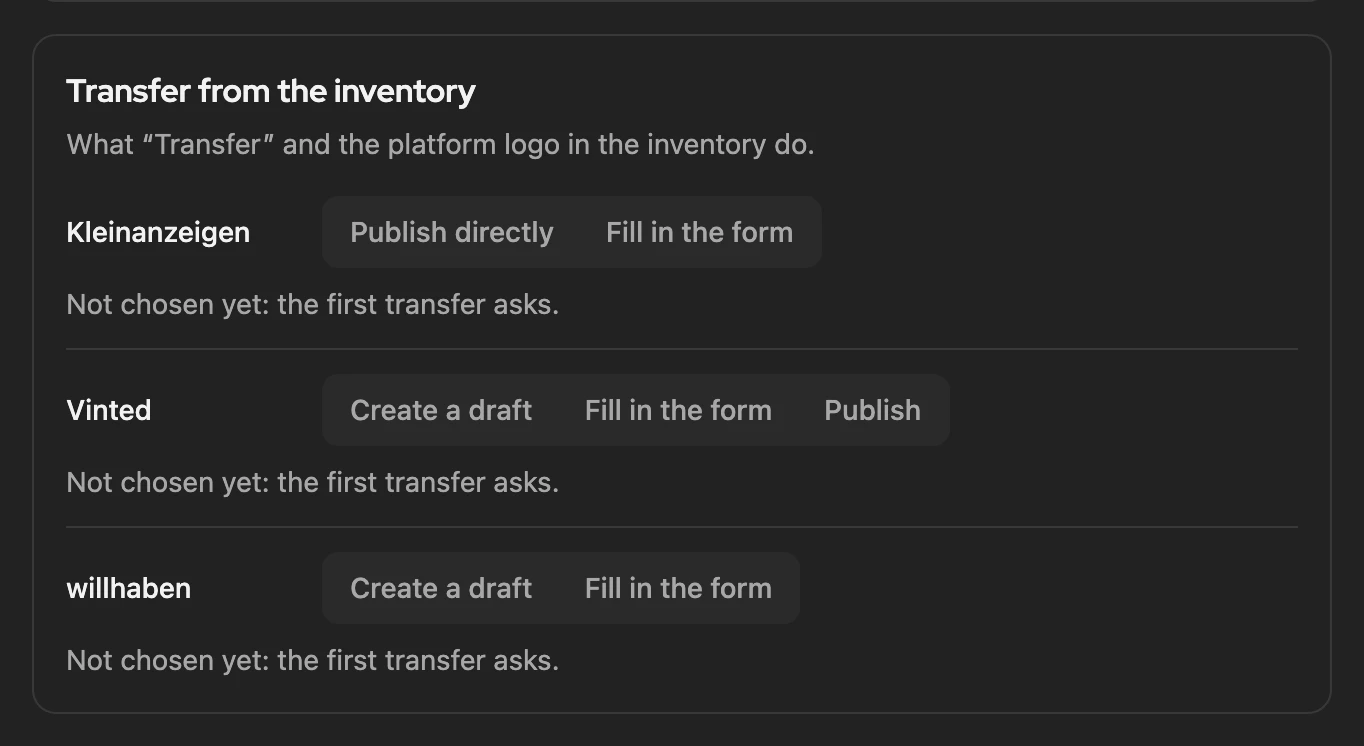
Section titled “Ways to Vinted”The safest way is Create a draft (default): you add the rest and shipping and publish on Vinted. You switch on Publish only under Settings › Inventory with Enable at my own risk. All routes: Transfer › Vinted.
More: draft, publishing and notices
- Draft: brand and size are set when the item names them and they match Vinted unambiguously; the message after the transfer names what is missing.
- Form: it opens filled in in a new tab; you click Upload on Vinted. The listing is then linked if title and description are unchanged.
- Licence: drafts and publishing from Privat; otherwise the form opens. You choose the route in the card Transfer from the inventory.
- Publish: first you confirm the dialog Publish directly at your own risk. If Vinted refuses some details, for example because brand or size are missing, a draft is saved instead, with Vinted’s reason. This route never appears on the first transfer. Kleinanzeigen-Enhanced briefly opens a Vinted tab in the background for it, which closes by itself.
- Settings › Platforms › Vinted shows the chosen route in the card Transfer to Vinted and leads there.
- Before the first transfer, a notice on Vinted’s rules appears once; continue with Got it.
Several items
Section titled “Several items”Several items always go as drafts, even with Publish, with a 30 to 60 second pause in between (50 drafts take about 40 minutes). To start: Several items as drafts.
Sales and prices
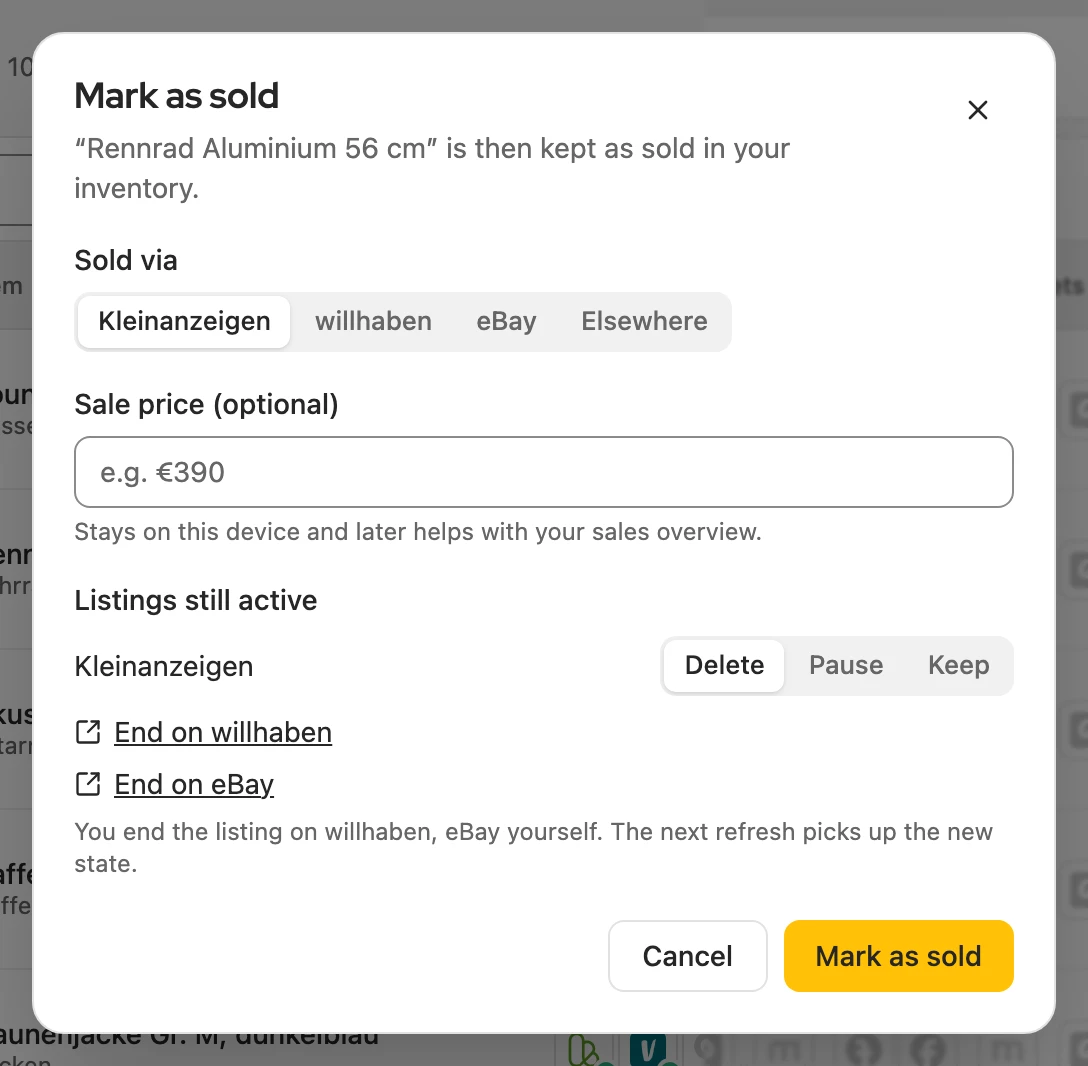
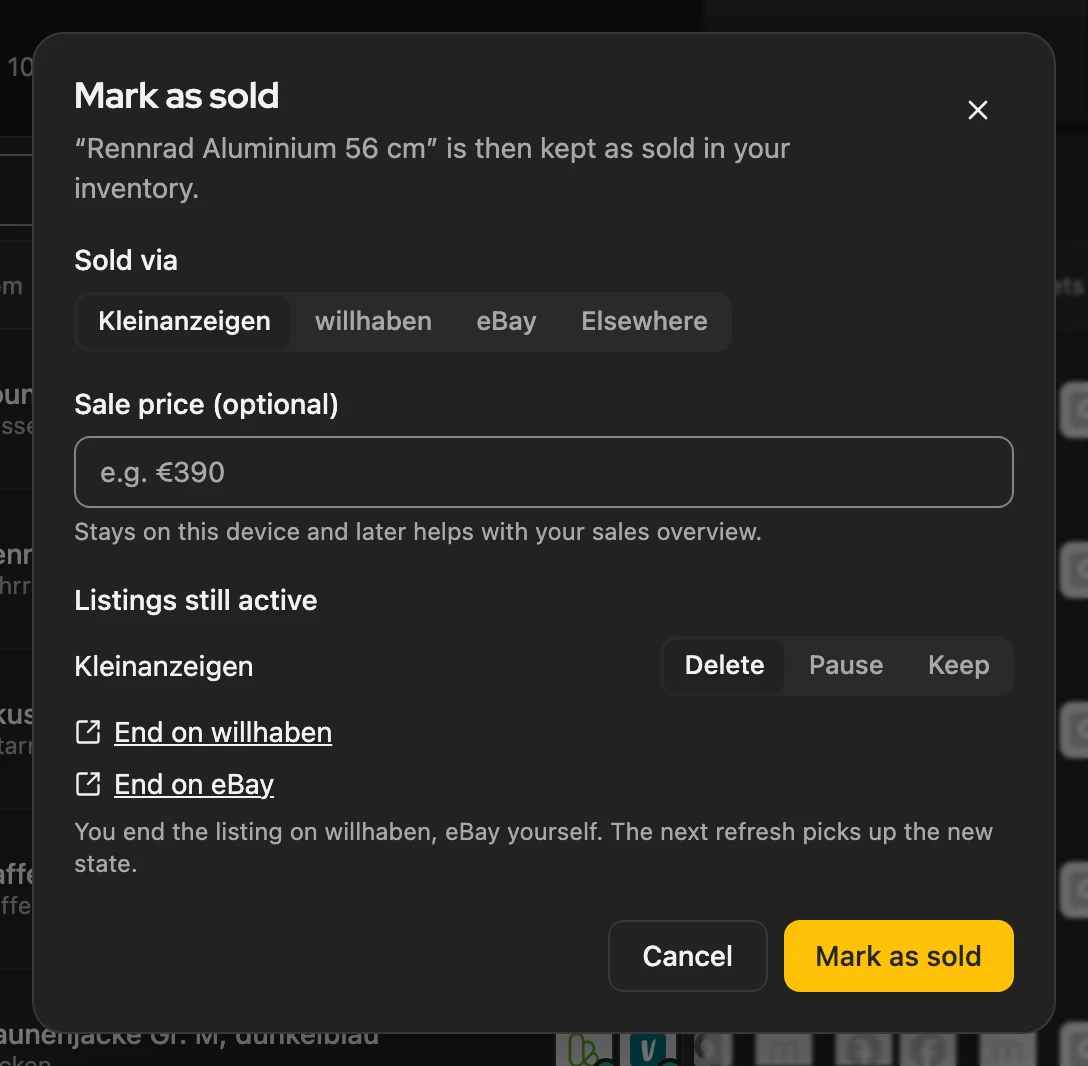
Section titled “Sales and prices”Recognise a sale: if an item sells on Vinted, Kleinanzeigen-Enhanced asks, for example, “End it on Kleinanzeigen?”. A click opens Mark as sold; only what you confirm is ended. To switch off: Settings › Notifications › Notify me about sales on Vinted.
Price with one click: if the sales agent suggests a reduction, Lower to … changes the price, one listing at a time.
More: when syncing happens and rules for price reductions
Sync
- When you use Vinted in the browser and when you open the dashboard, at most once an hour. There is no schedule for it.
- If you have not been on vinted.de for more than about an hour, the dashboard briefly opens the Vinted start page in the background so Vinted renews your sign-in. The tab closes after a few seconds.
- If Vinted asks for a break, Kleinanzeigen-Enhanced reads through a Vinted tab when you open the dashboard. If Vinted refuses that too, Kleinanzeigen-Enhanced asks again by itself only after half an hour to a few hours. Check again asks at once.
- You also find sales later in the bell at the top right. With the notification off, Vinted is no longer synced.
Price reduction
- Vinted notifies everyone who favourited your listing; the suggestion says how many.
- At least 5 %, at most once in 7 days per listing, only one listing at a time.
- Kleinanzeigen-Enhanced never lowers on Vinted on a schedule; lowering the price step by step only reminds you there.
- On a captcha the process stops: under Processes, Confirm on Vinted opens the listing, then Try again continues. If Kleinanzeigen-Enhanced turns the click down, Change on Vinted opens the Vinted editor.
What Kleinanzeigen-Enhanced deliberately does not do
Section titled “What Kleinanzeigen-Enhanced deliberately does not do”- Nothing without your click: no schedule, no calendar, no bulk action publishes.
- No relisting, no bumping, no messages, favourites or offers in your name.
- No editing of your photos; transfers go only to vinted.de.
Captcha or transfer turned away
Section titled “Captcha or transfer turned away”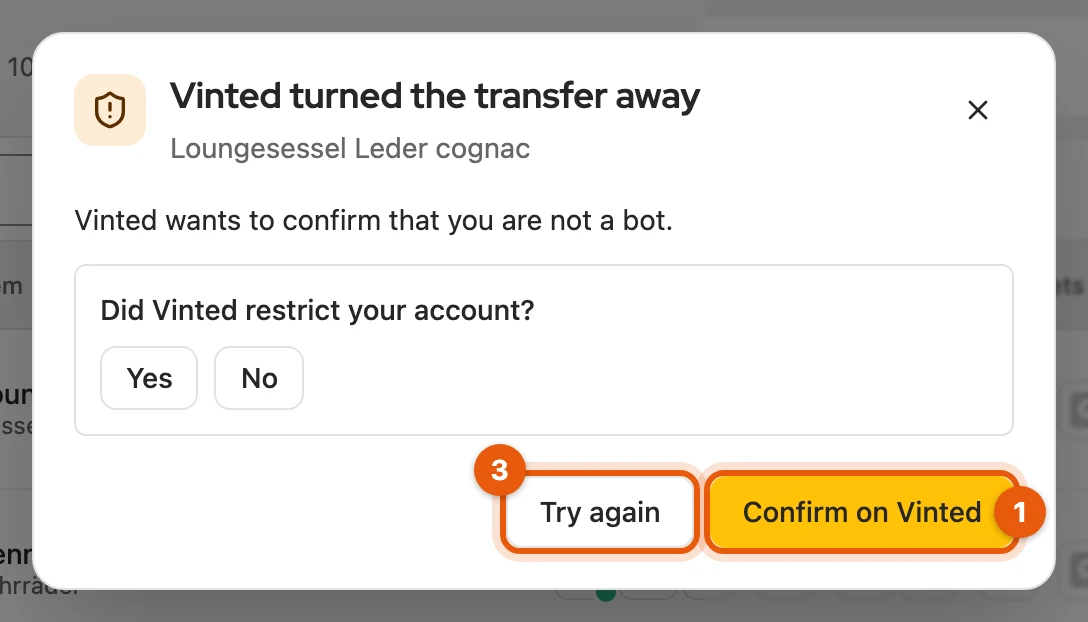
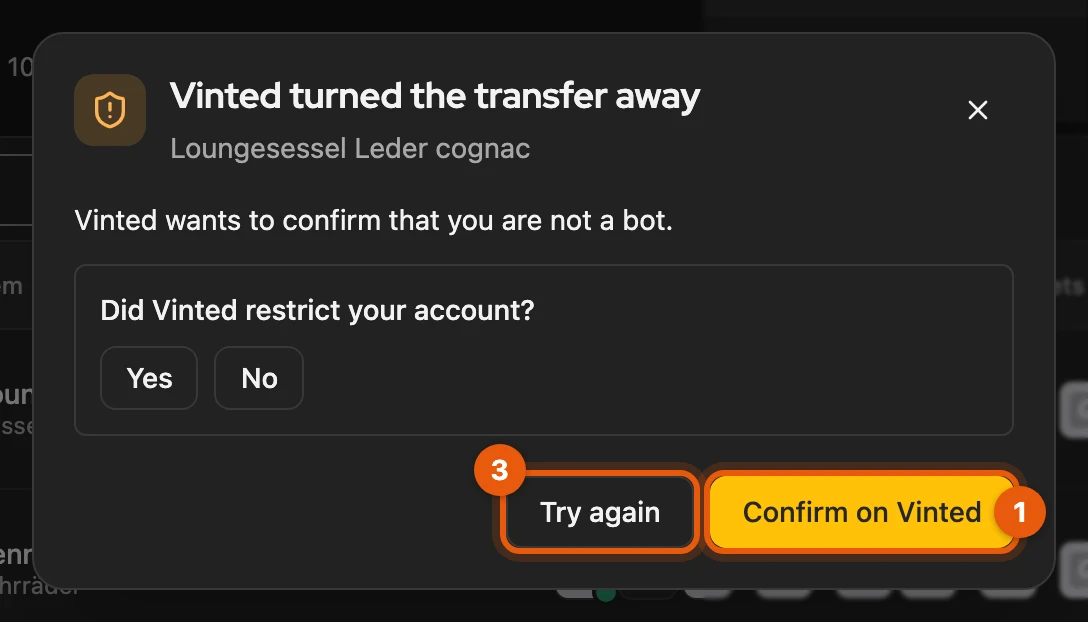
- Click Confirm on Vinted or Open Vinted in the dialog.
- Confirm or check it on Vinted.
- Click Try again.
Kleinanzeigen-Enhanced repeats nothing on its own; several drafts wait. If your sign-in has expired, Sign in to Vinted helps.
Vinted asks for a break
Section titled “Vinted asks for a break”If My listings › Vinted shows Vinted asks for a break, waiting usually does not help:
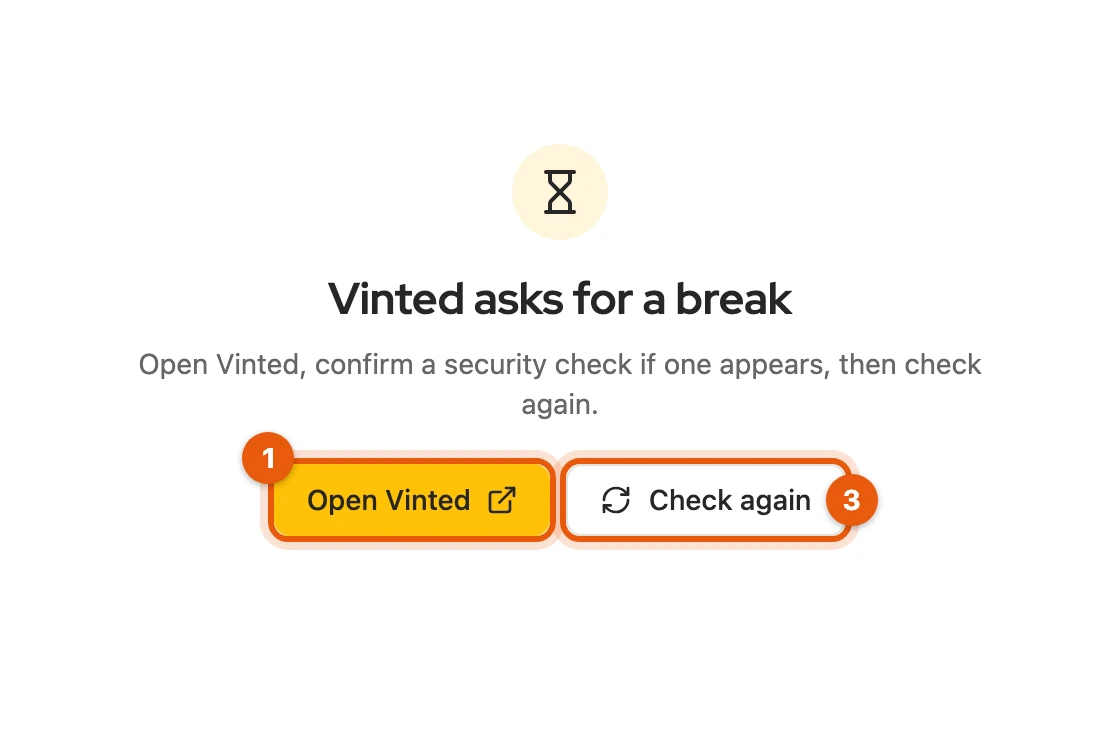
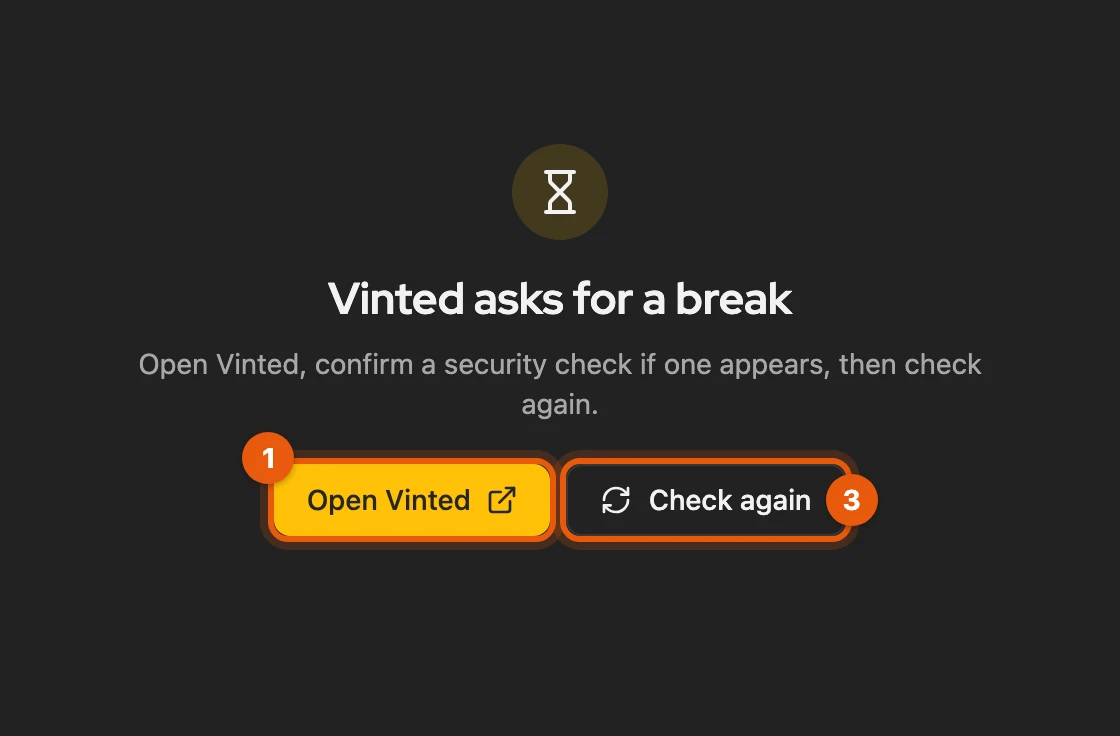
- Click Open Vinted.
- Confirm a security check there if one appears.
- Click Check again.
Before that, Kleinanzeigen-Enhanced tries on its own through a Vinted tab in the background.
If Vinted restricts your account
Section titled “If Vinted restricts your account”When Vinted suspects automation, it usually blocks listing and editing for 24 hours. Wait until the block ends and use drafts afterwards.
More: triggers and what Kleinanzeigen-Enhanced does about it
- Triggers according to user reports: fast series of actions, relisting the same items, identical pictures.
- Drafts are the default; there are 30 to 60 seconds between drafts.
- On a captcha, a request turned away or throttling, Kleinanzeigen-Enhanced stops and repeats nothing.
- After a transfer was turned away, Kleinanzeigen-Enhanced asks Did Vinted restrict your account? at most once a day. The answer stays in your browser; with consent to usage analytics it is counted anonymously.
- If blocks pile up, Kleinanzeigen-Enhanced can temporarily switch everything to the form (Transfers to Vinted use the form for now); several items at once are then not possible.
Commercial sellers
Section titled “Commercial sellers”Commercial sellers need a Pro account on Vinted; Vinted decides this (Vinted’s help). With a Business licence or a commercial Kleinanzeigen account, Kleinanzeigen-Enhanced points this out once but blocks nothing.