

Connect Shopware
Kleinanzeigen-Enhanced reads the products of your Shopware 6 shop through an integration with read permissions. Shopware is part of the licence from Business M (with a plan from version 5 from Business 100).
Create an integration in Shopware
Section titled “Create an integration in Shopware”-
In the Shopware admin, open “Settings › System › Integrations”, click “Add integration” and enter a “Name” (1).
-
Switch on “Administrator” (2). That is the easiest way; the individual permissions needed are listed below.
-
Copy the “Access key ID” (
SWIA…) and the “Secret access key” (3) and click “Save integration”. Shopware shows the secret access key only now.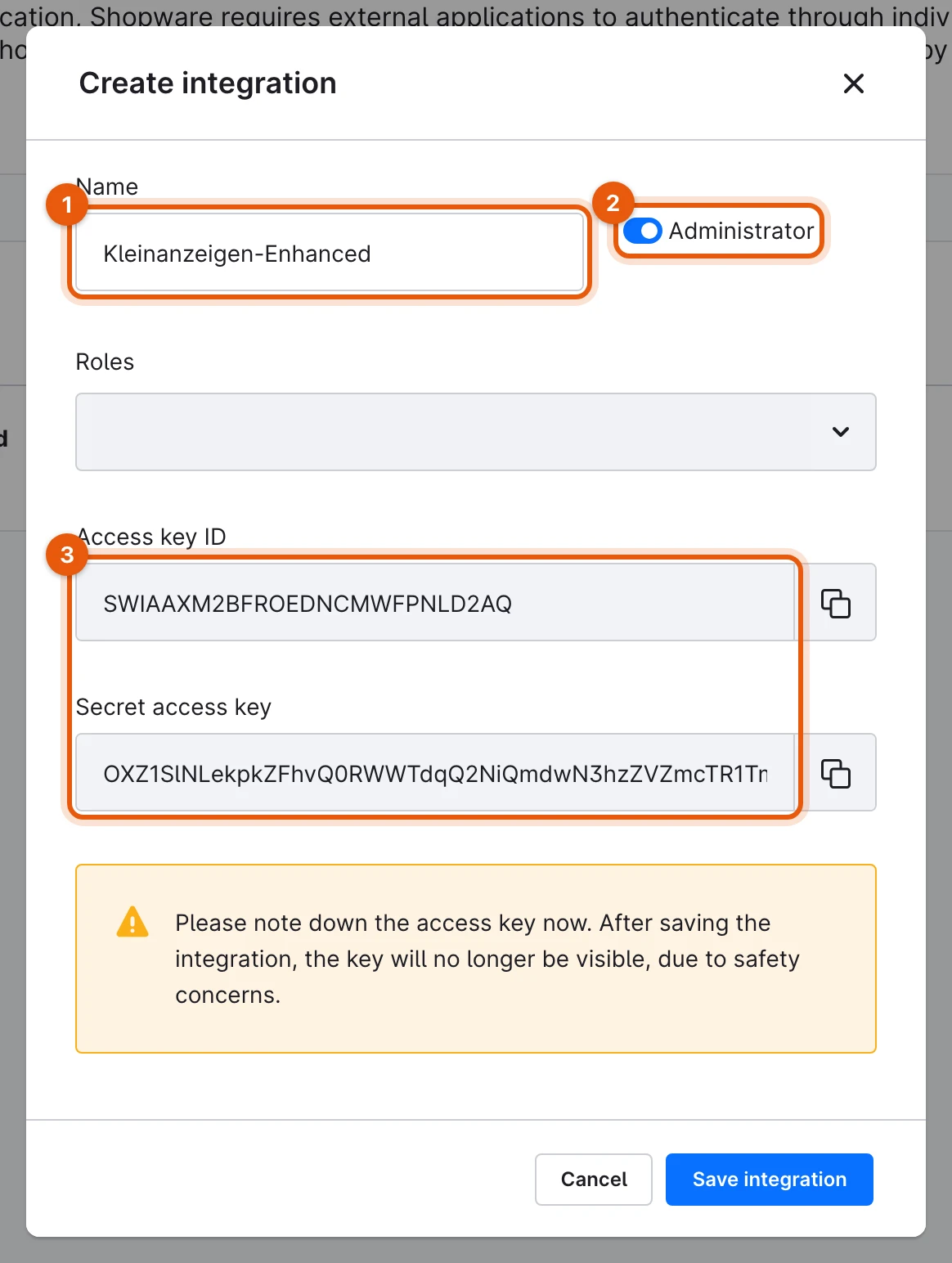
From a local test shop
More: permissions without Administrator
The integration then needs read permissions for products, media, categories, properties, manufacturers, tags, visibilities, currencies and languages.
Connect the shop
Section titled “Connect the shop”-
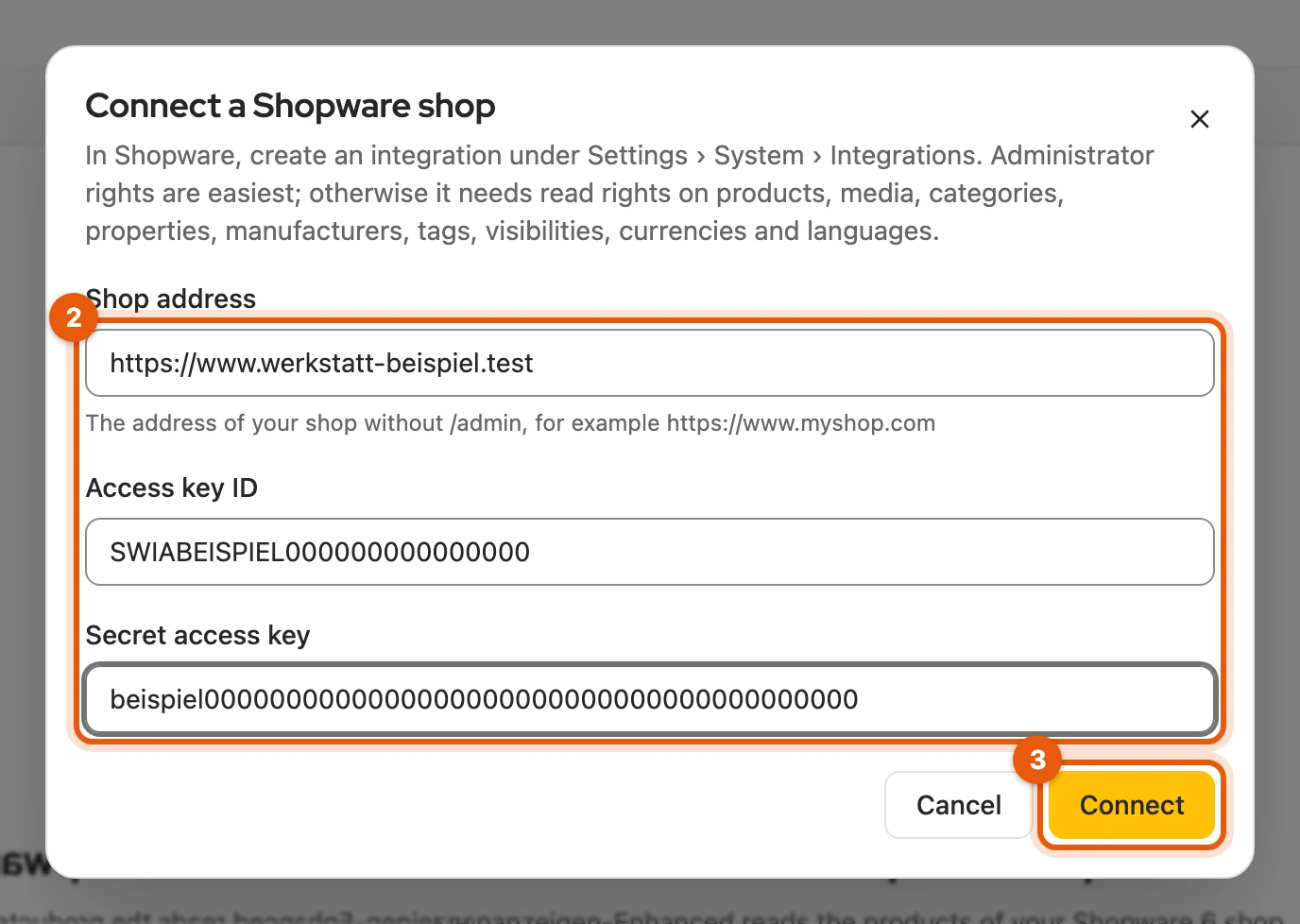
Open Integrations, click Set up on Shopware and then Connect shop.
-
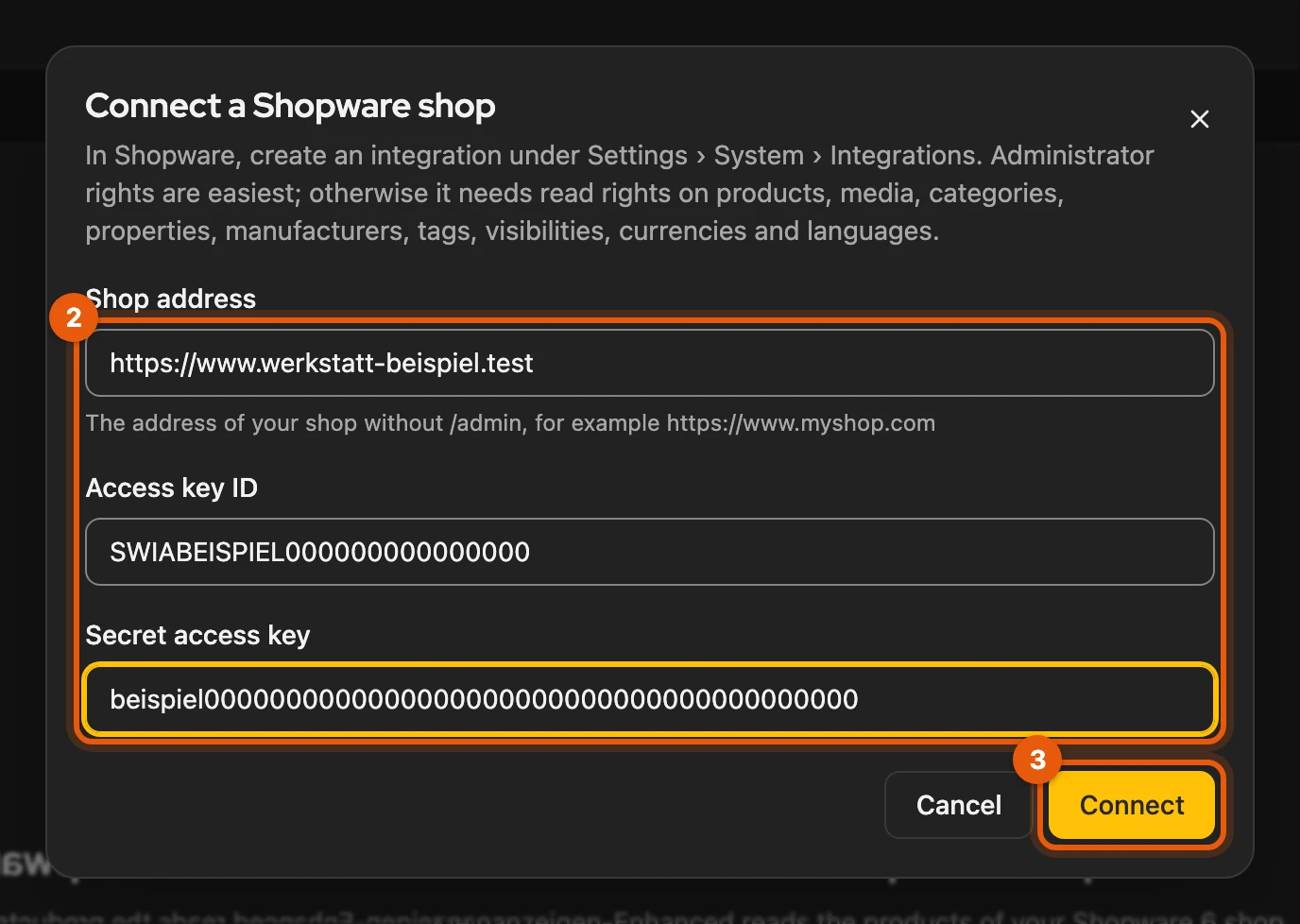
Enter the Shop address (
https://…, without/admin) and the Access key ID and Secret access key (2). -
Click Connect (3) and allow the browser to access your shop. Kleinanzeigen-Enhanced then loads all products once.
More: if connecting does not work
- Address without
https://: Kleinanzeigen-Enhanced does not send keys over an unencrypted connection. - Address redirects, for example to
www.: enter exactly the target address. Kleinanzeigen-Enhanced cuts off/adminby itself. - Credentials rejected: check the integration’s access key ID and secret access key.
- Shop answered unexpectedly: check whether it is a Shopware 6 shop and whether the integration has the read permissions listed above.
Working with the shop
Section titled “Working with the shop”Taking over, publishing and syncing work as for every shop or feed. If the connection needs something from you, the matching button appears next to it:
| Message | Button |
|---|---|
| Credentials rejected | Replace keys |
| Keys missing (for example after a restore) | Enter keys |
| Review needed | Review settings |
Kleinanzeigen-Enhanced takes the gross prices in euros; products with variants appear as one product.
Settings
Section titled “Settings”The gear opens the Shopware settings. Prices, Defaults and Sync work as for the feed. You connect one shop; for a different one, first remove the connected one.
More: sales channel, filters and removing
- Sales channel (optional): the ID of a sales channel from the Shopware admin, 32 characters. Products not visible there then count as inactive.
- Filter: terms under Only products with and Without products with, separated by
commas. Title, item number, category and tags are checked;
sofa*means “starts with sofa”. Only matching products are synced. - Remove shop from Kleinanzeigen-Enhanced: product list, settings and keys are gone, items and listings stay. You delete the integration itself in Shopware.