

Search agents
A search agent checks a search regularly and tells you about new listings. On Kleinanzeigen it searches with every licence from Privat up; more platforms come with the Suchagent package (see Platforms).
Create a search agent
Section titled “Create a search agent”Open Search agents and click New search agent. Only the search is required; Start search agent already works in the first step.
-
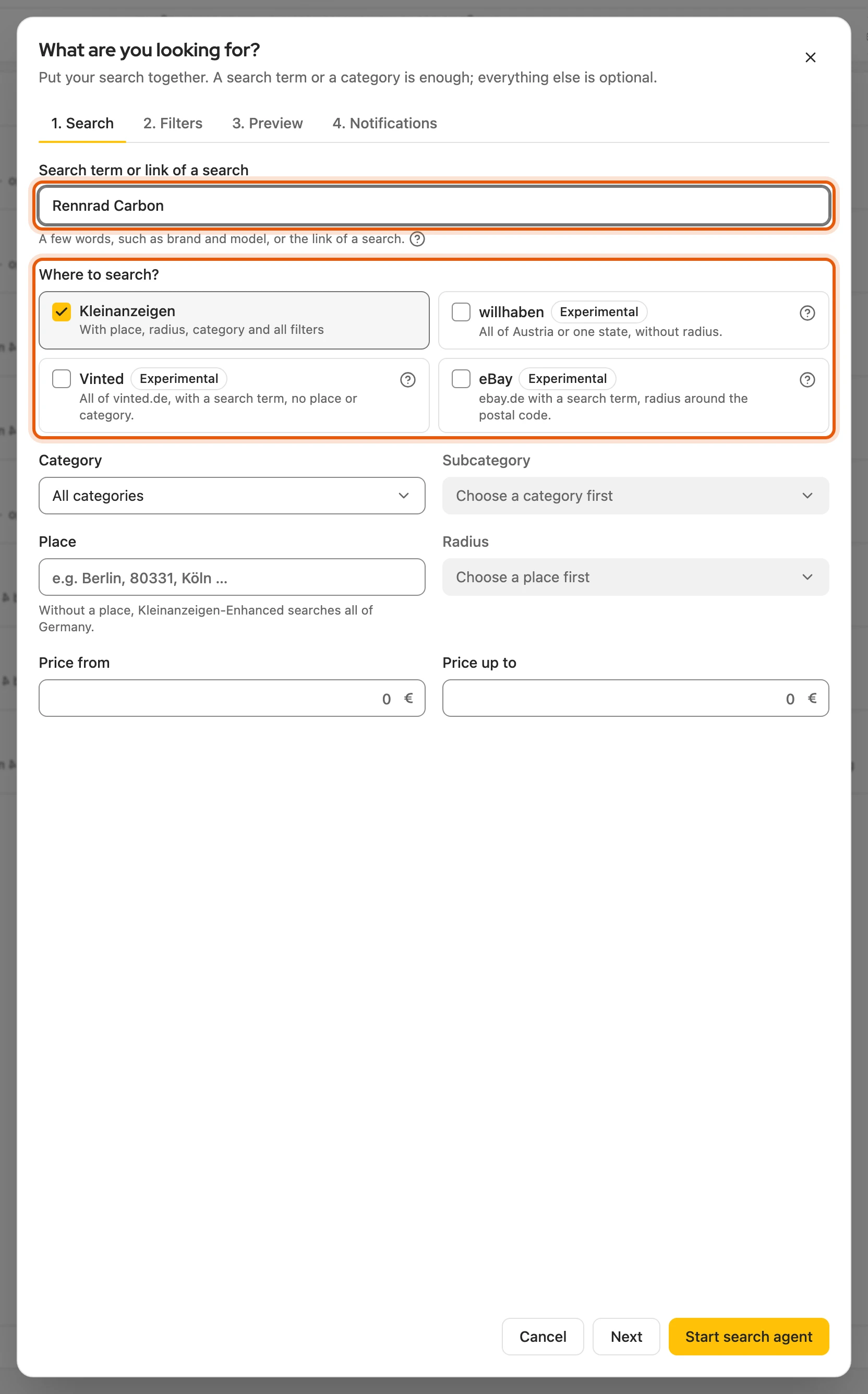
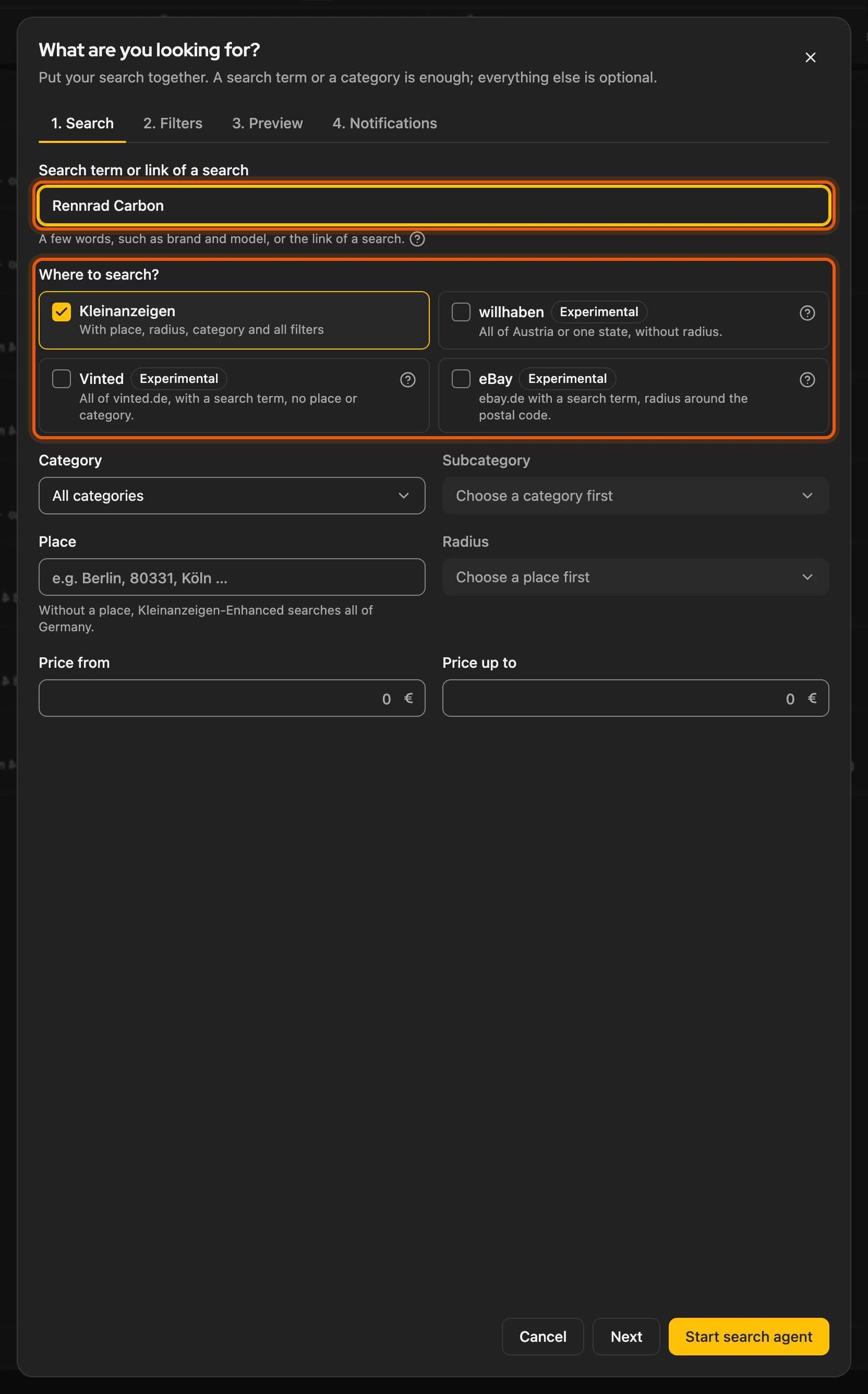
What are you looking for?: search term or category, place, price range and, under Where to search?, the platforms. Instead of a search term you can also paste the link of a search.
-
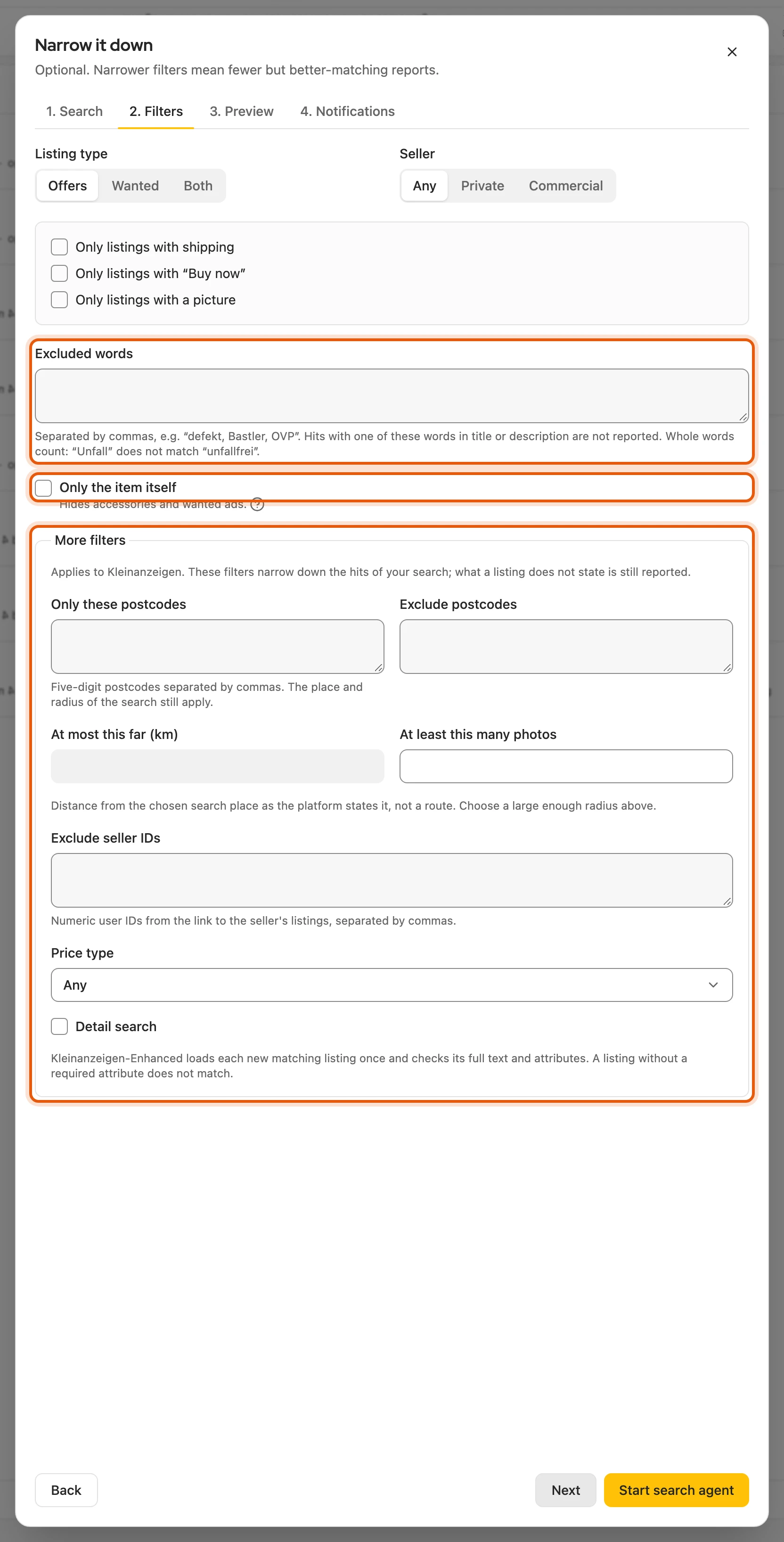
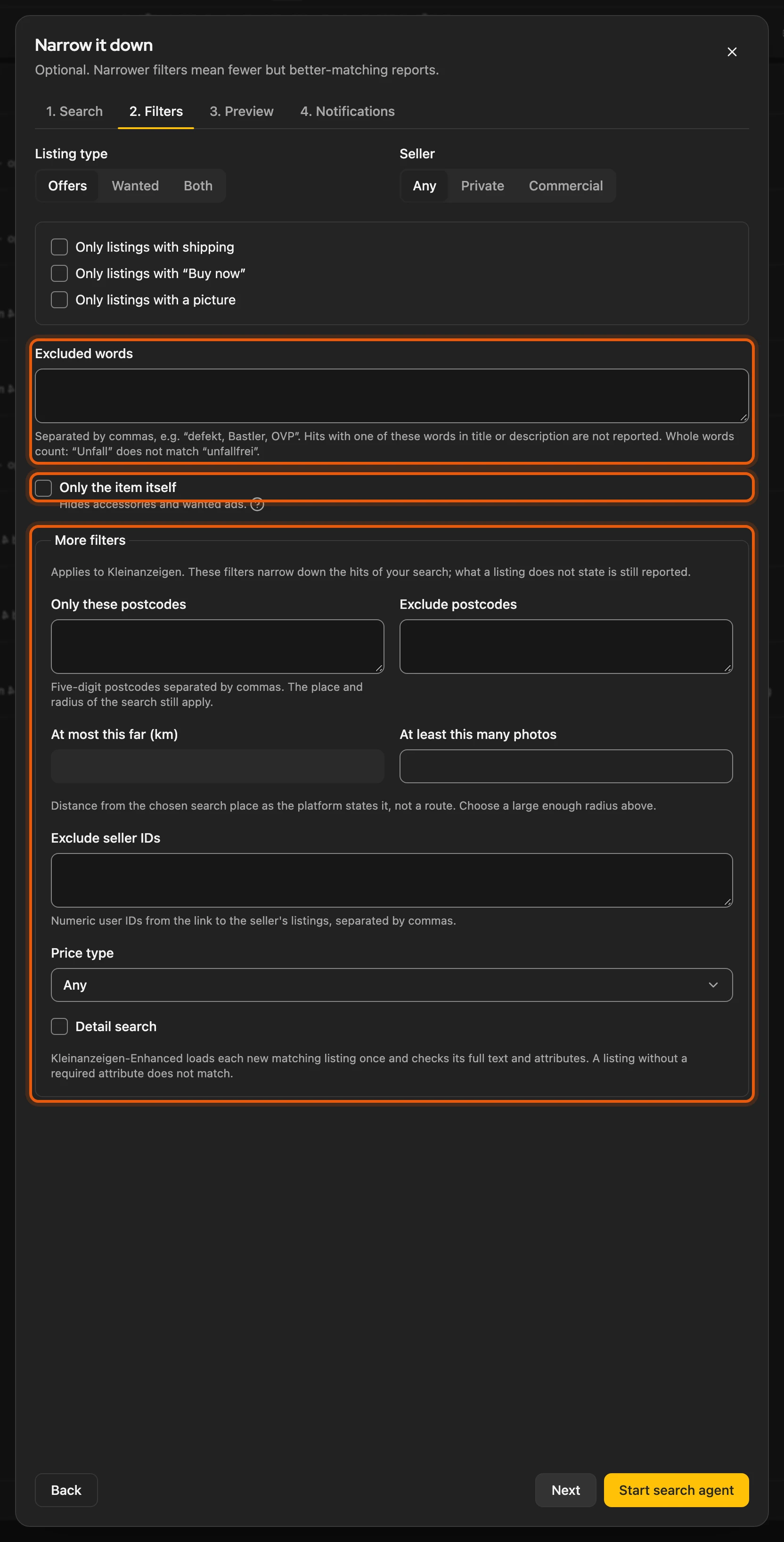
Narrow it down: for example seller, shipping, Excluded words and Only the item itself.
-
Preview: these listings already exist; only what is new from now on is reported.
-
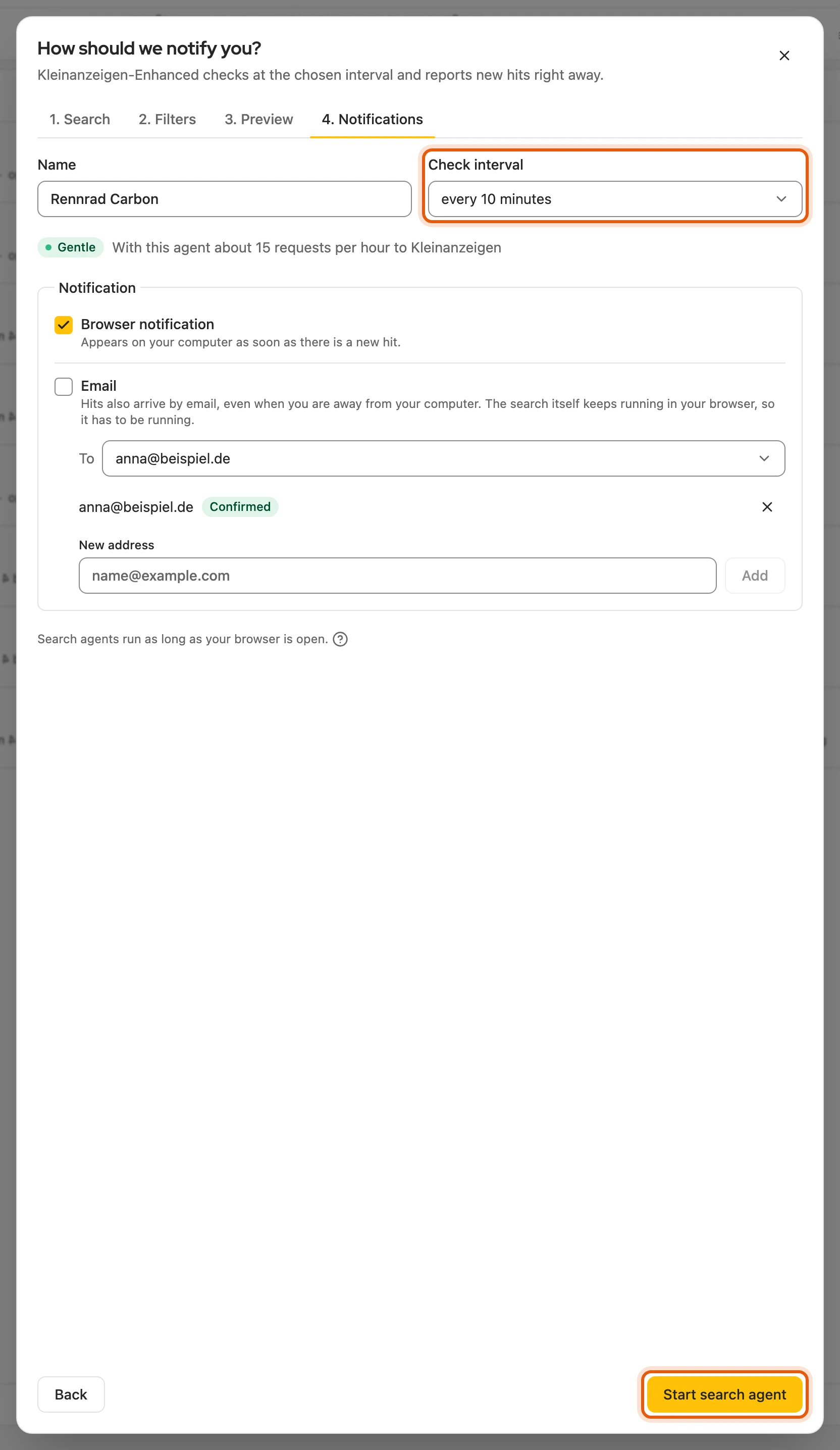
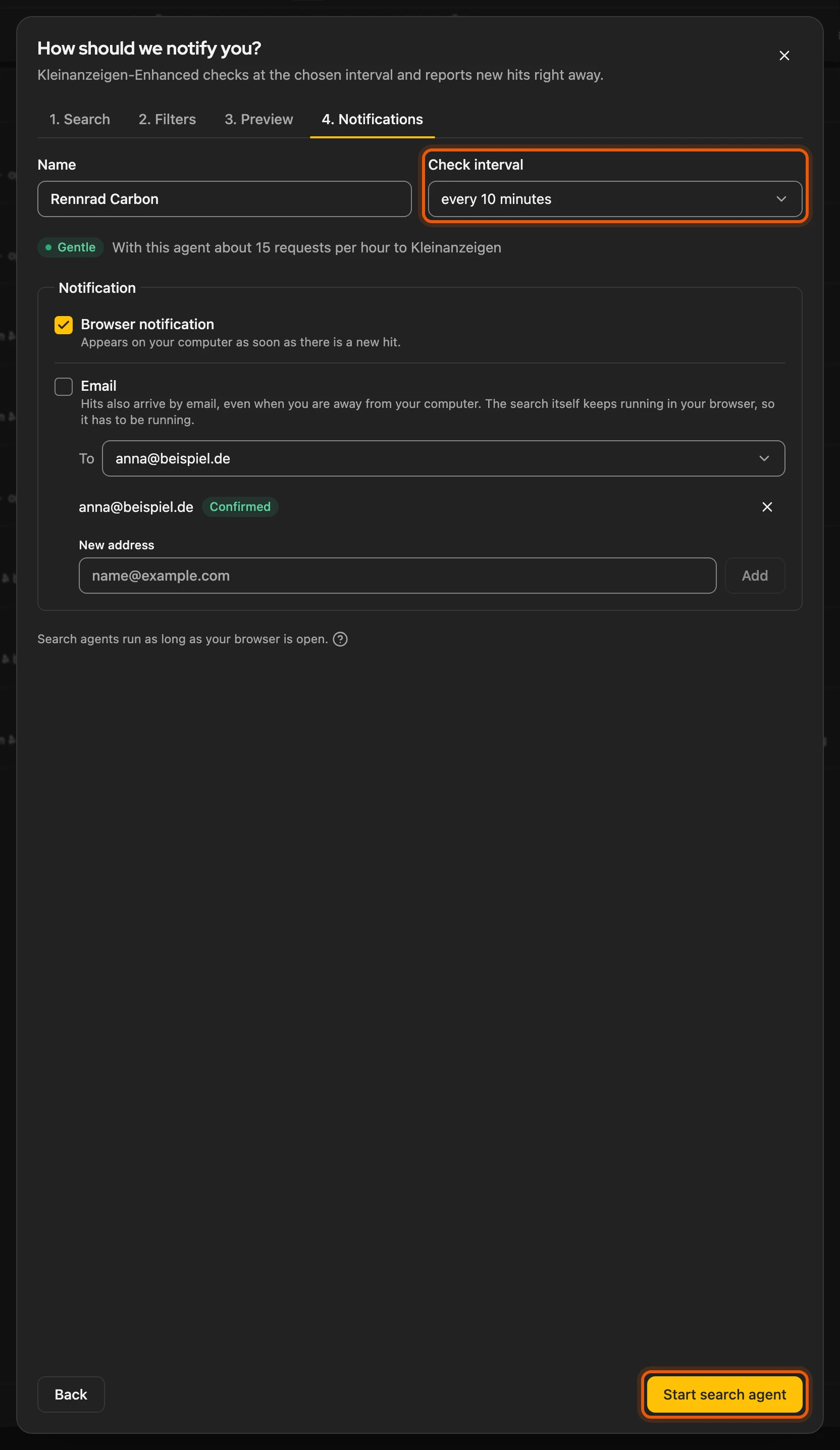
Notifications: name, Check interval, browser notification and, with the Suchagent package, email. Click Start search agent.
The right search term: the platforms only report listings that contain every word. So “Lego 76417” finds more than “Lego Harry Potter 76417”. It is best to try the term on the platform first.
More: defaults, preview, editing and other ways in
- Defaults if you start straight away: Kleinanzeigen, offers, every 10 minutes, browser notification. The radius ranges from 5 to 200 km.
- Link of a search: works from Kleinanzeigen, eBay, Vinted, willhaben and nebenan.de. With Next, Kleinanzeigen-Enhanced fills in the search from it.
- Preview: the 10 newest hits per platform. Reload works at the earliest 30 seconds after the last load. If a platform cannot deliver right now, Continue without … deselects it.
- Edit: the four steps are tabs there (Search, Filters, Preview, Notifications); keep changes with Save.
- Same search twice: if you already watch the same search, the assistant names the agent; Go to search agent opens it.
- No search agent yet: the field What are you looking for? is right on the page. To filter first, click Set it up in detail first.
- Saved searches: bring them in at the top right with Take over from Kleinanzeigen. On result lists on kleinanzeigen.de, Watch search creates a search agent directly.
- From Vinted: on the page of another seller’s Vinted item, the Kleinanzeigen-Enhanced icon (or right-click › Open in Kleinanzeigen-Enhanced) opens the assistant, see From a Vinted page.
Platforms
Section titled “Platforms”| Platform | Shortest check interval | Plan |
|---|---|---|
| Kleinanzeigen | 5 minutes | every licence from Privat up |
| willhaben | 5 minutes | Suchagent Plus package, Austria only |
| Vinted | 10 minutes | Suchagent Plus package, only with a search term |
| eBay | 15 minutes | Suchagent Plus package, only after switching it on |
| nebenan.de | 15 minutes | Suchagent Basis package, sign-in needed |
All except Kleinanzeigen are Experimental and may fail for a while. If your licence lacks the level for a platform, that platform waits; your search agents are kept.
More: check interval, nebenan.de, sellers and waiting platforms
- Suchagent package: also available without a plan.
- Check interval: 5, 10, 15, 30, 60 or 120 minutes, default 10 minutes.
- Per platform: willhaben with a choice of state. Vinted without wanted ads. eBay and nebenan.de need a search term.
- nebenan.de: sign in in the same browser; it searches your neighbourhood and surroundings. Place, radius and the shared category do not apply, but categories and “Zu verschenken” from a pasted link do. No wanted ads, shipping or direct purchase. Price limits and pictures are checked on the up to 24 hits delivered. Signing in does not yet work reliably in every case.
- nebenan.de, session change: old hits and their history are deleted, the agent stays. Hits are only reported in the browser, never by email.
- Private or commercial seller: Kleinanzeigen, willhaben and eBay filter this themselves. On Vinted, Kleinanzeigen-Enhanced checks the information on the hit. nebenan.de makes no distinction. If a hit names no seller type, it is reported anyway.
- Waiting platform: below the hits you see, for example, “Waiting: search agents on Vinted are not included in your plan.” with View plans. The other platforms keep running. If an agent waits everywhere, it shows waiting, and Check now is turned off. With the right level it continues on its own.
- Editing a waiting platform: change name, check interval and notification as usual. For a new search, deselect the waiting platform first.
eBay only when you switch it on
Section titled “eBay only when you switch it on”Switch on Read eBay search automatically under Settings › Platforms › eBay; it is off by default. eBay does not allow such automatic access, and your eBay account may be restricted. So you switch it on at your own risk.
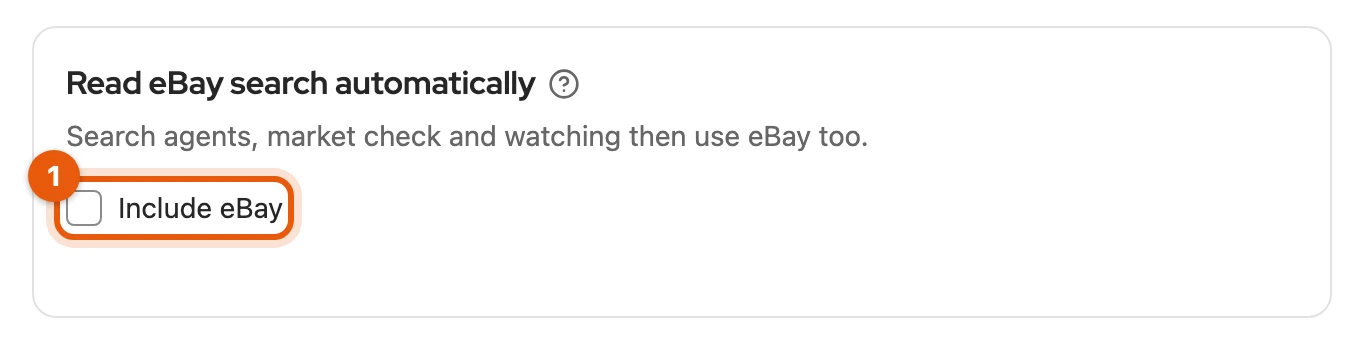
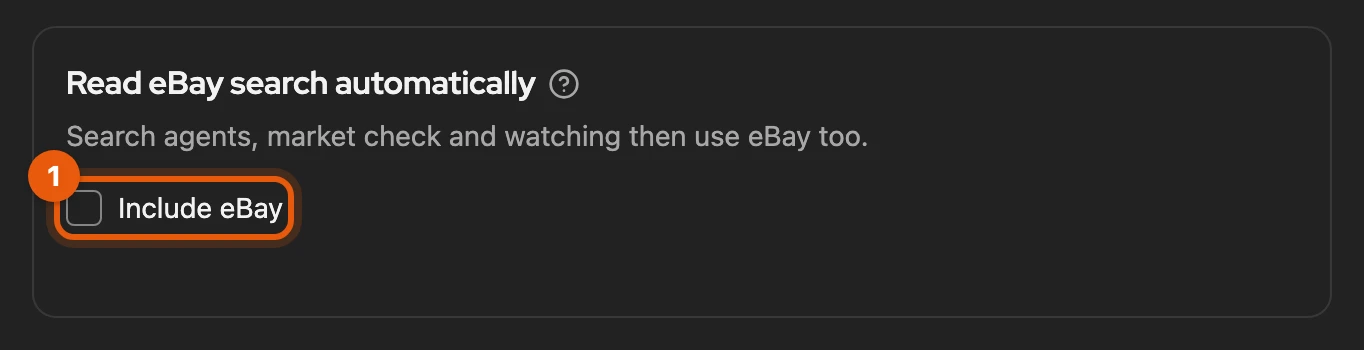
While it is off, search agents on eBay pause; nothing is deleted.
More: when eBay is off or paused
- Below the hits you see “Paused on eBay: the eBay search is off in the settings.” with Go to setting. Once you switch it on, it continues on its own.
- If you change the search of such an agent, eBay stays ticked and searches with the new search once you switch it on.
- “Search agents on eBay are not available right now”: the eBay search is paused for everyone at the moment; your setting stays stored.
- Listing on eBay and your eBay listings use the official interface and are not affected.
Excluded words
Section titled “Excluded words”Enter words a hit should not contain, separated by commas, for example “defekt, Bastler, OVP”. Whole words count: “Unfall” does not exclude “unfallfrei”, so add word forms such as “defekte” as well.
More: how it is checked
- The title and short description are checked, with the detail search the full text.
- Upper and lower case do not matter.
- Several words such as “für Bastler” count as a whole.
Only the item itself
Section titled “Only the item itself”Anyone searching for “iPhone 13” also gets cases and charging cables. With Only the item itself, Kleinanzeigen-Enhanced does not report accessories, spare parts or wanted ads. You show sorted-out hits below the list with Show … sorted-out hits.
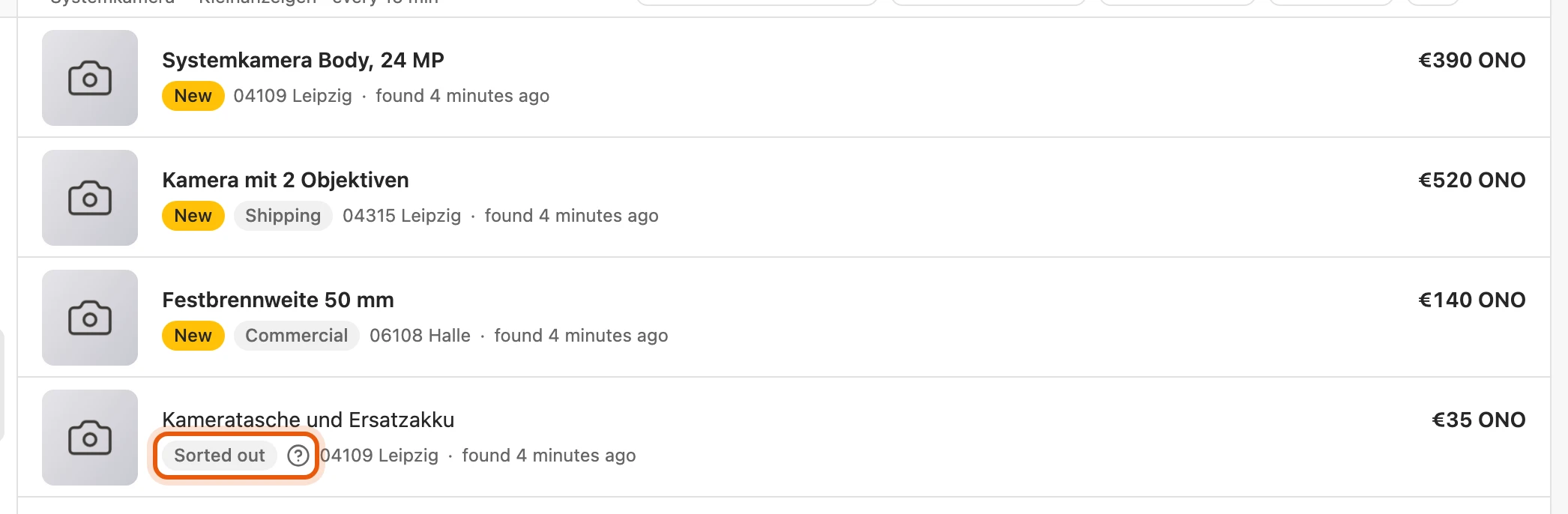
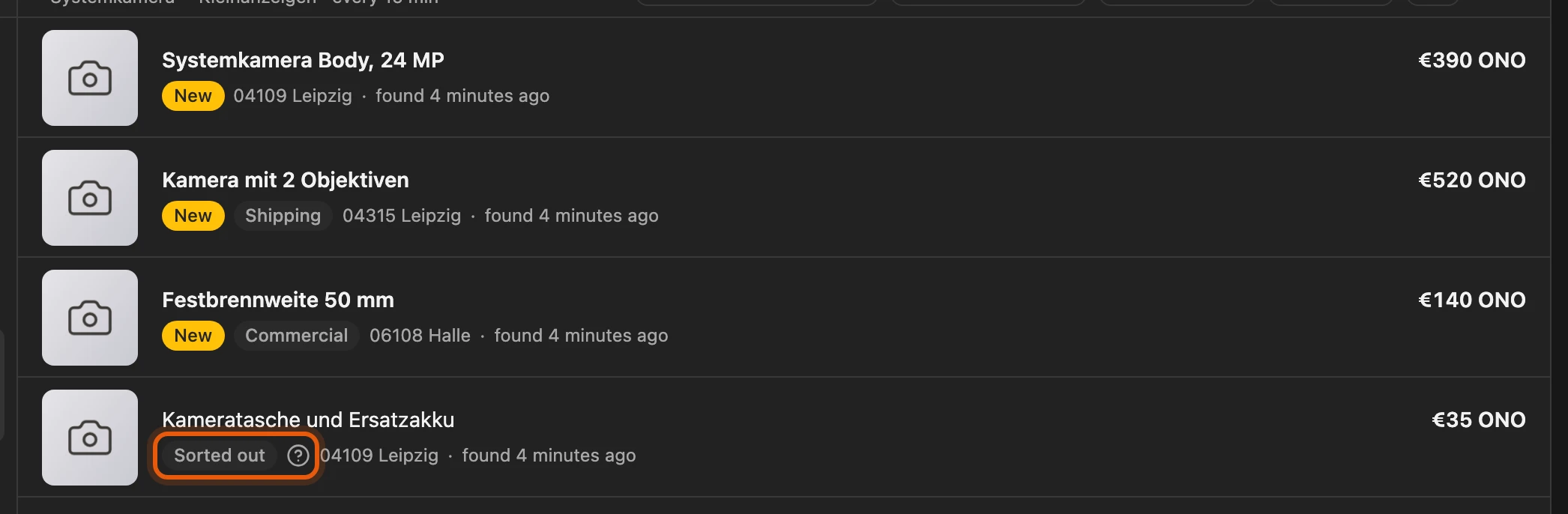
The check is on the strict side: a gravel bike for the search “Rennrad” (road bike) may be sorted out. For such searches, take a look now and then.
More: what is checked and sent
- Only works with a search term. The switch is in the Narrow it down step and is off at first.
- Used or broken devices and other versions of the same product stay in.
- Only new hits are checked, once per hit; the preview and earlier hits stay as they are.
- No notification and no email is sent for sorted-out hits.
- If the check gives no answer, the hit is reported. If it is not available, the assistant says so below the switch, and all hits are reported.
- With the detail search, Kleinanzeigen-Enhanced does not even load sorted-out hits.
- The check does not use any credits.
- Sent: only your search term and the public titles of the new listings go to our AI service, no descriptions, names or places. Hits from nebenan.de are not checked.
More filters
Section titled “More filters”Under Narrow it down, More filters narrows down Kleinanzeigen hits further, for example by postcode or distance. The place and radius of the basic search still apply. Example: for at most 7 km, choose a 10 km radius above.
More: the fields
| Field | How it works |
|---|---|
| Only these postcodes, Exclude postcodes | five digits, separated by commas; the leading zero is kept |
| At most this far (km) | from the search place, distance as Kleinanzeigen states it, not a driving route |
| At least this many photos, Price type | narrow down the hits further |
| Exclude seller IDs | the numeric user ID from the link to the seller’s listings |
A postcode finds nothing outside the basic search. If a listing does not state something, such as a postcode, it is reported anyway.
Detail search
Section titled “Detail search”The Detail search checks the full description and the attributes of every new listing on Kleinanzeigen (Suchagent package from Plus). Example: bicycles in Dresden, the description must contain “Rechnung” (invoice) and must not contain “für Bastler”. Only the first results page is checked; very broad searches can miss listings.
More: rules, reporting and limits
- Text scope: Description or Title and description.
- All of these words or phrases, At least one of these words or phrases, None of these words or phrases: separated by commas, whole words, case does not matter.
- Required attributes: one per line such as
Zustand: Sehr gut, up to ten. All must match; if the listing does not state one, it does not match. - Seller account at least this many days old: if the account date is missing, the listing does not match. The date is no guarantee that a seller can be trusted.
- You need at least one rule, otherwise it cannot be saved.
- Only listings that are new after the start are reported, together once all are checked, at the latest after ten minutes.
- Per agent, at most 100 listings wait, each for at most 24 hours. What was not checked in time shows at the agent as In the last 24 hours … could not be checked in time.
- If the package ends, agents with a detail search wait until it is included again.
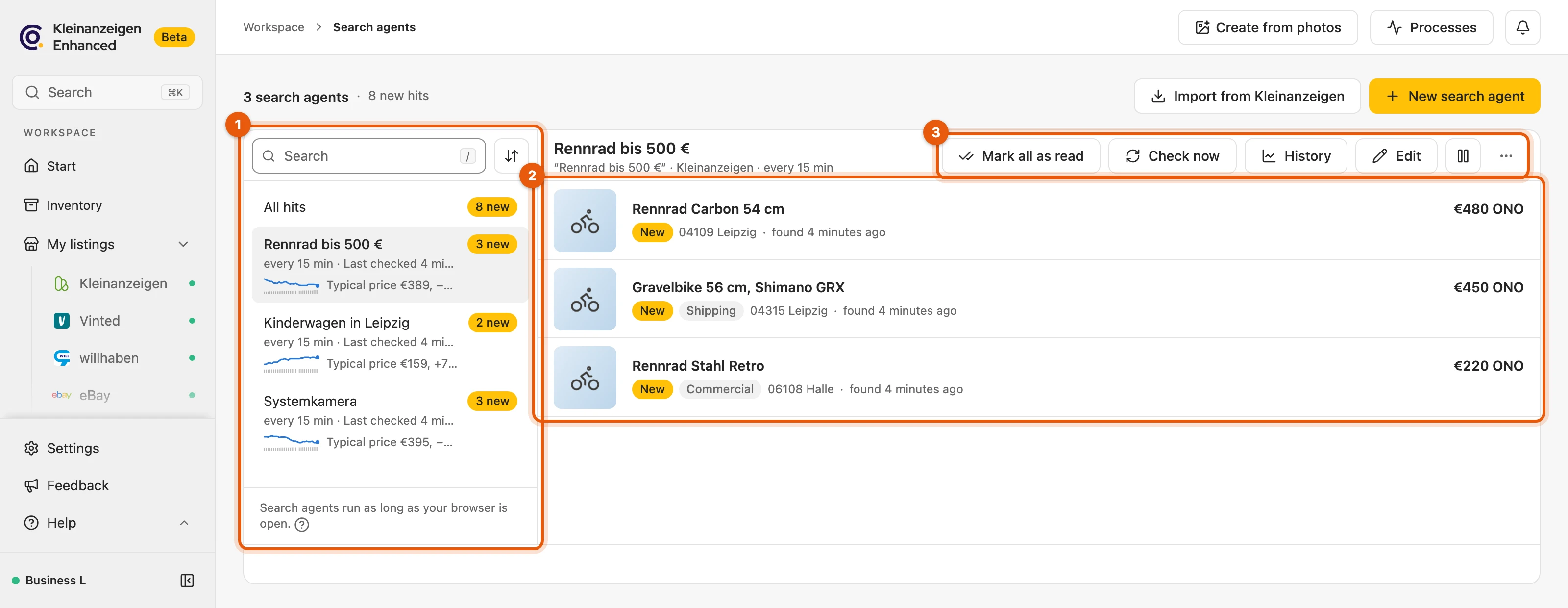
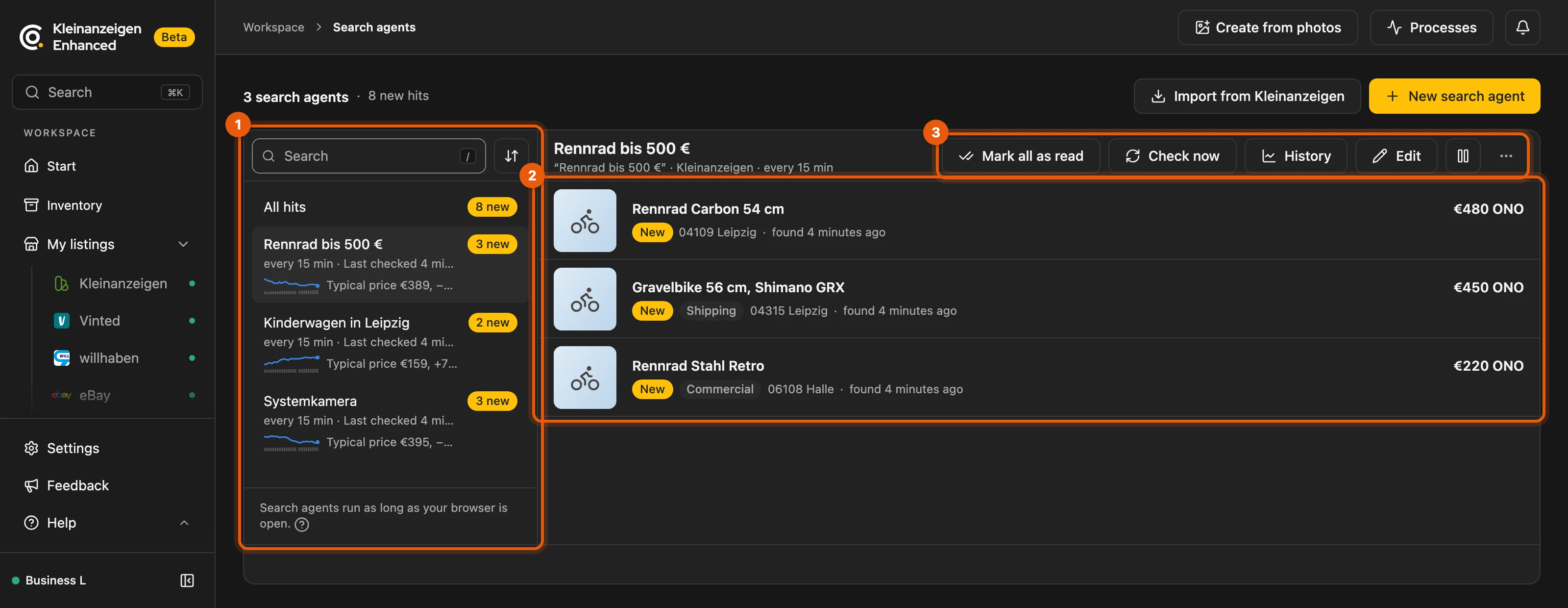
- your search agents, 2. the hits, 3. Mark all as read, Check now, History, Edit, Pause and ⋯.
Above your agents you search them by name or search words; Sort beside it orders them by name, status or interval.
Under ⋯ you delete an agent; a search saved on Kleinanzeigen is kept. If you sync several browsers, each agent only runs in one of them; Run here moves it to you.
More: labels, storage and several browsers
- All hits shows the hits of all agents together.
- Labels such as New, Commercial, Shipping or Bumped mark hits.
- Hits are kept for 30 days; the dashboard shows the newest 200.
- Clicking the browser notification opens the agent in the dashboard.
- Check now shows the result in the status island at the top, for example “… checked: nothing new”.
- You set the size of the hit pictures under Display.
- Several browsers: the others show runs on …. After Run here, the other browser stops within an hour. If a browser has not checked in for two days, the line above the list warns you. More under Data backup.
Hits by email
Section titled “Hits by email”With the Suchagent package, new hits also arrive by email. Your browser must be running for this.
- In the Notification step, enter your address under New address and click Add.
- In the confirmation email, click Confirm address and then Confirm. The link is valid for 48 hours.
- In the assistant, click Refresh, tick Email and choose the address.
Each search agent sends at most one email every ten minutes with everything new.
More: addresses, email content and special cases
- Up to five addresses; the ✕ next to an address removes it.
- Without the package, Email is greyed out (“Not in your plan”), even if you already have an address for the sales agent’s weekly report.
- The confirmation email names both kinds of mail: hits and the weekly report. Only what you turn on for the address is sent.
- More than 20 hits: the email shows the 20 newest and how many more there are.
- Below the hits you see “Email to …”; if the last email was not delivered, the reason shows there.
- If you untick the box, choose another address or delete the agent, waiting emails are dropped. Only an email being sent at that moment may still arrive.
- Hits from nebenan.de never come by email.
Unsubscribe
Section titled “Unsubscribe”No more mails to this address in a hit email stops all mails to the address, including the weekly report. If you want emails again, enter the address once more and confirm it.
More: unsubscribing and signing up again
- The page behind the link asks once more; only Unsubscribe stops the mails. The unsubscribe button in your email program, for example in Gmail, works the same way, just without asking.
- Unsubscribe from the weekly report in the weekly report only stops the report; hit emails keep coming.
- Afterwards the address shows Unsubscribed. You still see hits in the dashboard and as a browser notification.
- Signing up again: enter the address under New address, Add, confirm the new link. Then check with Edit that Email is ticked.
Offers over time
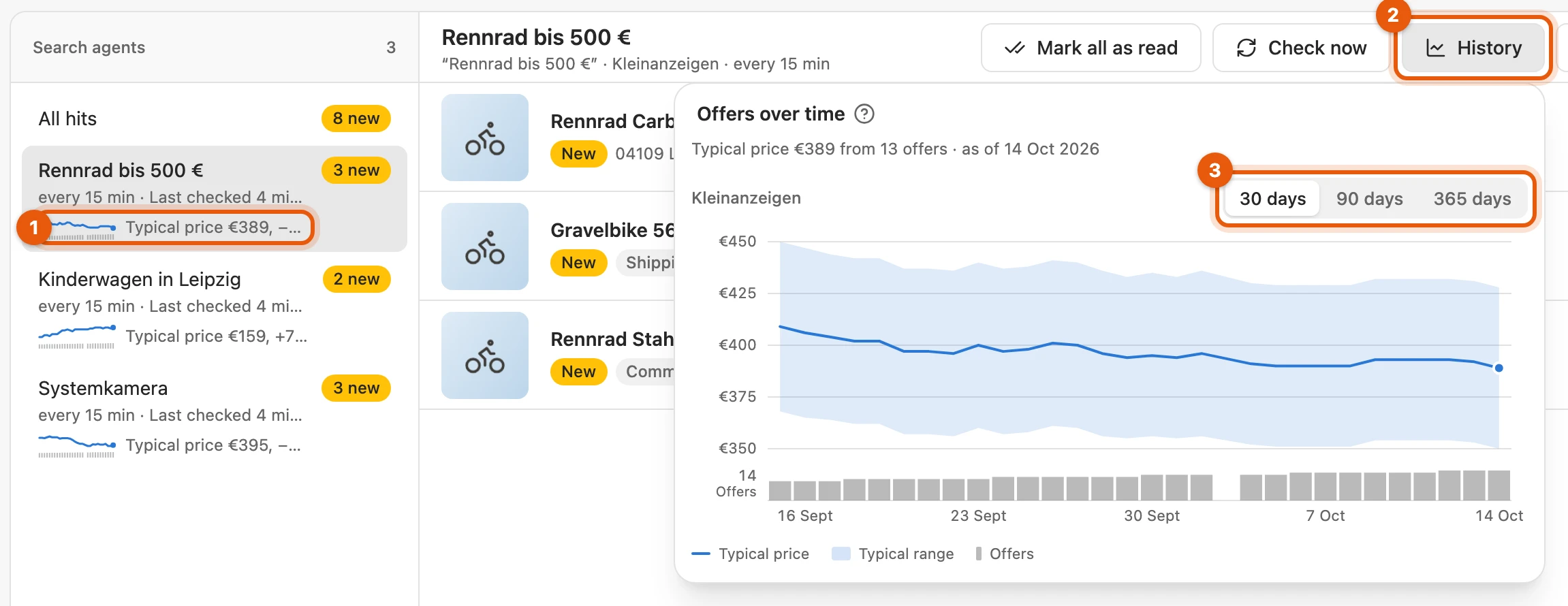
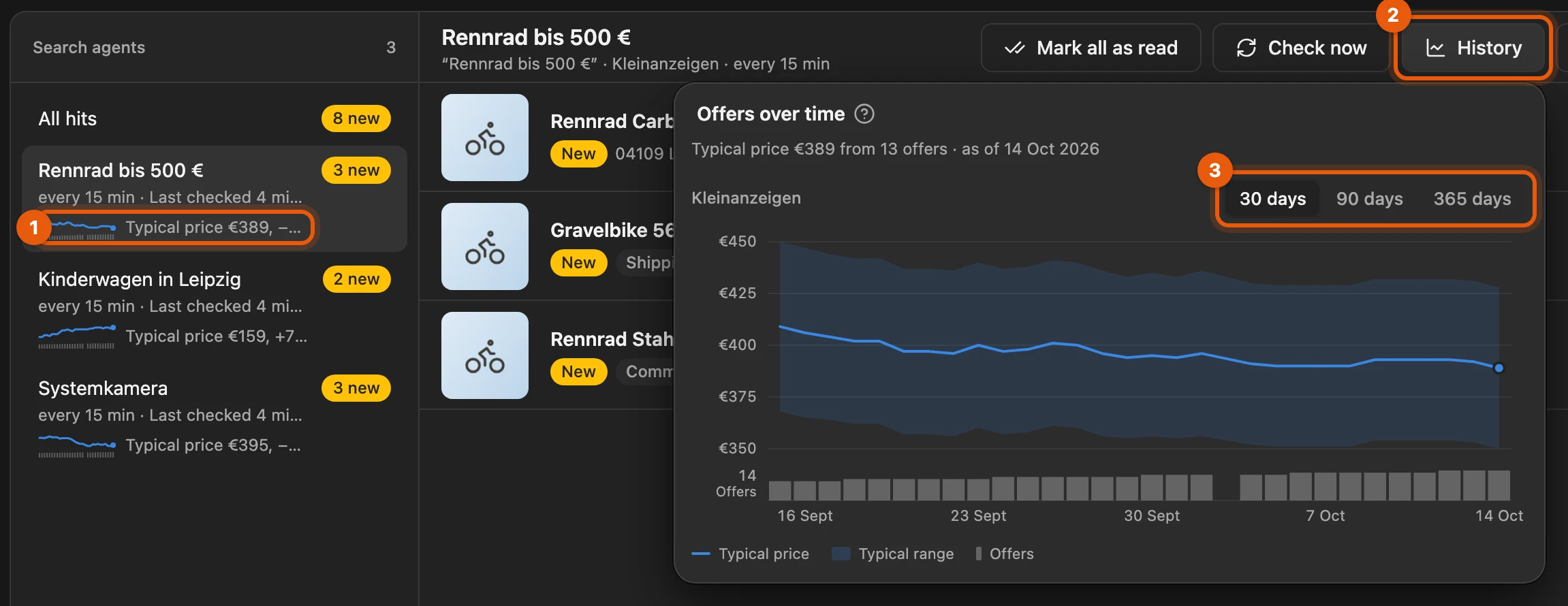
Section titled “Offers over time”In the list, each search agent shows a chart of the last 30 days (1). If it says “Typical price €399, −3 % in 29 days”, half the offers are more expensive than €399, the other half cheaper, and the value has dropped by 3 % over 29 days. History (2) opens the chart for 30, 90 or 365 days (3).
More: what appears next to the chart and in it
- Percentage: compared with the oldest day in the last 30 days that has a typical price and is at least a week ago. If there is no such day yet, only the price is shown.
- Too little data: on the last day there were fewer than 5 comparable offers with a price.
- Chart from the first check: the agent has not recorded a day yet.
- No chart with the detail search or No chart for wanted ads: see What counts.
- “Typical price €399 · as of 3 Oct”: the last day is more than two days ago, for example because the browser was off or the agent was paused.
- The bars show how many listings the platform reports for your search.
- In the chart, the Typical range band shows the middle half of the asking prices.
- With several platforms, you choose the platform in the chart.
What counts
Section titled “What counts”For each day, the matching offers on the first results page count. Offers are not sale prices: the chart shows what others ask, not what buyers pay in the end.
More: what does not count
- Wanted ads (recognised by the title, for example “Suche …” or “… gesucht”); an agent that only searches wanted ads has no chart.
- Auctions on eBay, free items and price on request.
- Hits sorted out by Only the item itself.
- Prices in a currency other than euro, and outliers.
- There is a typical price from 5 comparable offers.
- No chart is drawn for Kleinanzeigen hits of a detail search.
- The history is recorded by the browser in which the agent runs. Syncing between browsers does not transfer it; the cloud backup includes it.
Keeping an eye on the load
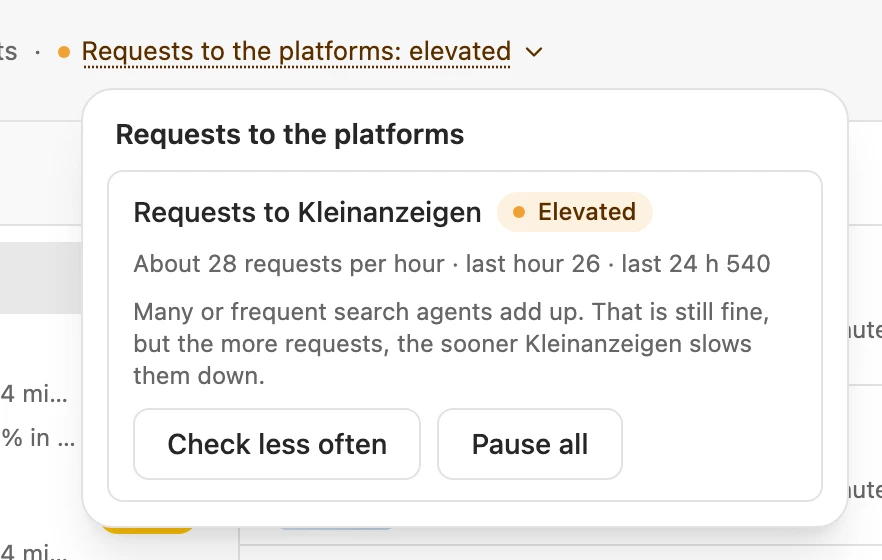
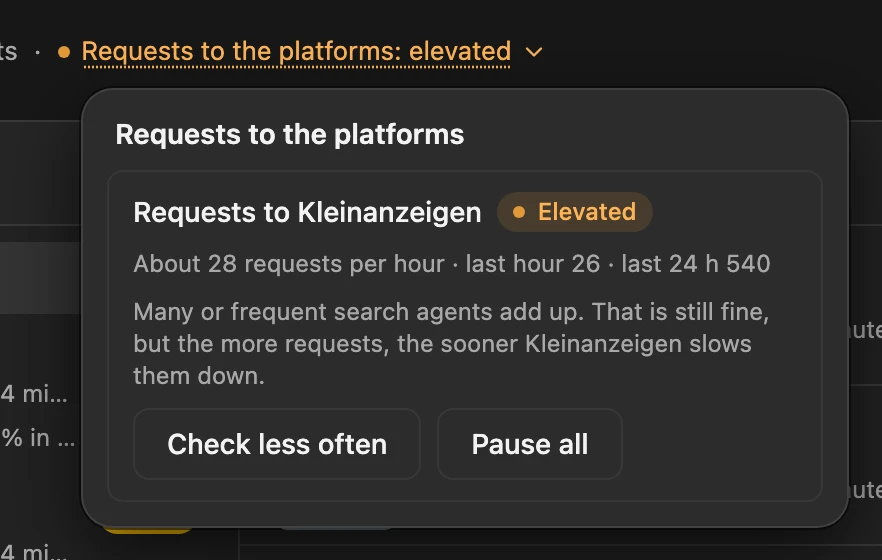
Section titled “Keeping an eye on the load”When your search agents put more load on a platform, the line above the list says so. Clicking it shows the load per platform; Check less often or Pause all lowers it.
If a platform slows down the requests, its search agents pause and then continue on their own. If eBay blocks, click Open ebay.de once.
More: levels, intervals and throttling
- Levels: Gentle (nothing shows then), Elevated, High, Overloaded. From Elevated on, the assistant also shows the requests per hour under the check interval.
- There is no fixed upper limit. Every request counts, including previews and the detail search.
- Requests to a platform run one after another, scheduled checks at least 20 seconds apart. If your agents want more, they check later than set.
- If the platform names a waiting time, Kleinanzeigen-Enhanced keeps to it, for example “Vinted paused until 14:30”. The pause gets longer if the throttling repeats.
When a search agent is not checking
Section titled “When a search agent is not checking”- Reason in the row: Kleinanzeigen-Enhanced keeps trying, and your hits stay.
- No notifications: allow them for your browser in your system settings.
- Access missing: click Allow access below the agent.
- ended: the search no longer exists; change it with Edit.
- Limit reached: how many agents you can create depends on your licence; paused agents count too.
More: error messages and the end of a licence
- Move the mouse over the row to see the full reason and since when.
- If three checks fail in a row, the line above the list shows, for example, “2 search agents are not checking right now”; clicking it lists them. If the error lasts a day, a browser notification arrives once.
- With ended there is no Resume.
- Once the limit is reached, New search agent says so right away and offers View plans.
- If your licence ends, the agents stop checking but stay saved.