

Watchlist
You save listings on kleinanzeigen.de with the star, in every version. The Watchlist in the dashboard is available from the Privat licence upwards; if your licence ends, its entries stay saved.
Watchlist in the dashboard
Section titled “Watchlist in the dashboard”When you open it, Kleinanzeigen-Enhanced fetches your watchlist from Kleinanzeigen; Refresh (1) fetches it again. Old prices show crossed out.
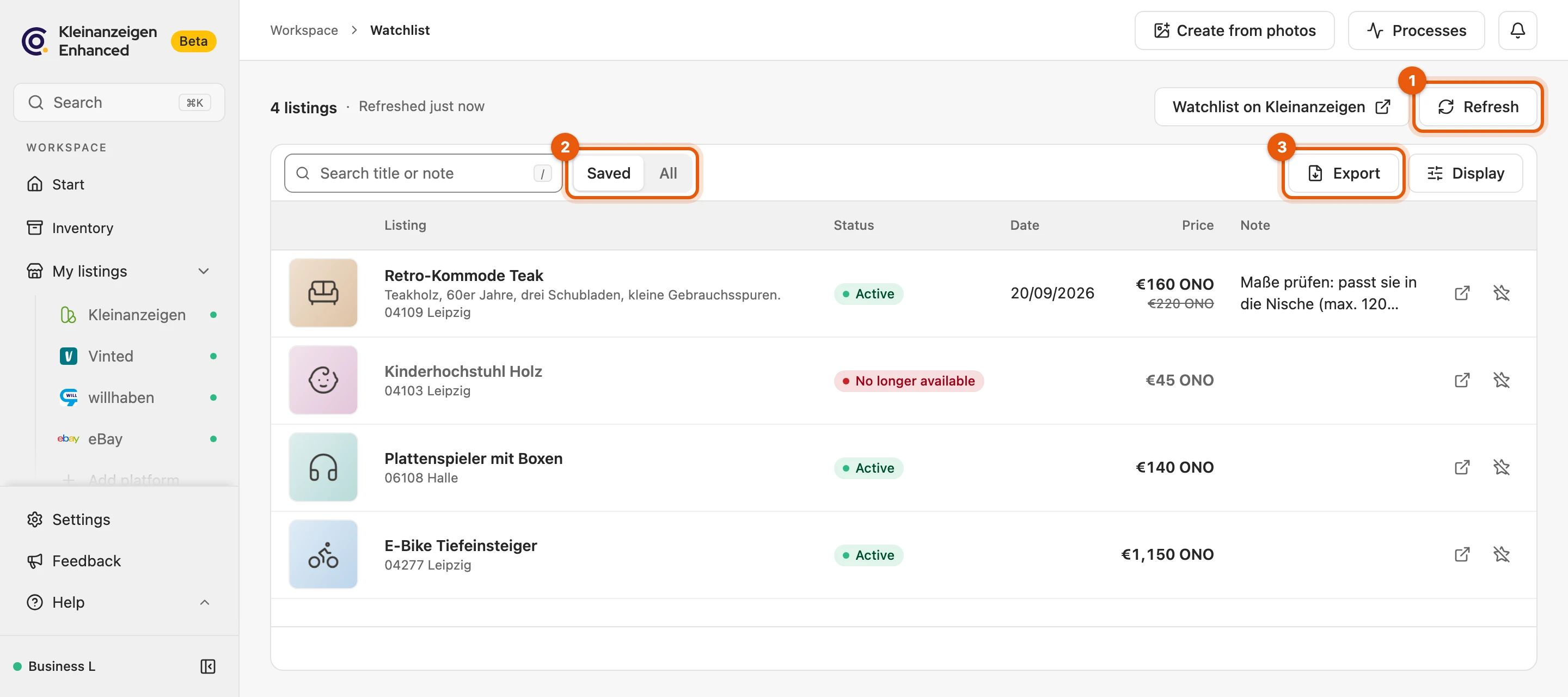
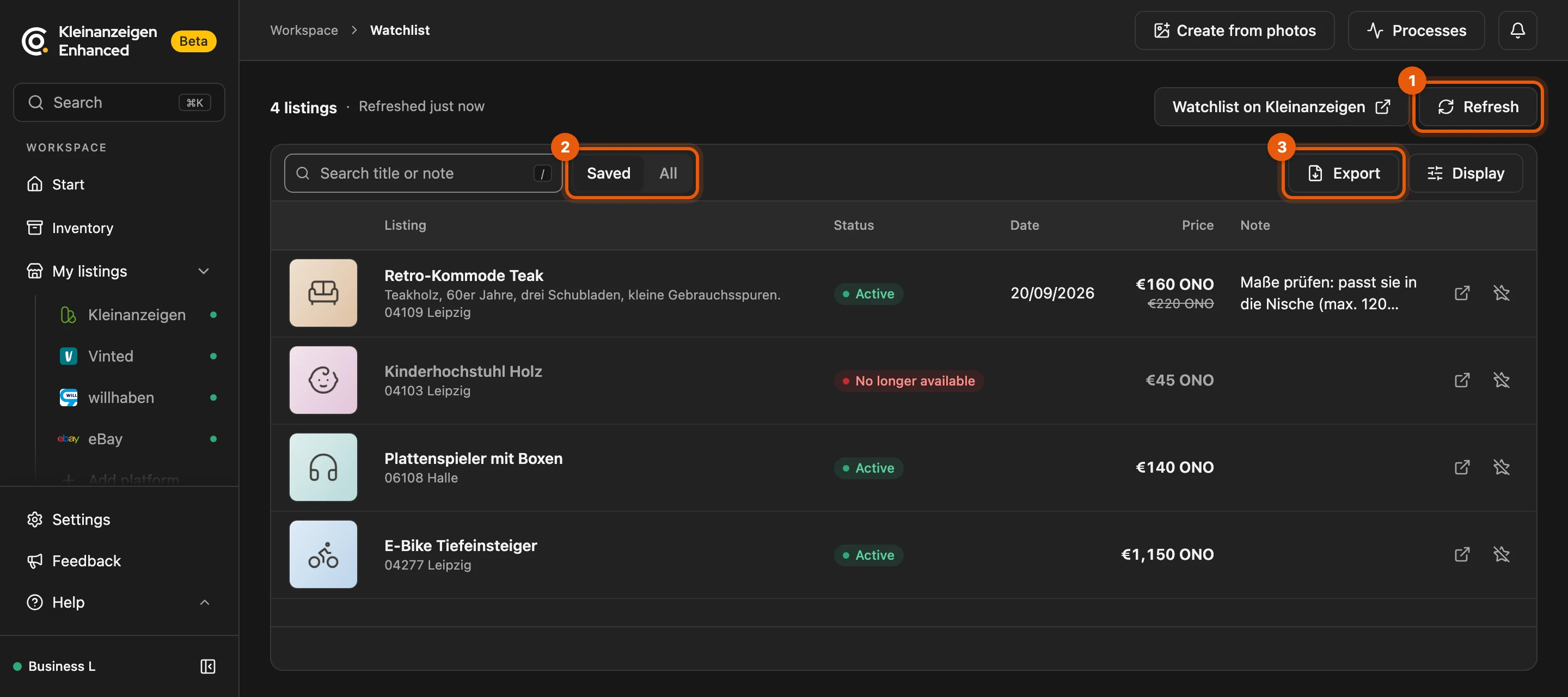
Saved (2) shows what is currently on the watchlist, All also removed entries. The search finds titles and notes.
More: status, signing out and display
- Status: Active, Reserved, No longer available or No longer saved (star removed on Kleinanzeigen).
- Signed out: the top says Signed out of Kleinanzeigen with Sign in. Existing entries are kept.
- Sort by listing, date and price by clicking the column heading. Under Display you set the row height.
Notes and price history
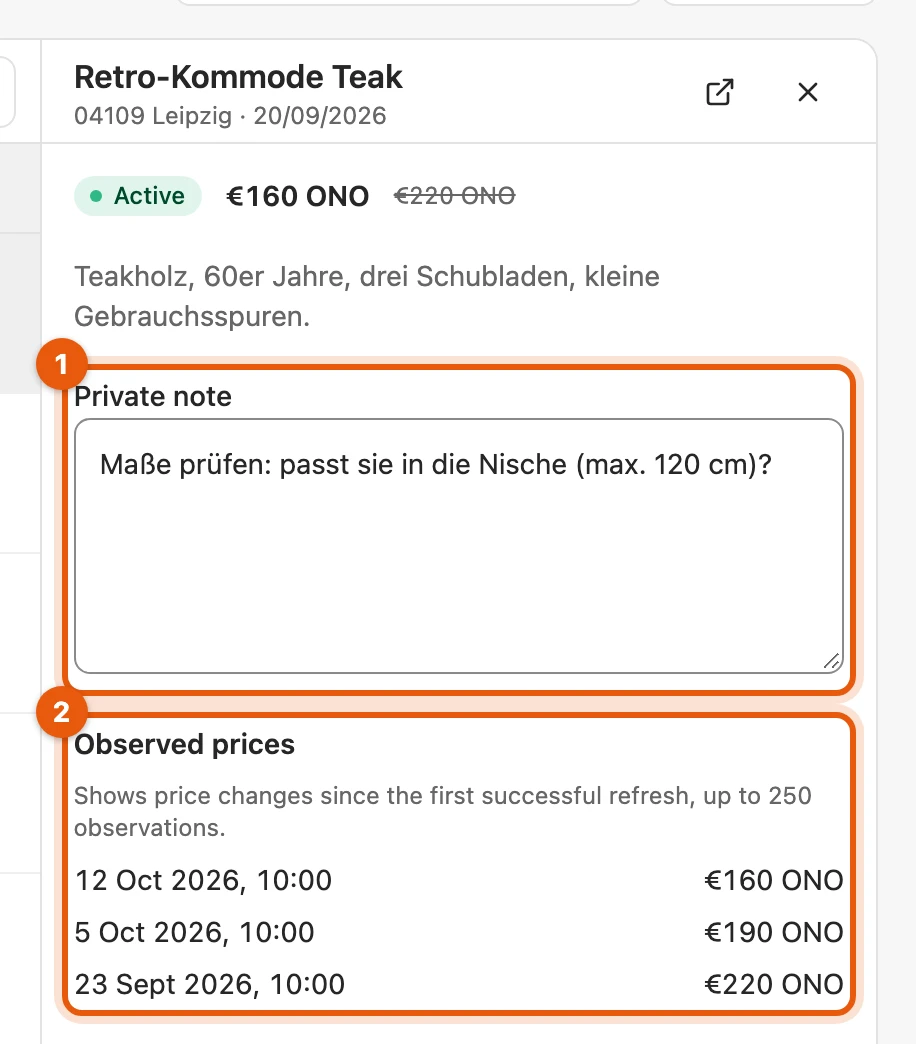
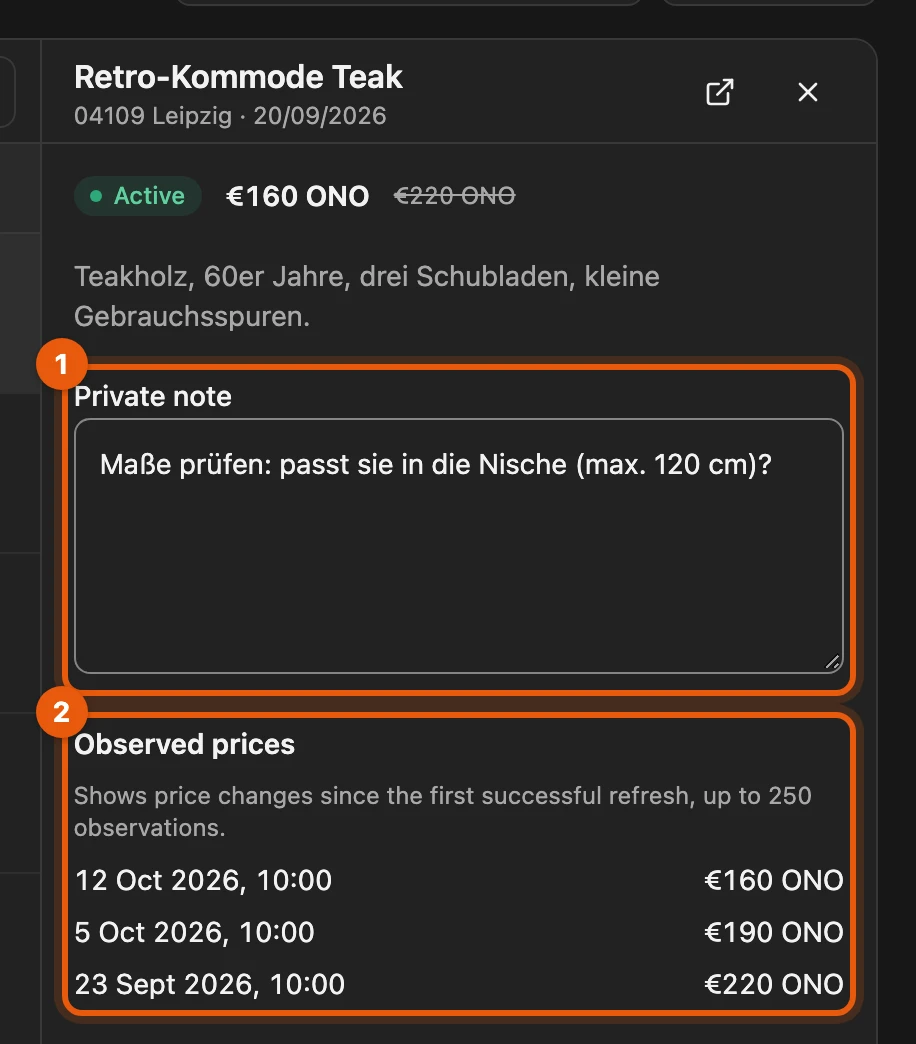
Section titled “Notes and price history”Click a listing: on the right you write a Private note (1) and see the Observed prices (2). Only you can see your notes; they also appear on kleinanzeigen.de (Price hint and notes).
Removing from the watchlist
Section titled “Removing from the watchlist”The crossed-out star in the row or Remove in the open listing also removes it on Kleinanzeigen after a confirmation. Note and prices are kept. Without a note, the entry disappears once you have not opened the listing for 180 days; beyond 10,000 such entries, the oldest go sooner.
Exporting as a PDF
Section titled “Exporting as a PDF”Export (3) creates a PDF of the current view with details, at most 150 entries.